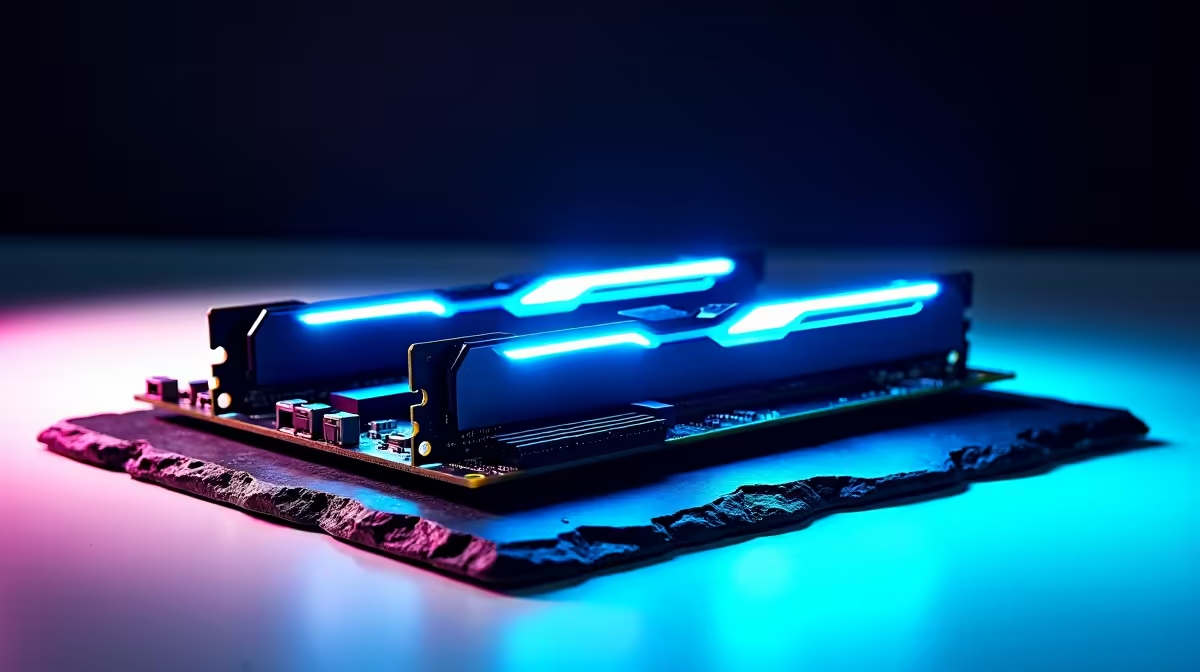
Are your frame rates dropping when the action gets intense? You are not alone. Many South African gamers blame their graphics cards when stuttering occurs. However... the real bottleneck might be hiding in your system memory. Understanding how DDR5 memory support changes everyday performance on an Intel ATX motherboard saves thousands of ZAR on unnecessary upgrades. Let us see what makes this hardware leap so crucial.
The Raw Speed and Efficiency of DDR5 🚀
DDR4 served us incredibly well for years. But modern applications demand significantly more bandwidth. DDR5 starts at a blistering 4800MHz. That is a massive jump from standard DDR4 speeds. This extra bandwidth means your processor spends much less time waiting for data.
Whether you are rendering 4K video or loading massive open worlds... everything feels instantly more responsive. When browsing for the latest memory kits, you will notice capacities now easily hit 32GB and beyond. Furthermore, DDR5 operates at a lower voltage. This slight drop improves thermal performance inside your chassis. Less heat means your cooling fans work quieter during intense gaming sessions.
Why the Foundation Matters 🔧
You cannot just plug new RAM into an old system. You need the right foundation to unlock those speeds. If you want to upgrade your motherboard, an ATX form factor is ideal. The larger physical size offers superior power delivery and robust cooling heatsinks. This is vital for maintaining high clock speeds during peak South African summer heat.
Pairing fast memory with top-tier ASUS Intel motherboards unlocks incredible system stability. These boards are engineered to handle the complex power requirements of next-generation components. You also get extra PCIe lanes and multiple M.2 slots for lightning-fast NVMe storage drives.
Beyond Just Blue Team Specs
While Intel platforms showcase incredible DDR5 optimisation... the competition remains incredibly fierce. If you strictly prefer the red team, modern ASUS AMD motherboards also fully embrace the DDR5 standard. Both platforms use this high-speed memory to push everyday multitasking to entirely new heights. You can run Discord, stream your gameplay, and keep browser tabs open without a single system hiccup.
Performance Pro Tip ⚡
Always enable XMP (Extreme Memory Profile) in your BIOS after installing new RAM. Without it, your expensive DDR5 memory will run at slower default speeds instead of its advertised maximum frequency.
Real-World Impact on Your Setup ✨
So... exactly how does DDR5 memory support change everyday performance on an Intel ATX motherboard? It completely eliminates frustrating micro-stutters in competitive multiplayer shooters. It dramatically cuts down export times for local content creators. Most importantly, it makes your entire Windows operating system feel incredibly snappy.
When load shedding ends, fast memory helps you boot up and load into the server before your friends. If building a rig from scratch feels too daunting... you can always explore the best gaming PC deals that already feature these next-gen components.