Quick Answer
Four pre-installed ARGB fans make a meaningful difference both thermally and economically. Configured correctly, they reduce GPU temperatures by four to eight degrees Celsius compared to a zero-fan case running on GPU cooler exhaust alone. Economically, they save R800 to R1,600 in standalone fan purchases, which is a genuine saving for a R25,000 to R40,000 build.
Thermal Impact: Zero Fans vs Four Fans 🌡️
A gaming PC case with no case fans relies entirely on the GPU's own cooler to move air through the system and the natural convection of rising warm air. This passive approach fails quickly in a closed ATX case with a high-TDP GPU. GPU junction temperatures under sustained gaming load in a fanless case configuration are typically 15 to 25 degrees Celsius higher than in the same case with three intake fans and one exhaust fan active. The four-fan bundled configuration creates the positive pressure intake and directional exhaust flow that drives case thermal performance. For a build with an RTX 5070 at 250W TDP, four 120mm fans at moderate RPM maintain GPU temperatures around 75 to 80 degrees Celsius versus 90 to 95 degrees in a passive case.
ARGB Lighting Impact on Build Presentation 🌈
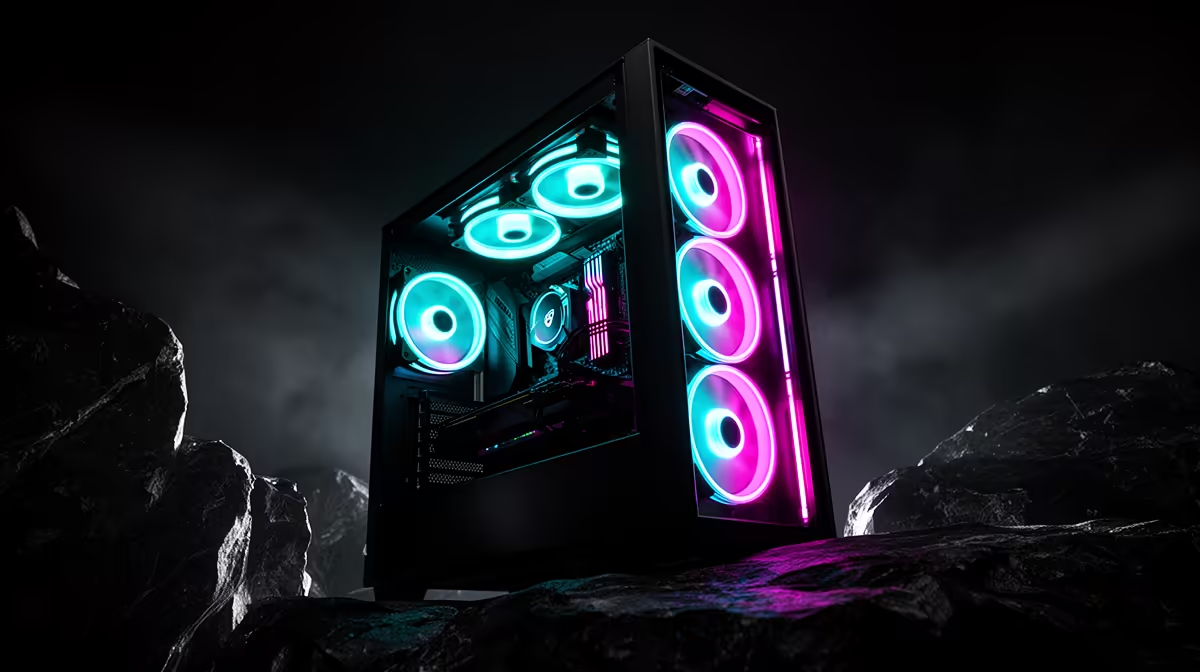
Beyond cooling, the ARGB element in pre-installed fans provides the visual lighting foundation of the build without additional purchase. Four ARGB fans synchronised through a motherboard header or fan hub create a consistent colour environment inside the case that plain non-lit fans cannot replicate. For a first-time builder who has not yet budgeted for standalone ARGB components, the bundled fans provide an immediate premium aesthetic that the build can build upon with ARGB RAM and an ARGB AIO pump head later. The psychological value of opening a case and seeing four ARGB fans already installed also simplifies the initial build experience.
Comparing Bundled Fan Quality to Standalone Options 🔧
Bundled ARGB fans in the R2,000 to R3,500 case tier typically use hydraulic or sleeve bearings with noise ratings around 26 to 32 dBA at full speed and airflow of 40 to 52 CFM per fan. This performance is adequate for gaming builds and equivalent to standalone fans in the R250 to R350 per-unit price range. Premium standalone ARGB fans at R500 to R800 each use fluid dynamic bearings, run quieter at around 22 to 28 dBA, and offer slightly higher airflow. For most builders, the bundled fans are fully adequate. The upgrade case for premium standalone fans is specifically for systems running continuous all-core workloads or for builders who prioritise near-silent operation.
Set Fan Curves in BIOS on First Boot ⚡
Pre-installed fans connected to the motherboard PWM headers will run at full speed by default until fan curves are configured in the motherboard BIOS. Full-speed ARGB fans at 1,500 RPM in an otherwise quiet room are noticeable and unnecessary at desktop idle. On first boot, enter the BIOS fan control settings and set a temperature-linked curve that keeps fans below 700 RPM until CPU or GPU temperature exceeds 50 degrees Celsius.
FAQ
Do four pre-installed fans eliminate the need for additional fans?
For most mid-range to high-performance gaming builds with a 360mm AIO for the CPU, four case fans plus the three AIO radiator fans provide comprehensive cooling.
What happens if one of the pre-installed fans fails?
One failed fan in a four-fan configuration causes a minor reduction in case airflow but does not typically cause immediate thermal issues unless the system is under sustained heavy load.
Are pre-installed fans loud compared to aftermarket options?
Bundled fans run audibly at full RPM, typically 30 to 35 dBA, but are quieter than that at the 700 to 900 RPM setting you will use for desktop idle. Premium aftermarket fans are quieter at the same airflow output, but the difference at gaming RPMs is less noticeable than the difference at full speed.
Want a gaming case that arrives fan-ready?
Browse gaming cases at Evetech that include pre-installed ARGB fans and compare bundled fan counts and specs before you decide.