Quick Answer
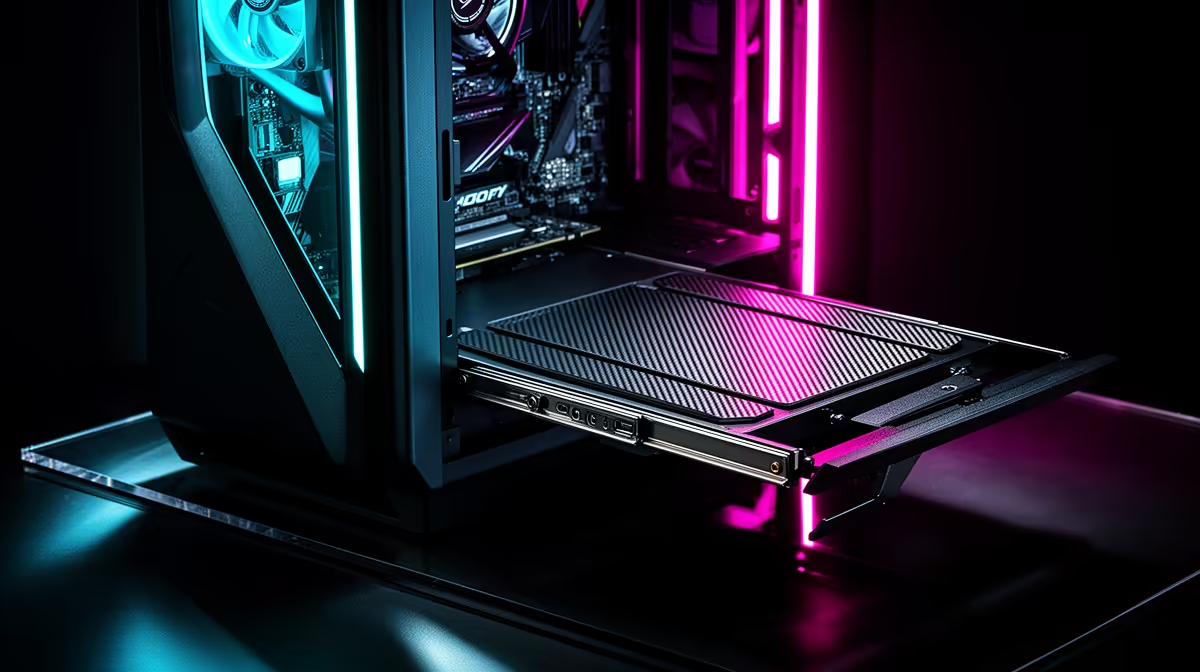
Plan the build by confirming your E-ATX motherboard standoff pattern matches the sliding tray's pre-drilled positions, then route all rear-panel cables before sliding the tray in. The sliding mechanism removes the need to work inside a confined space, making a large E-ATX build significantly easier to assemble than a standard fixed-tray tower.
Understanding the Sliding Tray Mechanism 🔧
A sliding motherboard tray extends out from the case on rails, letting you mount the board, CPU cooler, RAM, and M.2 drives fully outside the chassis before sliding everything into position. This is particularly useful for E-ATX boards because their 305mm by 330mm footprint makes in-case cable routing extremely tight in conventional towers. Before assembly, check that the tray's standoff pattern covers the E-ATX hole layout: EATX boards use a 12-standoff pattern, and not all sliding trays accommodate all positions without requiring the user to install additional standoffs from the included hardware bag. Confirm this before buying the case to avoid discovering a missing standoff hole mid-build.
Pre-Tray Assembly Order for a Smooth Build 🖥️
Work in this sequence: install the CPU and cooler mounting hardware on the board while it is flat on the tray, then install RAM, then slot in the M.2 drives. Once the tray is back inside the case, connecting front-panel headers and power cables is far easier because the board is positioned at a comfortable height on the rails. Run the 24-pin ATX power cable and the CPU 8-pin (or dual 8-pin on high-TDP platforms like Intel Core Ultra 9 or AMD Threadripper builds) before sliding the tray fully home, then tug gently to confirm no cables are pinched in the rail channel.
GPU and Radiator Fitment in an E-ATX Case 🌬️
E-ATX cases sized for a sliding tray are almost always full-tower or large mid-tower designs, which means they typically offer front-radiator mounts for 360mm or 420mm AIOs and top-panel mounts for a second 360mm unit. Plan radiator placement before the tray goes in: top-mounted radiators compete for vertical space with tall CPU coolers and tall RAM. Budget R8,000 to R15,000 for a complete E-ATX platform using a Ryzen Threadripper or high-end mainstream Ryzen 9000-series build, and allocate at least R2,500 to R4,000 for the case itself, since premium sliding-tray designs carry a significant price premium over standard towers in the South African market.
Test Tray Slide Before Final Cable Tuck ⚡
After mounting all components on the tray but before final cable management, slide the tray fully in and out twice to confirm smooth travel on the rails. A misrouted cable that catches on the rail channel is easier to fix before you have tied every bundle with velcro straps. Rail binds caused by kinked cables can bend connector pins on seated expansion cards.
FAQ
Can a standard ATX motherboard go in an E-ATX case with a sliding tray?
Yes. An ATX board uses a subset of the E-ATX standoff pattern, so it fits in any E-ATX tray without modification. The tray will have unused standoff positions, but these do not cause any problem during assembly or operation.
Do sliding trays affect case rigidity?
Quality sliding trays use steel rails with locking pins that engage when the tray is fully inserted, giving a rigid feel comparable to a fixed tray. Budget designs can develop lateral play over time, which causes vibration resonance at certain fan speeds. Check that the case has a positive-latch mechanism rather than just friction rails.
How much extra build time does a sliding tray save?
For first-time E-ATX builders, a sliding tray typically cuts assembly time by 30 to 45 minutes by removing the need to reach inside the case for CPU cooler mounting, RAM installation, and initial header connections. Experienced builders benefit from easier troubleshooting during the bench-test phase.
Planning a large E-ATX build?
Explore Evetech's range of full-tower and E-ATX gaming cases to find a model with the sliding tray support your build deserves.