Quick Answer
To use a dual-chamber PC case for better cable management, route all power cables (24-pin, EPS, SATA, PCIe) through the rear chamber before installing any component in the main chamber, use the board tray grommets as strict channel points, and pull only the required cable length through each grommet. This keeps the main chamber clean and improves airflow by eliminating cable obstruction across the front intake path.
Understanding the Two-Chamber Layout First 🗺️
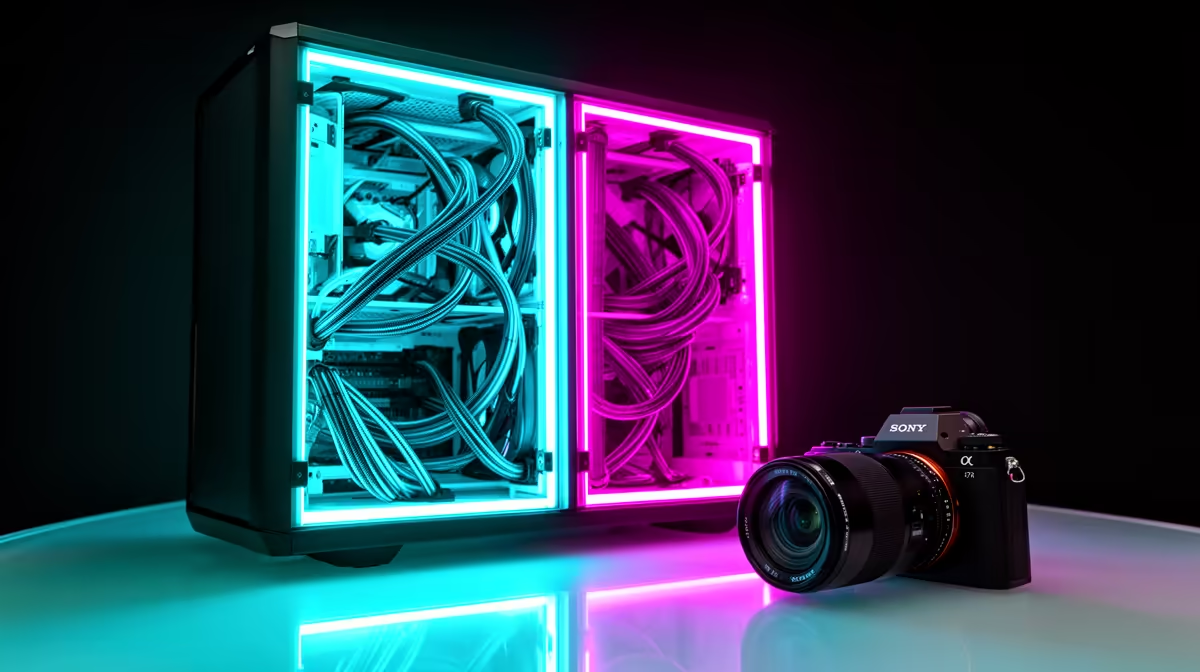
The dual-chamber case has a main chamber and a secondary chamber separated by the board tray. The main chamber contains the motherboard, CPU cooler, GPU, and AIO radiator. The secondary chamber holds the PSU, HDDs, SATA cables, and excess cable slack. Most dual-chamber ATX cases provide five to nine grommet holes in the board tray, positioned near the 24-pin connector, CPU area, PCIe power zone, and bottom SATA region. Every cable that starts in the secondary chamber and reaches the main chamber passes through one and only one of these grommets. Using the grommets as the single crossing point for each cable type is the discipline that produces a clean main chamber.
The Correct Order for Routing Cables 🔧
Start with the PSU. Mount the PSU in the secondary chamber and run the modular cables into the rear channel before the motherboard is installed. Thread the 24-pin cable through the dedicated top grommet, the EPS 8-pin CPU cable through the top-left grommet, and the PCIe power cables through the lower grommet near the GPU slot. Lay the excess PCIe cable behind the board tray and secure it with a velcro strap. SATA and HDD cables route entirely within the secondary chamber and never need to cross into the main chamber. Once the motherboard is installed, the only cables visible in the main chamber should be the 24-pin stub, EPS stub, PCIe connector, and front-panel I/O headers.
Tips for Finishing the Rear Chamber Neatly 🛠️
Use the velcro tie-down points on the board tray's rear face to bundle SATA cables, modular PSU tail cables, and any unused extensions. Measure each modular PSU cable run before securing: the cable should have 5 to 8cm of slack at the connection point. In cases with a removable HDD caddy in the secondary chamber, position it so its SATA and power connectors face the PSU rather than the board tray, minimising cable run length. South African builders who run PCs under desks often have the rear panel facing a wall, so rear cable tidiness mainly improves airflow through the secondary chamber's own intake vent.
Label Your Grommet Routes ⚡
Before the board tray goes in, use a small strip of masking tape labelled with the cable type at each grommet. 24-pin, EPS, and PCIe grommets should each carry only one cable type. This label system prevents the mistake of threading a second cable through an already-occupied grommet. Remove the tape labels after the build is complete.
FAQ
Do I need a modular PSU for a dual-chamber case?
A modular PSU is strongly recommended but not strictly required. Semi-modular PSUs allow the fixed 24-pin and EPS cables to route cleanly, and the detachable PCIe and SATA cables keep the secondary chamber tidy. Fully non-modular PSUs create excess cable bulk but can still be bundled with velcro straps.
How much extra space does the secondary chamber need for cables?
Most dual-chamber ATX cases provide 25 to 35mm of depth behind the board tray, sufficient for modular PSU flat cables. For braided PSU cables, check that the case provides at least 30mm of rear clearance or the rear panel may not close flush.
Can I access the secondary chamber without disassembling the main chamber?
Yes, one of the key advantages is that the rear panel opens independently from the side glass panel. Adding a hard drive, adjusting a SATA cable, or swapping the PSU can all be done without disturbing the main chamber.
Want a build with clean cables and better airflow?
Evetech stocks dual-chamber ATX gaming cases from entry-level to premium, designed for efficient cable management and strong thermal performance. Browse the range at Evetech.