Quick Answer
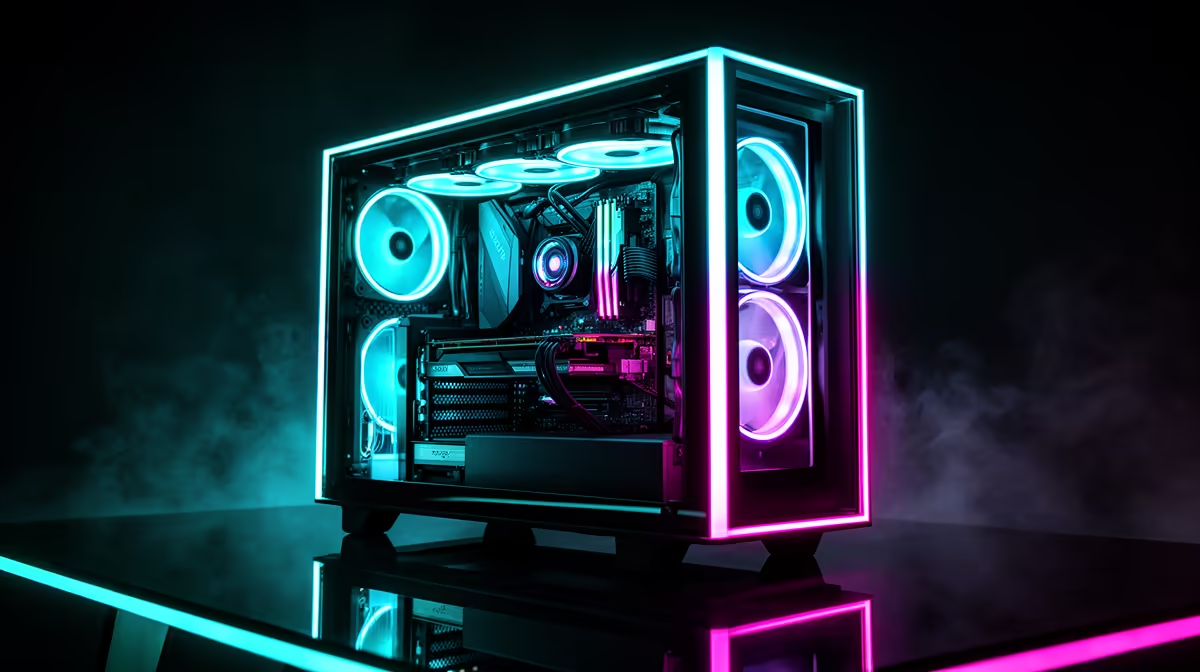
A panoramic dual-chamber case separates the motherboard and GPU compartment from the power supply and drive bay compartment, allowing a clean front-glass view with no cable clutter. To use it effectively, route all PSU cables through the dedicated pass-through grommets and plan your component layout before mounting anything, because the PSU shroud chamber is intentionally tight.
Understanding the Dual-Chamber Layout 🖥️
In a dual-chamber design, the main chamber holds your motherboard, CPU cooler, GPU, and AIO radiator, all visible through the panoramic glass front and side panels. The secondary chamber, reached from the rear or bottom, hides the PSU, storage drives, and most cable runs. The division between chambers is a solid or semi-solid panel, which also acts as the cable management backbone. When planning a showcase build in this type of case, the primary chamber is essentially a display cabinet, so every component colour and lighting zone within it needs to be considered. Cases with panoramic designs typically cost between R2,500 and R5,000 in South Africa, with top-tier full-view models reaching R6,500.
Build Planning Order for Dual-Chamber Cases 🔧
Installation sequence matters more in a dual-chamber case than in a traditional layout. Start by mounting the PSU in the secondary chamber and routing all modular cables through the grommets before installing the motherboard. Attempting to add cables after the board is mounted in a tight dual-chamber case is genuinely difficult. Install the AIO radiator next, before the motherboard, if your case mounts the radiator to the front frame independently. Then mount the motherboard and connect the pre-routed cables through the grommets. Finally, install the GPU and perform the lighting connections. This sequence avoids the common mistake of blocking your own hands with a large GPU when you still need to route CPU power.
Lighting a Dual-Chamber Build for Maximum Visual Impact 🌟
The panoramic glass panels on dual-chamber cases act as a display window, so ARGB lighting placement determines how the build reads from the front. Position ARGB fans at the front intake radiator position to create a backlit glow that illuminates the entire chamber from one end. Use white or diffused fan blades for a soft spread of light rather than harsh directional beams. A pump head AMOLED or ARGB display provides a focal point in the upper-centre of the main chamber. RAM with ARGB diffusers adds vertical lighting columns behind the GPU. Keep the lighting theme to two or three colours maximum for a cohesive look rather than a chaotic rainbow.
Dry-Fit Before Final Assembly ⚡
In a dual-chamber case, a dry fit of all major components without cables attached reveals clearance issues before they become cable management problems. South African builders who skip the dry-fit step often find that a large GPU occupies the only grommet entry point, requiring partial disassembly to route the PCIe power cables correctly.
FAQ
Are dual-chamber cases harder to build in than standard ATX cases?
Yes, the initial build takes longer because cable routing happens in a separate compartment before you mount the main components.
What PSU length fits a typical dual-chamber case chamber?
Most dual-chamber cases accommodate PSUs up to 200mm in length, which covers the majority of fully modular units. Always confirm the PSU clearance spec in the case manual as some secondary chambers are shorter than standard ATX PSU depth.
Can I run a 360mm AIO in a dual-chamber case?
Yes, most panoramic dual-chamber cases are designed around 360mm front radiator mounting as the primary use case. Confirm the front radiator clearance spec because some cases list 360mm support but have restricted clearance for thick push-pull fan configurations.
Thinking about a showcase dual-chamber build?
Evetech stocks panoramic ATX cases with full-glass front panels and dual-chamber layouts, browse the case range to find the right canvas for your build.