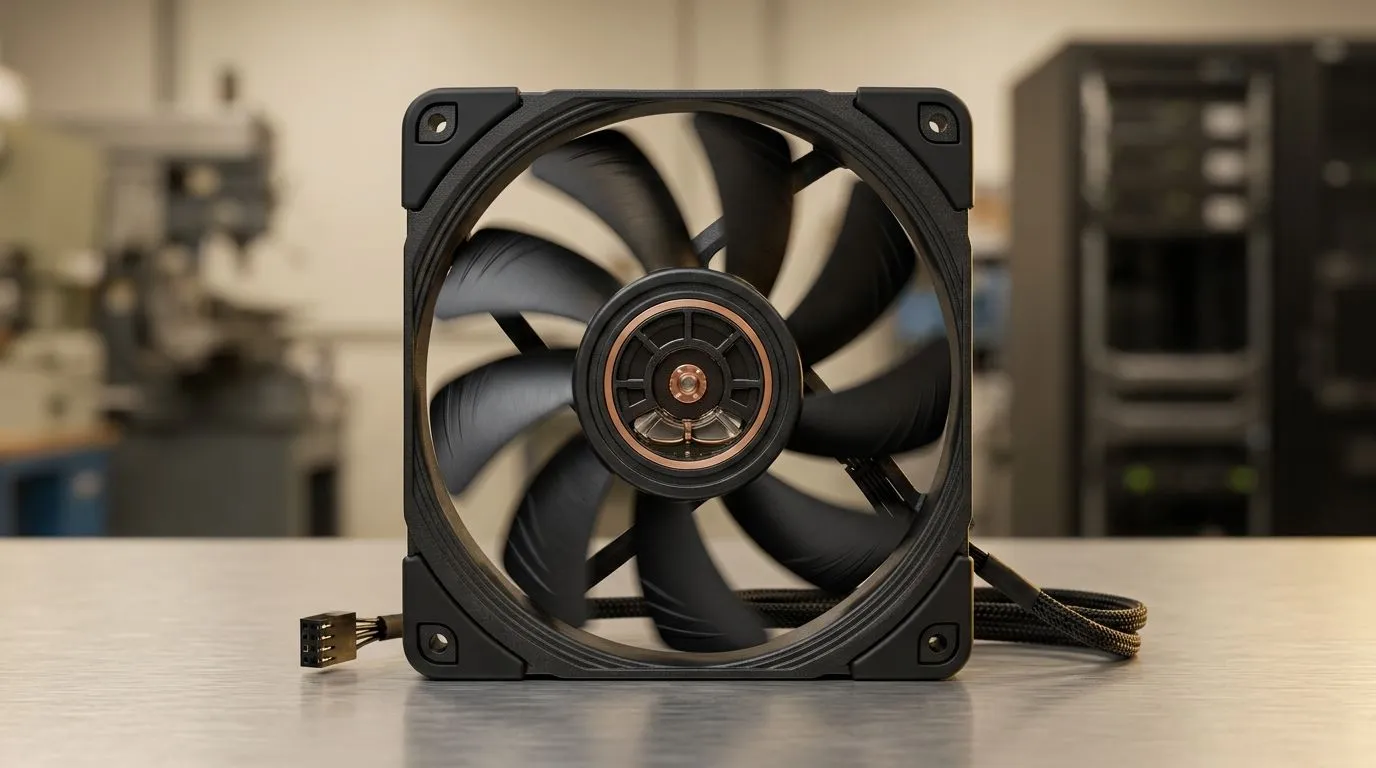
Hydraulic Bearing Case Fans: Lower Maintenance, Longer Lifespan
South African gamers know the feeling… your PC is quiet at first, then the fan starts sounding like it’s carrying the whole household on its back. 🔧 If you stream, record, or game with a loaded rig, your cooling matters more than ever. Hydraulic bearing case fans are one of the simplest upgrades you can make for a smoother, longer-lasting build.
In this guide, we’ll break down what hydraulic bearing actually does, why it can mean lower maintenance, and how to choose the right fan size for your chassis.
What makes hydraulic bearing case fans different?
A hydraulic bearing uses an oil-based design to reduce friction inside the fan. Lower friction usually means the fan has an easier time staying consistent over time. In practical terms, many builders choose this type when they want a quieter system for longer, without constantly worrying about bearing wear.
If your current fans sound rough, feel gritty, or ramp up and down more than they used to, bearing quality is often the culprit. Hydraulic bearings are often chosen over noisier, higher-wear alternatives for exactly that “set it and forget it” vibe. ✨
Lower maintenance: fewer “fan drama” moments
Maintenance usually becomes a thing when fans get dusty. Dust blocks airflow, increases load, and can make bearings work harder. Hydraulic bearing case fans don’t remove dust from the equation, but the design can help the fan cope better under real-world conditions.
Here’s how to keep your investment happier:
- Clean on a schedule: Every 1 to 3 months, depending on your environment (open windows, pets, and carpet all increase dust).
- Stop the spiral: Don’t blast compressed air too aggressively. Light, controlled bursts work better.
- Check your filters: If you use mesh filters, clean them too. A blocked intake makes every fan perform worse.
For more options (including popular brands), browse Evetech’s case fan selection here:
Shop case fans on Evetech
Choosing your hydraulic bearing case fans (sizes + setups)
Most cases support common sizes like 120mm and 140mm. Larger fans can move similar air with less speed, which often helps acoustics. That said, you still need the correct fit and airflow path for your case.
If you’re building around mainstream configurations, start with what your chassis supports:
- 120mm: great balance of fit and performance in many mid-towers.
- 140mm: often a strong pick for front intake or top exhaust if your case allows it.
Pick through brand options too. For example:
Want RGB? If your goal is a clean build with synced lighting, filter it early:
Fan size filters make the decision faster:
Productivity Pro Tip ⚡
Productivity Pro Tip ⚡
On your PC, use a fan-curve approach instead of fixed RPM. Set an intake curve that ramps gently under light loads, then increases only when temperatures rise. This reduces unnecessary noise and can help bearings last longer because fans spend less time at high friction levels.
Quick “real build” checklist before you buy
Before you checkout, confirm:
- Your case supports the fan size (120mm vs 140mm).
- Your motherboard has enough fan headers (or you’ll need a hub).
- Your airflow layout makes sense: typically intake at the front, exhaust at the rear/top.
- Your fan choices match your priorities: lower noise, fewer maintenance cycles, or aesthetics.
Hydraulic bearing case fans aren’t magic, but they’re a solid choice for longevity-minded builders. If you’re tired of replacing parts every so often, this is the type of upgrade that quietly pays off over time. 🚀
CALLTOACTION
Ready to Find Your Perfect Match?
The hydraulic bearing debate gets easier when you can compare sizes, brands, and lighting options side-by-side. Build smarter for South African heat, long sessions, and real dust. Explore our massive range of case fans and lock in cooling that lasts. Browse case fans on Evetech