Quick Answer
For data science coursework, the PC case should rarely be your next upgrade; spend on RAM, CPU, and storage first, since those drive analysis speed. A new case helps only for cooling or fitting bigger parts; a good airflow mid-tower around R1,500 is enough when you do upgrade it.
Why the Case Is Not the Priority
Data science performance comes from RAM to hold datasets, CPU cores for processing, and fast storage for loading data, not from the case. So if coursework is the goal, the case is one of the last things to upgrade. A new chassis will not speed up your analysis; better components will. Direct the budget where it changes runtimes.
When a Case Upgrade Does Make Sense
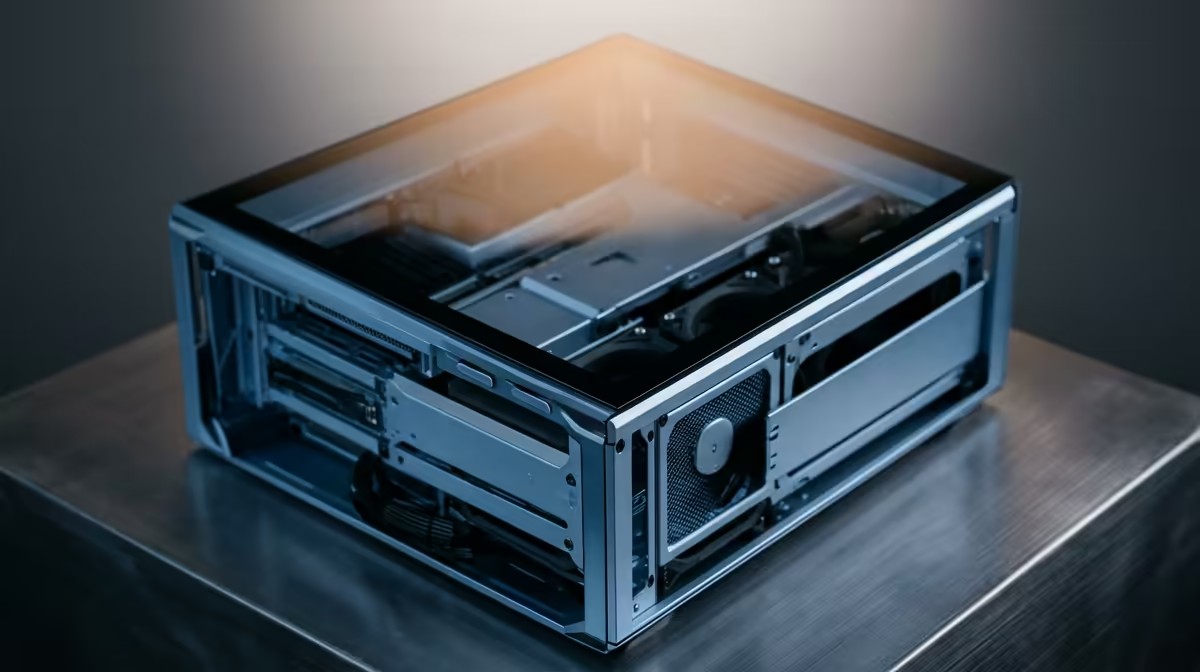
A new case is worth it if your current one chokes airflow and causes thermal throttling during long compute jobs, or if it cannot fit a larger cooler or GPU you need. In those cases, a mid-tower with good airflow and dust filters keeps a hardworking data PC cool and stable. But upgrade the compute parts first.
The Right Upgrade Order
For data science, prioritise RAM capacity, then CPU cores, then a fast NVMe drive, and finally the case if airflow or fit is genuinely limiting your hardware.
FAQ
Should a data science student upgrade the case first?
No. RAM, CPU, and fast storage drive analysis speed, so upgrade those first. A case only helps with cooling or fitting larger parts, so it is one of the last priorities.
When is a new case worth it for data work?
When poor airflow causes throttling during long compute jobs, or when you need to fit a bigger cooler or GPU. Then a good airflow mid-tower keeps the workstation cool and stable.
What actually speeds up data science work?
Enough RAM to hold datasets, a strong multi-core CPU, and a fast NVMe drive for loading data. Those change runtimes; the case mainly affects cooling, not raw performance.
CPU, and storage before the case for data science; choose a good airflow mid-tower only if cooling or fit limits you.