Quick Answer
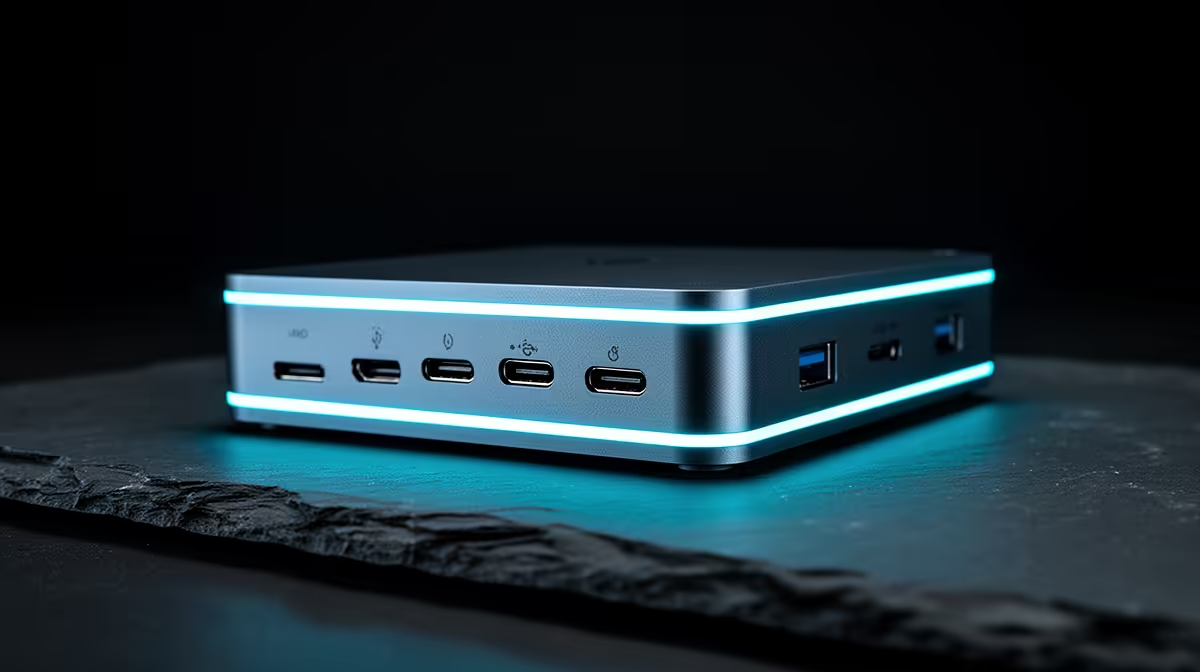
If robotics projects are the goal, a dock should be your next upgrade only when you need stable wired networking and several USB ports for boards and sensors at once. A USB-C dock with gigabit Ethernet and multiple USB-A ports from around R1,500 fits that need.
When A Dock Helps Robotics Work
Robotics work means juggling microcontroller boards, sensors, programmers, and sometimes a camera, all over USB at the same time. Modern thin laptops rarely have enough ports, so a dock that adds several USB-A connections lets you keep a board, a programmer, and a debug device plugged in without constant swapping. Wired Ethernet also gives a stable link for flashing firmware or pulling large libraries.
For projects that involve a Raspberry Pi or single-board computer, a dock can power peripherals and provide a clean wired network during development. That stability beats fighting flaky Wi-Fi when you are mid-upload to a board.
When To Spend Elsewhere First
If your real bottleneck is compute (running simulations or training models) then a dock will not help, and the money belongs in the laptop or a desktop. A dock solves connectivity, not horsepower. Buy it when your project is port-starved, not when it is performance-starved.
FAQ
How does a dock help with robotics?
It adds the multiple USB ports robotics work needs for boards, programmers, and sensors, plus stable wired Ethernet for reliable firmware flashing and library downloads.
Do I need Ethernet for robotics projects?
Wired Ethernet gives a steady connection for uploading to boards and pulling large toolchains, which is more reliable than Wi-Fi during development sessions.
Will a dock improve simulation performance?
No. A dock adds connectivity, not compute. If simulations are slow, the upgrade you need is a faster CPU or GPU, not a dock.
Count how many USB devices your robotics projects use at once; if your laptop runs short, a dock with extra USB and Ethernet is the right next step.