Quick Answer
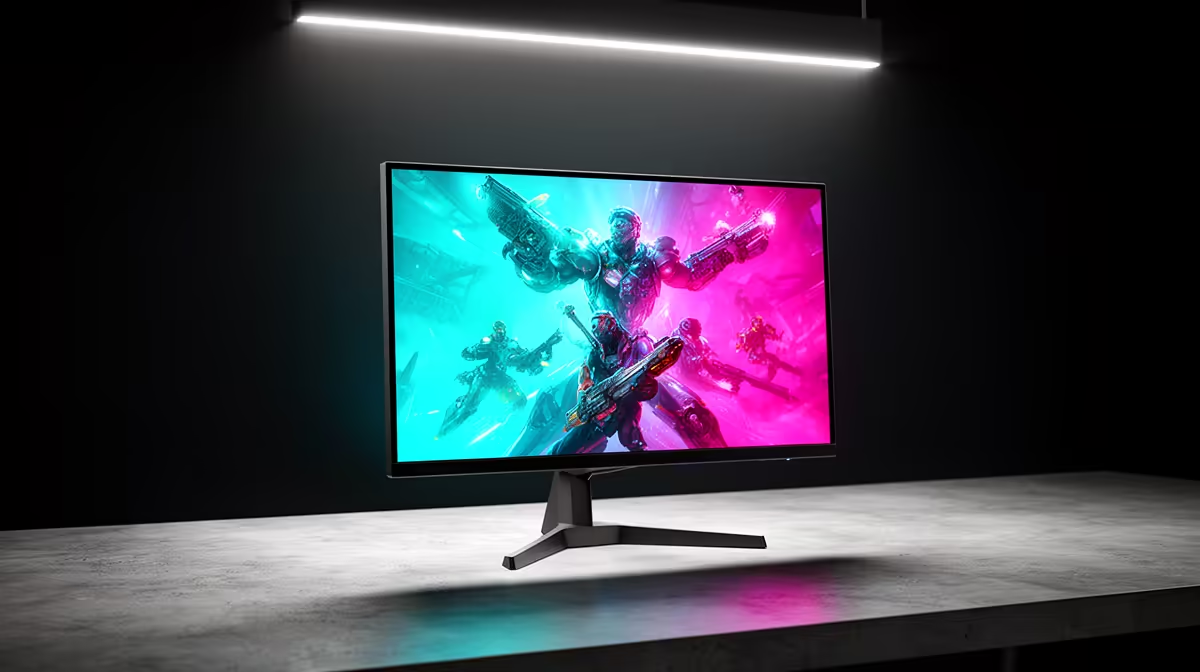
Yes, a 32-inch 4K 160Hz monitor is worth it if you split your screen time between demanding games and productivity tasks. The 138 PPI pixel density makes text and spreadsheets genuinely sharp, and 160Hz is fluid enough for mainstream competitive gaming. The conditions are a capable GPU (RTX 5070 class or above for native 4K gaming) and a budget of around R9,000 to R15,000 depending on features.
The Case for 4K on a Working Desk 💼
At 4K on a 32-inch panel, the 138 PPI places document text and spreadsheet cells in a visual range where individual pixels are indistinguishable at 60 to 70cm. That matters practically when cross-referencing data across wide Excel sheets, reviewing images in Lightroom, or running multiple browser tabs side by side. At 1440p on the same 32-inch panel the PPI drops to 93, adequate but visibly soft in small fonts. South African remote workers who combine a home office with a gaming setup benefit from 4K disproportionately because one monitor must serve both use cases without compromise.
Gaming at 160Hz: Where It Helps and Where It Does Not 🎮
160Hz is a tangible step up from 60Hz and a meaningful step above 144Hz. The difference between 60Hz and 160Hz is visible to most gamers in any motion-heavy scene: camera pans and combat feel noticeably smoother. The jump from 144Hz to 160Hz is less dramatic but still measurable. At 160Hz with a 0.3ms Fast IPS panel the gaming motion quality is competitive for most titles. Where this combination struggles is in truly demanding competitive shooters where 240Hz or 320Hz panels provide a marginal but real advantage: the additional frame delivery makes enemy movement in CS2 slightly crisper during rapid mouse movement. For mainstream gaming across open-world, RPG, and casual shooter genres, 160Hz at 4K is genuinely excellent.
Value in the South African Market 💰
In mid-2026 the South African market offers 32-inch 4K 144Hz panels from around R7,500, with 160Hz models starting at approximately R9,000 and climbing above R15,000 for premium Fast IPS configurations with HDR600 and wide colour gamut. For comparison, a 27-inch 1440p 165Hz monitor runs R4,500 to R7,000. The 32-inch 4K 160Hz option costs roughly R3,000 to R5,000 more and delivers a substantially different productivity experience. Whether that gap is justified depends on how much time you spend in productivity applications: a gamer who uses the monitor purely for gaming is less likely to feel the full benefit than someone who works on it four or more hours daily.
Windows Scaling at 4K ⚡
Set Windows display scaling to 150% on a 32-inch 4K monitor for comfortable productivity at standard viewing distances. At 100% scaling UI elements are tiny; at 150% they match roughly what a 1080p monitor at 100% looks like while retaining sharper text from the higher underlying resolution.
FAQ
Do I need an RTX 5090 to game at 4K 160Hz?
No. An RTX 5070 or RTX 5070 Ti reaches playable frame rates at 4K in most mainstream titles, particularly with DLSS Quality enabled. For the most demanding open-world games at maximum settings, an RTX 5080 or above produces consistently smooth 160fps.
Can a 32-inch 4K 160Hz monitor replace a dedicated work monitor and a gaming monitor?
Yes, that is precisely its strongest use case. The 4K resolution handles productivity without compromise, and 160Hz delivers smooth gaming.
Is the HDR on 32-inch 4K monitors useful in practice?
Entry-level HDR400 on a flat IPS panel with no local dimming produces modest results; peaks hit 400 nits but contrast ratios stay near 1,000:1. HDR600 models with higher peak brightness and more aggressive tone mapping deliver visibly better HDR in cinematic games.
Ready to find your all-in-one gaming and work monitor?
Evetech stocks 32-inch 4K 160Hz monitors across multiple price points, all locally stocked with South African warranty and nationwide delivery.