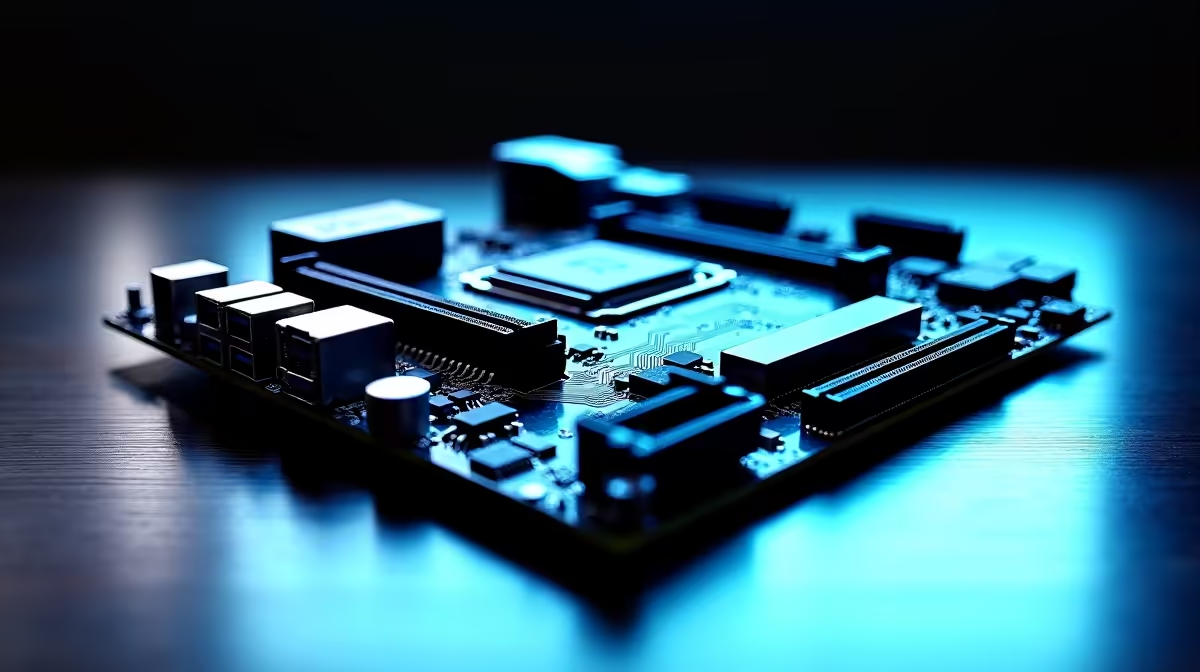
Are you tired of staring at progress bars while transferring massive 4K video files? For South African content creators and streamers, time is literally money. When you are dropping thousands of ZAR on high-end gear, you expect blazing fast speeds. But if your system lacks the right connectivity, you will always hit a bottleneck. This is where investing in a Thunderbolt 4 motherboard becomes a crucial decision.
What Makes a Thunderbolt 4 Motherboard Different? 🚀
Let us break down why a Thunderbolt 4 motherboard is worth the hype. Unlike standard USB ports, Thunderbolt 4 delivers a massive 40Gbps of bidirectional bandwidth. This means you can transfer a 100GB project file in seconds rather than minutes. It also supports dual 4K displays or a single 8K monitor from a single port... while simultaneously delivering up to 100W of power to charge your gear.
For power users managing massive asset libraries, this single port replaces a cluttered hub of adapters. If you are looking to upgrade your core components, having this tech built directly into your board is a massive advantage.
A Streamer and Creator Dream Setup ✨
Streamers and video editors require seamless hardware integration. A dedicated Thunderbolt 4 motherboard allows you to daisy-chain up to five devices. Imagine connecting your audio interface, external NVMe capture drive, and high-resolution monitors without creating a nest of cables on your desk.
Whether you prefer Team Blue and want to explore premium ASUS Intel motherboards or you lean towards Team Red with top-tier ASUS AMD motherboards, both platforms now offer exceptional Thunderbolt integration for professionals.
Daisy-Chaining Pro Tip ⚡
When daisy-chaining multiple devices on your Thunderbolt 4 motherboard, always place your highest-bandwidth devices first in the chain. Put your external NVMe SSDs closest to the PC, followed by monitors, and leave lower-speed peripherals for the end. Make sure you use certified cables to avoid signal drops.
Maximising Your Power User Rig 🔧
Power users know that true performance requires balance. A lightning-fast port is useless if the rest of your system cannot keep up. To truly maximise the 40Gbps throughput of a Thunderbolt 4 motherboard, you need to pair it with high-speed memory kits and a rapid internal SSD. When your RAM and storage can feed data to the port without hesitation, your export times will plummet.
Is the extra ZAR worth it? If you just play competitive shooters on weekends, standard USB 3.2 is plenty. However, if you edit heavy video files, stream with multiple high-end peripherals, or run complex 3D renders, a Thunderbolt 4 motherboard pays for itself in saved time alone.
Time saved on file transfers means more time actually creating content and engaging with your audience. South African creators deserve setups that work just as hard as they do. If you are building a workstation from scratch, you can often find fantastic value by checking out our best gaming PC deals that feature these advanced connectivity options.
Ready to Supercharge Your Setup?
Don't let slow transfer speeds throttle your creativity. Whether you are building a dedicated streaming rig or a heavy-duty workstation, having the right connectivity makes all the difference. Explore our massive range of motherboards and find the perfect Thunderbolt 4 powerhouse to conquer your workflow.