Understanding GPU and Headset Compatibility for South African Gamers 🎧⚡
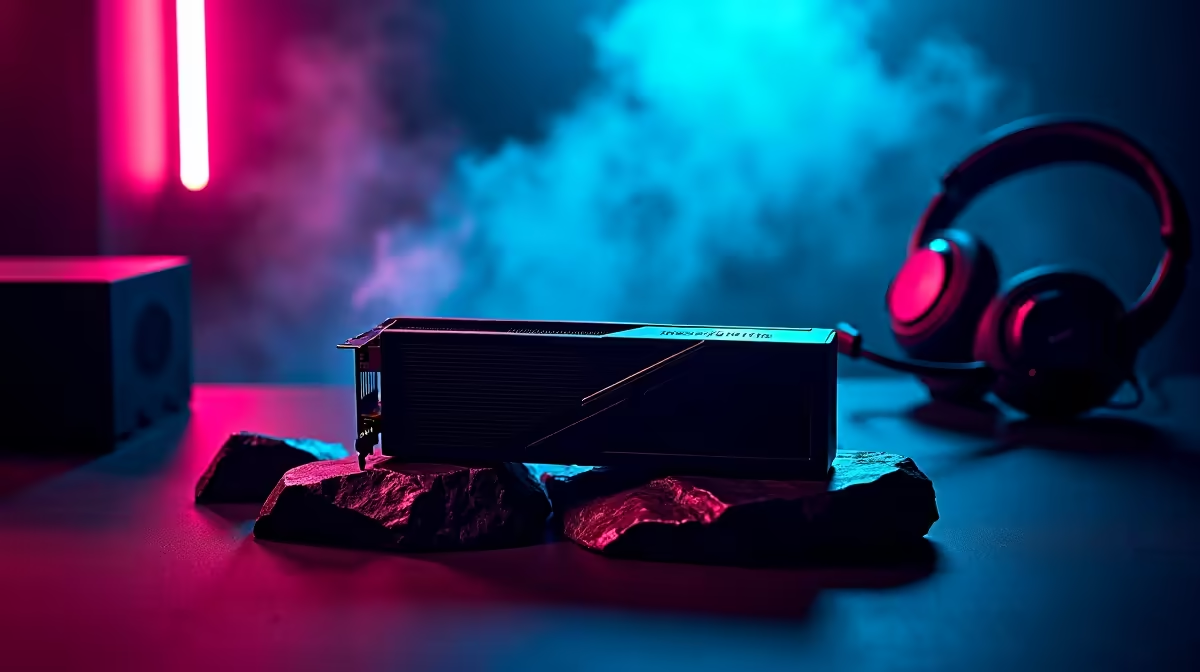
When you upgrade your PC, it’s normal to wonder: Is this GPU compatible with headset? Many gamers in South Africa often overlook how graphics cards and gaming headsets can interact. While GPUs mainly handle visuals, they sometimes influence audio output with features like HDMI or DisplayPort audio passthrough. Knowing what to check saves headaches and ensures your headset delivers rich, flawless sound for every game moment.
Key Compatibility Points: What To Check Before Buying 🎮🔧
Does Your GPU Support Audio Output?
Most modern GPUs support audio output through HDMI or DisplayPort, allowing you to route game sound directly to your headset if using monitors with audio jacks or VR headsets. However, not all GPUs have native 3.5mm audio jacks or USB support, so pairing your headset correctly depends on your setup.
Consider Your Headset Connection Type
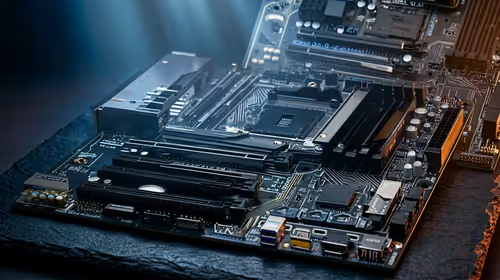
Gaming headsets connect through USB, 3.5mm jack, or wireless dongles. If your headset uses USB, your PC’s USB ports matter more than the GPU. For analogue 3.5mm connections, ensure your motherboard or case front panel has audio ports. If you rely on GPU audio passthrough (via HDMI/DisplayPort), ensure your monitor or device supports audio output.
South African buyers can explore a great selection of gaming headsets designed for clear audio and crystal mic quality tailored for competitive gameplay and immersive experiences.
Micro-Story: How One Local Gamer Solved Compatibility Issues 🚀
Zama, a Johannesburg gamer, recently upgraded to a high-end GPU hoping for better graphics and headset sound. She realised her headset wasn’t working as expected when plugged into the monitor's audio jack linked to the GPU. After some research, she switched to connecting directly to the PC’s motherboard audio port—and the sound quality improved drastically. This quick fix highlights the importance of understanding your PC’s audio routing and GPU specs.
Tips for Choosing a Compatible GPU and Headset in South Africa 🇿🇦
- Verify the GPU’s video output options (HDMI 2.1, DisplayPort 1.4) and if they support audio passthrough.
- Match headset connection type with your PC’s available ports—USB connections usually bypass GPU audio limitations.
- Review online specs or shop deals for combined bundles like best gaming PC deals in South Africa that ensure hardware harmony.
- Consider pre-built systems with tested component compatibility: check out Evetech’s pre-built PC deals engineered for peak performance.
Pro Tip
Before you buy, test headset audio routing by checking motherboard sound output alongside your GPU’s capabilities. This avoids surprise incompatibility and maximises your gaming experience.
Upgrading Your Setup: Graphics Cards That Work for Gaming Audio
When selecting a graphics card, South African gamers should balance performance with connectivity. Some GPUs prioritise extra display outputs, while others offer better integrated audio support.
Explore Evetech’s comprehensive range of graphics cards in South Africa to find models that align with your audio and gaming needs. Whether you want 4K visuals or VR-ready setups, there’s something perfectly suited for you.
Don’t forget to pair your new GPU with a reliable headset—and find the perfect fit from our selection of gaming headsets. Having the right combo makes every raid, race, or quest feel lifelike.
Also, if laptop gaming is your scene, check out the latest notebooks for sale in South Africa that fuse portable power with solid audio support.
Ready to power up your gaming rig with fully compatible gear?
Discover your ideal setup and Shop now at Evetech for performance that leaves lag in the dust.