Stay Connected: How to Keep Your WiFi Router Running During Load Shedding ⚡
Load shedding can hit at any time in South Africa, and when it does, losing your WiFi connection feels like losing your lifeline—especially if you’re gaming or working from home. But don’t fret: keeping your WiFi router running during load shedding is simpler than you think. With some smart gear and tips, you can maintain stable internet without breaking your budget or the power bank.
Why Your Router Dies in Load Shedding and What to Do About It
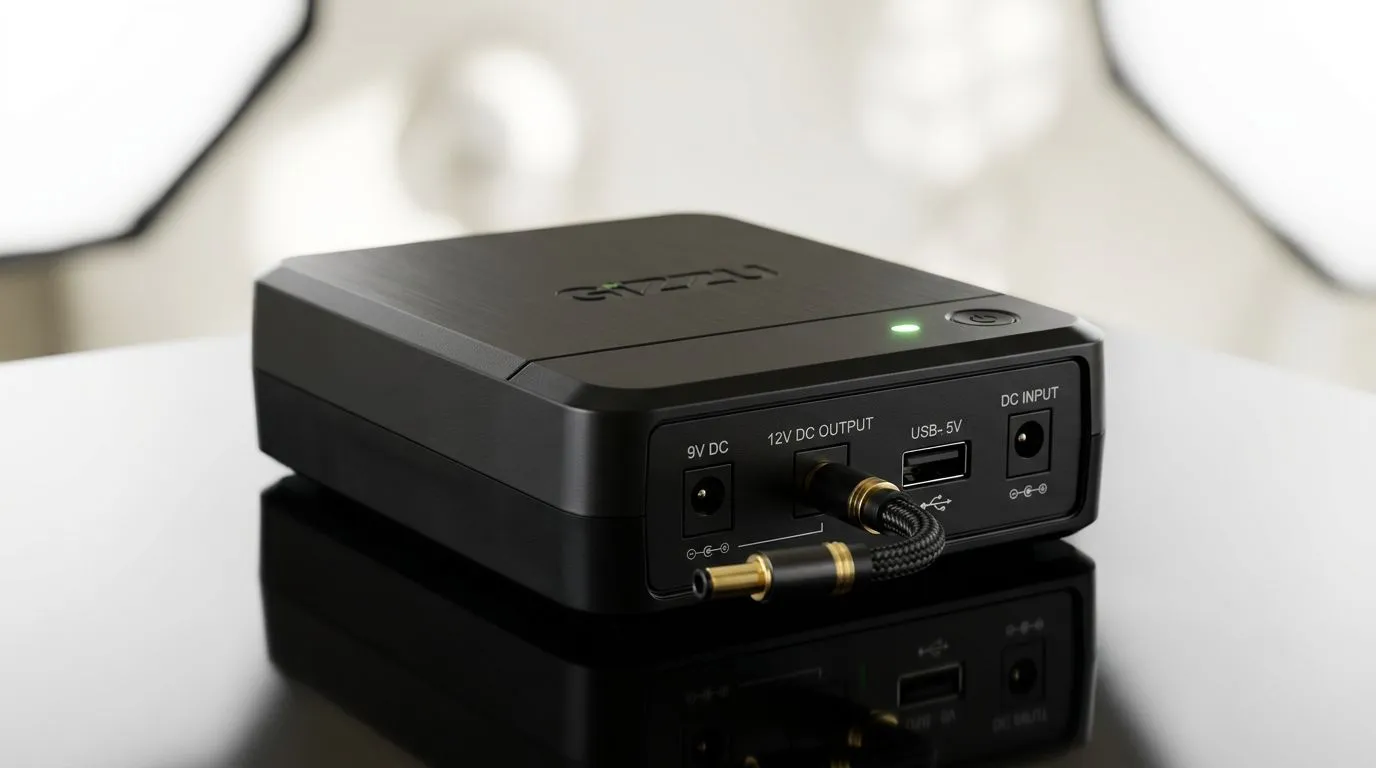
Your WiFi router relies on constant mains power, so the blackout cuts your signal dead in its tracks. To keep it alive during these blackouts, you need an alternative power source like a UPS (Uninterruptible Power Supply) or a reliable backup battery.
When choosing a UPS or power bank, check its output wattage matches or exceeds your router’s power needs. Most wireless routers draw less than 15 watts, so a modestly priced UPS can keep your home network online for hours if managed well.
Wireless Solutions That Keep You Online When Power is Out 🔧
If you’re looking for hardware that fights through outages, there are several key components available from local suppliers. Evetech stocks a good range of wireless routers designed to be energy efficient and stable under different power conditions.
For homes with tricky coverage, pairing your router with a wireless range extender can keep signals strong—even if the wireless device is tucked in a room favoured by the power backup.
Additionally, if your device doesn’t have built-in WiFi or you want a stronger connection during load shedding, consider buying wireless adapters that support seamless switching between power sources.
How Fibre and Backup Power Can Transform Your Network Reliability
If you run your internet over fibre, pairing your fibre router with a UPS tailored for fibre devices is gold. Fibre routers often have specific power requirements, so it’s smart to shop for a fibre router that’s known for high efficiency and good battery backup compatibility.
Some home users have even installed solar or inverter systems that keep the entire network and essential devices powered through long outages. While this requires bigger investment upfront, it’s great for gamers or small home offices where uptime is critical.
Router during outages
Use a basic UPS with just enough runtime for your router plus modem. Avoid oversized units—they waste electricity and cost more. Start small and test runtime to get confident about your setup.
Building Your Own Load Shedding Proof WiFi on a Budget
You don’t need a major setup to survive load shedding online. Start by:
- Buying a stable wireless networking kit to upgrade or replace older, energy-heavy gear.
- Using a UPS rated 50–100 VA to back your modem and router—these are affordable and provide several hours of power.
- Securing cheap but reliable wireless range extenders to ensure good signal across your home.
With a little patience, trial and error, you’ll soon forget which blackout was which. Strong WiFi through load shedding doesn’t have to be out of reach.
Power Your Internet While Others Wait
Don’t let load shedding interrupt your game or work. Shop now at Evetech for reliable wireless routers and backups that keep you connected when it counts.