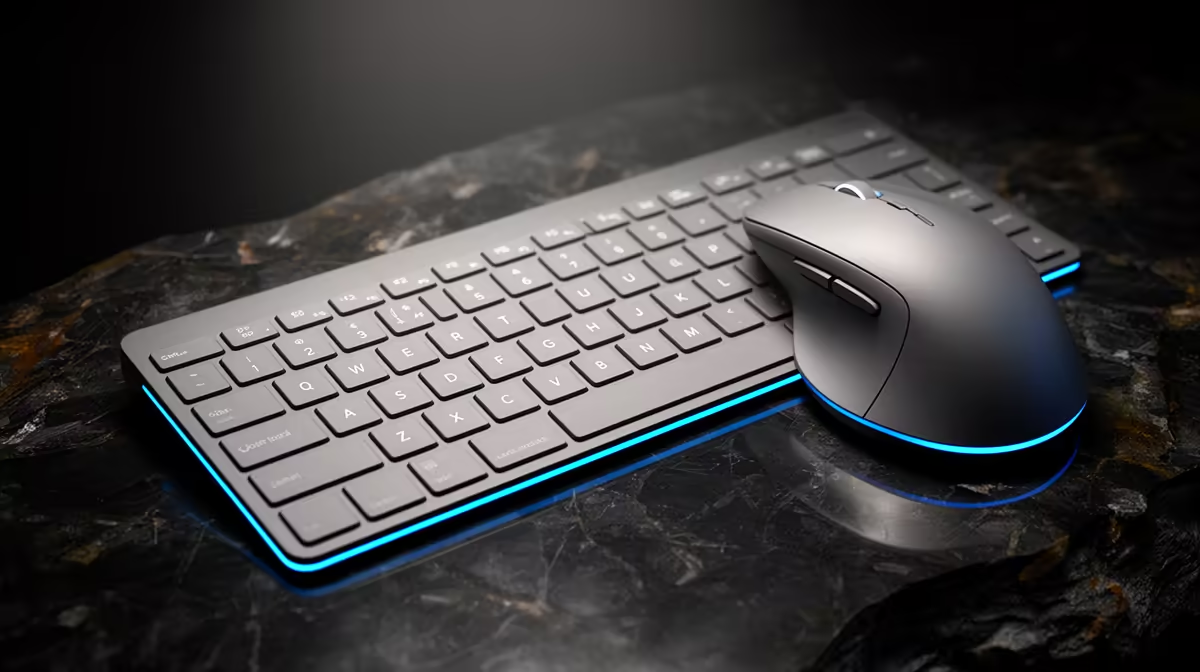
Logitech G413 SE at R1,160 suits a creator desk where shortcut consistency matters more than buying a cheap keyboard and mouse bundle. For Fusion 360, the keyboard side of the setup does the heavy lifting: commands, view controls, undo, dimension entry, and repeated shortcuts. A proper gaming keyboard can be worth buying first, then pairing it with the mouse you actually prefer.
Keyboard picks for CAD shortcut work
The GAMDIAS Hermes P2A R130 is the low-cost option here, and its main spec is the price: R130. It makes sense for a spare workstation, a student desk, or a temporary CAD corner where the budget is tight and the priority is getting a separate keyboard in place.
Logitech G413 SE R1,160 is the cleaner middle choice for that workload because it keeps the keyboard spend controlled while still feeling like a dedicated desk tool rather than a throw-in accessory. Corsair K70 CORE R1,300 sits just above it on price, so it is the more natural pick if you want a stronger keyboard focus without jumping to the R1,759 Logitech MX Keys S.
SA Creator Desk Reality
A combo is only worth it if both parts match how you work. On a small SA creator desk, a R1,160 Logitech G413 SE leaves more budget for the mouse, monitor position, and desk space, while the R1,300 Corsair K70 CORE makes sense when keyboard feel is the part of the setup you notice all day.
Ready to choose the right gaming keyboard?
Use GAMDIAS Hermes P2A at R130 as the gaming keyboard shortlist benchmark, then check whether its listed spec matches the space, workload, and upgrade path.