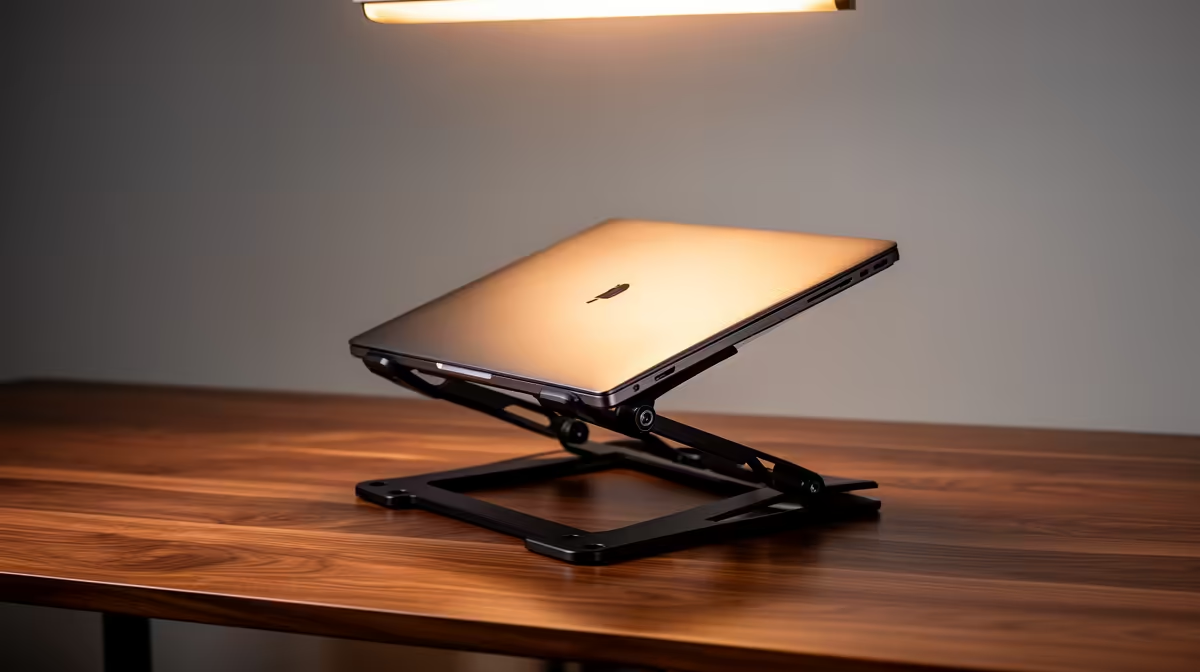
ASUS ExpertBook P1503 i5 at R9,858 suits a student or small-office user who wants a practical laptop for running virtual machines without pushing into higher i7 pricing. A stand is worth buying when the notebook will sit on the same desk for long sessions, because it lifts the screen, improves typing posture with an external keyboard, and helps keep the work area cleaner around chargers and cables.
A stand helps most when the notebook becomes your main workstation
Lenovo IdeaPad Slim 3 i7 at R13,400 is the stronger pick if the workload often feels heavy, because the i7 spec gives more headroom than an i5 machine. On a stand, it works well as a raised main screen while your keyboard, mouse, and notes stay at desk level.
ASUS Vivobook X1504VA i7 at R13,999 also makes sense for someone who wants i7 performance in a familiar everyday format. The stand itself will not make the i7 faster, but it can make long setup, testing, and admin sessions feel less cramped, especially when you are switching between windows.
SA student desk or small-business counter setup
For a res desk, reception counter, or compact back-office station, ASUS Vivobook S14 OLED at R10,719 is useful when screen quality matters as much as speed. The OLED spec gives it a sharper visual role on the stand, while the notebook still stays easy to move when the desk needs to be cleared.
Lenovo LOQ RTX3050 at R9,500 is different because the RTX3050 spec suits users who also want graphics capability alongside general work. If the machine spends most evenings plugged in at one desk, lifting it on a stand helps keep the screen at eye level instead of forcing a hunched posture.
Ready to choose the right laptop?
Use ASUS ExpertBook P1503 i5 at R9,858 when laptop stand actually running virtual matters, then compare the desk fit against its listed spec.