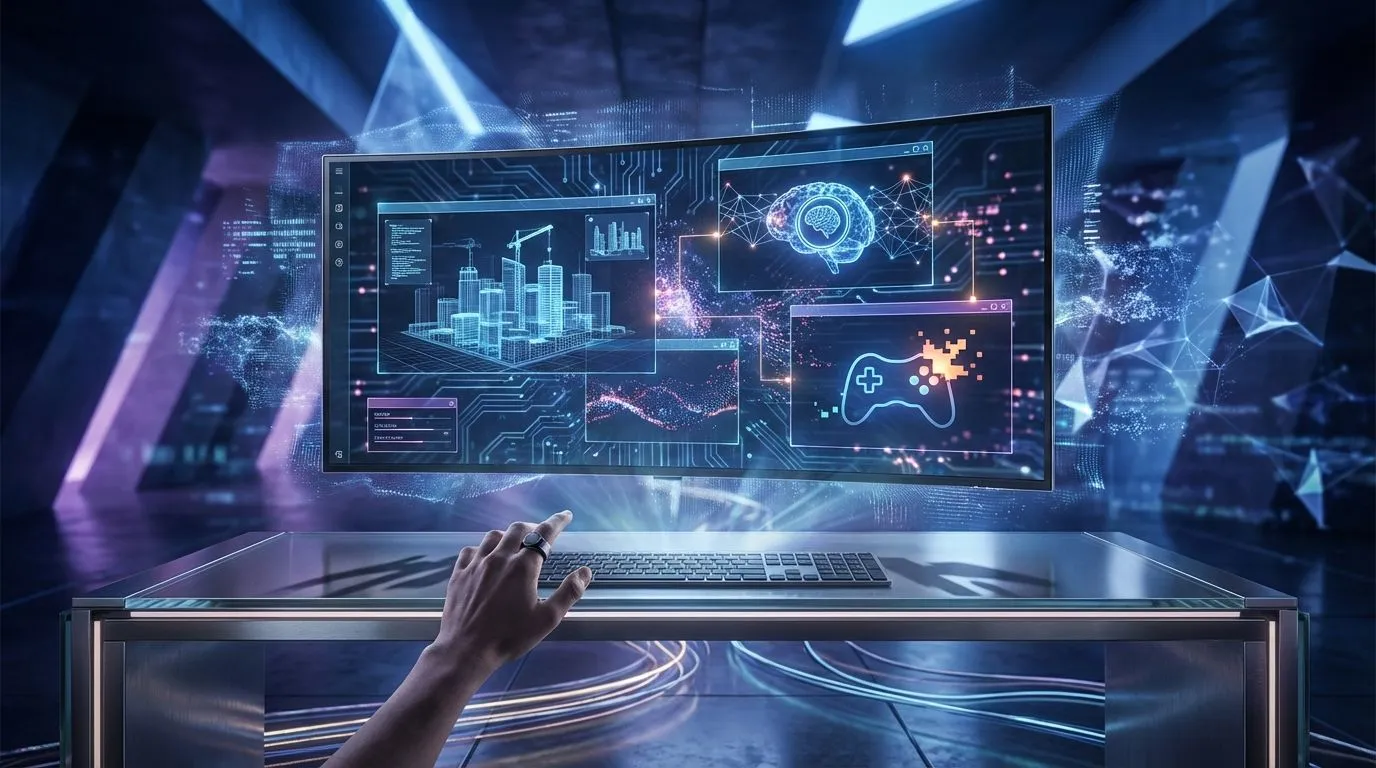
Tired of the endless alt-tab dance between spreadsheets, code, and your browser? For South African professionals and gamers, juggling multiple windows on a small screen is a productivity killer. But what if you could see everything at once, perfectly organised on a single, massive digital canvas? A large 4K monitor isn't just a luxury; it's a powerful tool for reclaiming your focus and mastering your workflow. Let's dive into how to make it work for you.
Why a Single Large 4K Monitor Beats a Dual-Screen Setup
For years, the gold standard for power users was a dual-monitor setup. While effective, it comes with compromises: a disruptive bezel down the middle, potential colour inconsistencies between screens, and a mess of cables. Embracing large 4K monitor multitasking offers a more elegant and efficient solution. You get a seamless, unified workspace where you can position windows anywhere you like, without a physical divide breaking your immersion or workflow. This streamlined approach simplifies your desk and your mind.
This single-screen philosophy applies across a huge range of modern PC monitors, but it truly shines at high resolutions.
Mastering Your Digital Canvas: Practical 4K Multitasking Tips
A 4K resolution (3840x2160) packs four times the pixels of a standard 1080p Full HD screen. On a large display (think 32 inches or more), this translates into an incredible amount of usable space without needing to squint. Instead of just making everything bigger, you can run multiple full-sized applications side-by-side. Imagine your code editor, a live preview, and a terminal all visible and perfectly legible... no compromises. ✨
To truly unlock this potential, you need the right tools.
Productivity Pro Tip ⚡
On Windows, use Microsoft's free PowerToys utility. Its 'FancyZones' feature lets you create custom snap layouts for your windows. It's a lifesaver for managing multiple apps on a large 4K monitor, letting you organise your timeline, preview window, and asset folders perfectly for video editing or keeping your project management tool visible next to your email.
This level of organisation is the core benefit of the incredible pixel density found on high-end 4K and 5K monitors.
The Ultimate Work-and-Play Advantage 🚀
The benefits of large 4K monitor multitasking aren't just for spreadsheets and documents. For gamers, it's a revelation. You can run your game in a massive, immersive window while keeping Discord, a walkthrough, or your favourite stream snapped to the side. No more alt-tabbing out at a critical moment to check a message or a guide.
Many of the best gaming monitors now come in large 4K formats, offering high refresh rates and stunning visual fidelity. For an even more cinematic experience, some users find that the wraparound effect of curved monitors enhances both productivity and gameplay by reducing eye strain and improving peripheral vision.
Choosing the Right Large Monitor for Your Setup 🔧
Ready to make the leap? Here’s what to consider for your 4K multitasking setup:
- Size & Viewing Distance: A 32-inch monitor is a fantastic sweet spot for most desks, offering a significant productivity boost. If you have the space, a 40-inch+ display can feel like having four monitors in one. Just ensure you can sit far enough back to see the whole screen comfortably.
- Ergonomics are Key: A large screen requires a good stand with height, tilt, and swivel adjustments. Better yet, invest in a VESA-compatible monitor arm. This frees up desk space and lets you position the screen perfectly, which is crucial for long sessions. You can find a variety of stands and arms among other essential monitor accessories.
- Connectivity: Look for modern ports like DisplayPort 1.4, HDMI 2.1, and USB-C with Power Delivery. A built-in USB hub can also be a massive convenience for connecting peripherals.
While a large desktop monitor is the ultimate productivity hub, you can extend this philosophy on the go. Adding one of today's lightweight portable monitors to your laptop bag gives you a dual-screen setup anywhere, from a coffee shop to a client's office.
Ready to Upgrade Your Workspace?
A large 4K monitor is more than just a display; it's an investment in your productivity and focus. Stop juggling windows and start commanding your workflow on a single, stunning screen. Explore our incredible range of 4K monitors and find the perfect canvas to conquer your world.