Your PC's CPU cooler has one job, right? Keep your processor from melting during a heated Warzone match. For years, that's all we asked. But what if your cooler could do more? What if it could become the dynamic, customisable centerpiece of your entire rig? Enter the LCD CPU cooler, a component that blends high-performance cooling with a fully customisable screen, changing how we think about PC aesthetics and function right here in South Africa.
The Core Function of an LCD CPU Cooler 🌡️
At its heart, an LCD CPU cooler is typically an All-in-One (AIO) liquid cooler. It uses a pump, radiator, and fans to move heat away from your processor far more efficiently than a standard air cooler. This means lower temperatures, more stable performance, and potential for higher overclocks. So, the cooling part is top-notch.
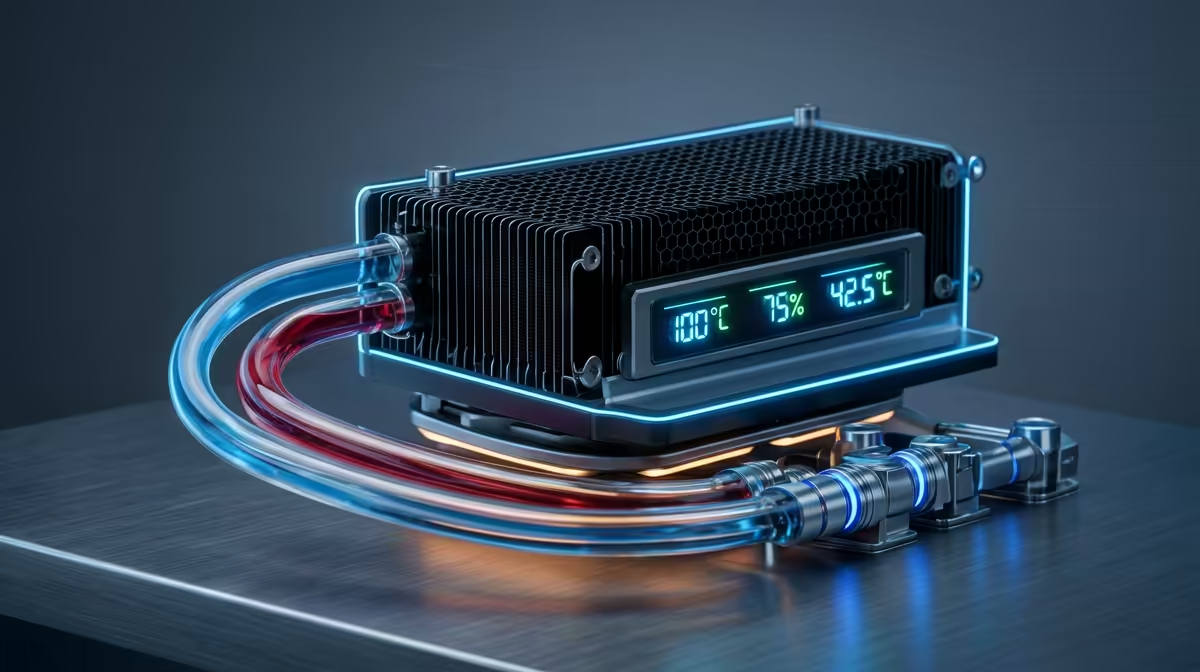
The real evolution is the small, vibrant LCD screen mounted on the CPU block. This isn't just for show. It's a functional dashboard inside your PC case. You can set it to display critical system information in real-time:
- CPU/GPU Temperature: Know instantly if your components are running hot.
- Coolant Temperature: Monitor the AIO's own performance.
- Fan Speeds & Pump RPM: Get a live look at your cooling system's activity.
Having these stats visible at a glance is incredibly useful, saving you from having to run monitoring software that clutters your main display. An LCD CPU cooler turns essential data into a visual feature.
The Ultimate PC Personalisation ✨
While the data is useful, let's be honest… the main draw is the customisation. An LCD CPU cooler gives you a tiny digital canvas to make your build truly one-of-a-kind. Forget static RGB lighting; we're talking about motion and personality.
You can upload your favourite animated GIFs, clan logos, memes, or static images directly to the screen. Imagine your cooler playing a looping animation that matches your in-game character or the colour scheme of your entire setup. This level of personalisation creates a cohesive theme that extends beyond your case. It's about building an experience, where the aesthetic of your rig perfectly complements a high-end gaming keyboard and mouse.
Crafting a Unified Look
Top-tier components are increasingly designed to work together. Brands known for their striking designs, like the ones behind many popular Glorious gaming keyboards, understand that gamers want a unified look. An LCD CPU cooler acts as the command center for your PC's visual theme, setting the tone for every other component.
Display Pro Tip 🔧
Use your cooler's screen for something genuinely useful. Instead of a distracting GIF during competitive play, set it to display your CPU temperature with a colour warning. For example, green for idle, yellow for gaming load, and red for temperatures above 85°C. This gives you an instant, non-intrusive visual cue if things are getting too toasty.
What to Consider Before You Buy
Before you add an LCD CPU cooler to your cart, there are a few things to keep in mind. Firstly, they represent a premium investment. You're paying for both the advanced AIO cooling technology and the integrated display.
Secondly, you'll be relying on the manufacturer's software (like Corsair's iCUE or NZXT's CAM) to customise the screen and control the cooler's performance. Make sure your system is compatible and that you're comfortable using another piece of software. This is often the same ecosystem used to control lighting effects across a full suite of peripherals, allowing you to sync the animation on your cooler with the patterns on your Razer gaming keyboard. A truly synchronised battle station, where the glow from your RGB Razer keyboard pulses in unison with your cooler, is a sight to behold.
Is It Worth It for Your South African Build?
So, is a CPU cooler with an LCD display the right choice for you?
If you're a performance purist on a tight budget, a traditional high-end air cooler or a standard AIO might be more practical. However, if you're a PC enthusiast, streamer, or a gamer who takes pride in building a visually stunning and unique machine, the answer is a resounding yes.
The LCD CPU cooler represents the next step in PC building. It combines elite cooling performance with a level of personalisation that was previously impossible. It’s a statement piece that’s also a powerful tool, proving that high performance and incredible aesthetics can go hand-in-hand.
Ready to Elevate Your Build?
An LCD CPU cooler is more than just a component; it's the heart of a modern, personalised PC. Keep your temps low and your style points high. Explore our wide range of CPU coolers and find the perfect model to complete your ultimate South African gaming rig.