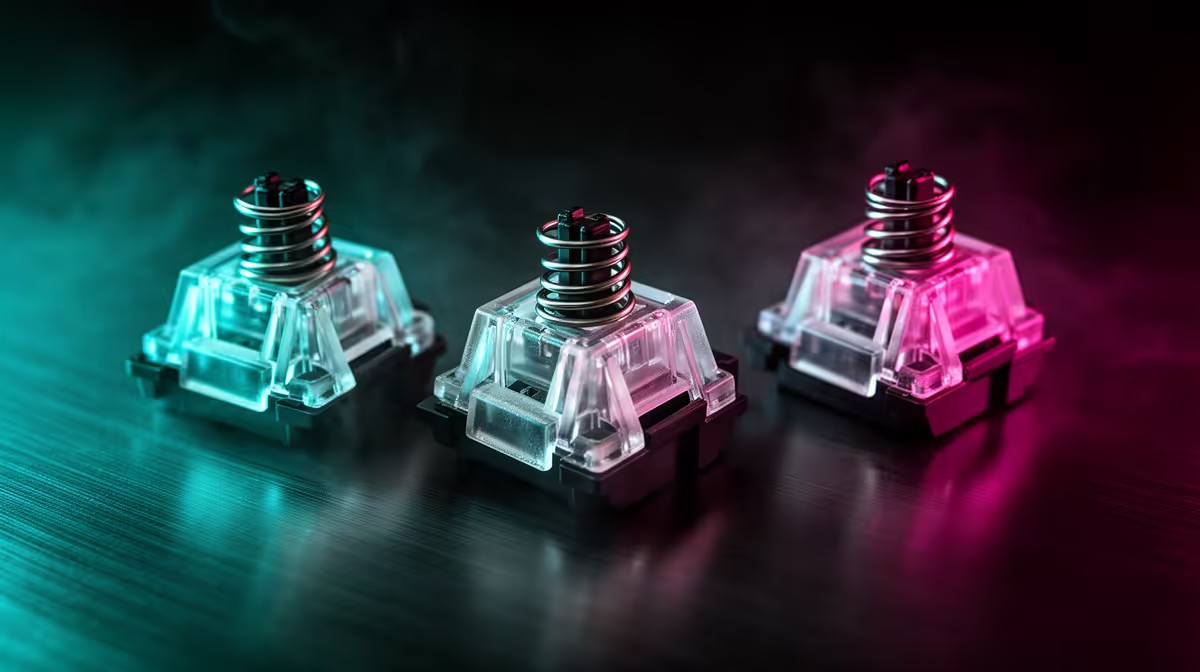
Switch labels describe the journey under your finger, not the game you are allowed to play with them. Pick linear, tactile or clicky switches from feedback, sound, force and the people sharing your space.
Quick Answer
Linear switches move through the stroke without a designed bump. Tactile switches add a change in force you can feel, while clicky switches add an audible mechanism as well. None is the universal gaming winner. Linear switches can make repeated presses feel smooth, but spring weight and actuation matter more than the category name. Tactile feedback helps some people avoid bottoming out. Clicky switches give a clear event and can be disruptive around other people or an open microphone. Pick with your fingers, room and games.
Linear is a feel, not a speed grade
A linear stem moves without a tactile bump or click mechanism. That direct travel is popular for movement keys and rapid repeats because there is no feedback event to cross on the way down or up.
The word linear does not tell you the spring weight, starting force, total travel or actuation point. A heavy linear can demand more effort than a light tactile. A long spring can change how force builds across the stroke.
Smoothness varies as well. Stem and housing tolerances, factory lubrication and key wobble separate switches within the same family. A scratchy linear does not become fast because its force graph lacks a bump.
Tactile gives your finger a marker
A tactile switch changes resistance during the press. The bump can be light and early or strong and long. That feedback may help you recognise a press without driving the key into the plate.
Actuation does not always occur at the exact peak of the bump. Check the switch specification or measurement if that relationship matters. On a magnetic board, a tactile mechanical event may not exist at all unless the design adds one.
Tactile switches suit mixed gaming and typing when you enjoy feedback without a separate click mechanism. They can still make sound from bottom-out, top-out and the case. Tactile does not mean quiet.
Clicky adds sound by design
Click-jacket, click-bar and other mechanisms create different sound and feedback. Some produce a click on the way down and another on return. The audible point may sit close to actuation, but design and tolerance decide.
That sound can be satisfying at a private desk. In a shared room, office or voice chat, it may reach people and microphones. Noise suppression can reduce some clicks, though aggressive processing can damage speech.
Lubricating a click mechanism can mute or spoil it. Follow guidance for the exact switch instead of treating a clicky model like a linear one.
Gaming performance comes from the whole board
Switch actuation begins the input, then the keyboard scans, processes and reports it. Debounce, firmware, connection and game sampling remain in the chain. Two keyboards with the same switch can post different latency.
Adjustable magnetic switches introduce configurable actuation and reset behaviour. Those features are separate from the linear, tactile and clicky mechanical categories. A short setting can feel reactive and can also cause accidental inputs when your fingers rest on movement keys.
For ordinary mechanical switches, shorter travel does not prove lower end-to-end latency. Use measured board results and test control under pressure.
Spring weight affects fatigue and mistakes
Light switches need less force and can help rapid taps. They can also fire when you brush a key. Heavy springs resist accidental presses but may tire your fingers through long holds.
Your hand posture changes the result. A switch that feels balanced during a shop tap can become tiring after an hour of holding W. Test sustained movement, repeated abilities and typing.
Spacebars and large keys add cap and stabiliser weight. Some people use a heavier switch under the spacebar, but mixed weights need a hot-swap board and compatible switches.
Sound comes from more than switch type
Bottom-out, spring return, keycap, plate, case and desk all contribute. A damped linear can be quiet, while a hard linear in a hollow case can be loud. A tactile switch with a soft landing may suit a shared room better than the category suggests.
Listen from normal seating distance. Close microphone recordings exaggerate small noises and can be processed. Test with your own desk mat and room when possible.
If quiet matters, inspect silent switch designs, stabiliser noise and case resonance. The absence of a click mechanism is only the first step.
Use a switch sample with purpose
A loose tester tells you force and feedback, but it cannot reproduce the full plate, caps and stabilised keys. Use it to eliminate obvious dislikes, then try a complete board.
Press movement keys for several minutes, type a paragraph and repeat one action. Count accidental inputs and notice whether you bottom out hard. Ask whether the feedback helps you control the key or distracts you.
Choose two finalists, not a tray of twenty. A light linear and medium tactile make a useful contrast. Add clicky only when the sound is acceptable where you play.
Match the switch to the people around you
A private gaming room gives you freedom to choose sound by taste. A shared bedroom, late-night flat or open office puts other ears into the decision. Record a minute of typing from the other person's seat, with the door and desk in their normal positions.
Your microphone creates another audience. Set chat gain and suppression as you use them in a match, then ask a teammate to listen while you hold movement keys and type. A clicky switch that sounds crisp at the desk can become a stream of sharp transients through a close mic.
Quiet switches bring trade-offs too. Internal dampers can soften bottom-out and return, changing the feel you liked in an ordinary version. Compare the complete switch rather than assuming a silent label gives the same stroke with less noise.
Shared use also rewards a predictable spring weight. If two people type on the board, choose a force both can control without fatigue or accidental presses.
Browse gaming keyboard deals by switch and layout. The keyboard best sellers help you compare complete boards once you know the feel you want.
FAQ
Are linear switches always faster for games?
No. Spring, actuation, firmware and connection matter. Linear travel may feel smoother for repeated presses.
Are tactile switches quiet?
They lack a designed click mechanism, but bottom-out, spring and case noise can still be loud.
Should I avoid clicky switches for voice chat?
Test your microphone and room. The click can reach teammates, and strong noise filtering may harm speech.
Compare gaming keyboards with two contrasting switch feels and test each through a full session.