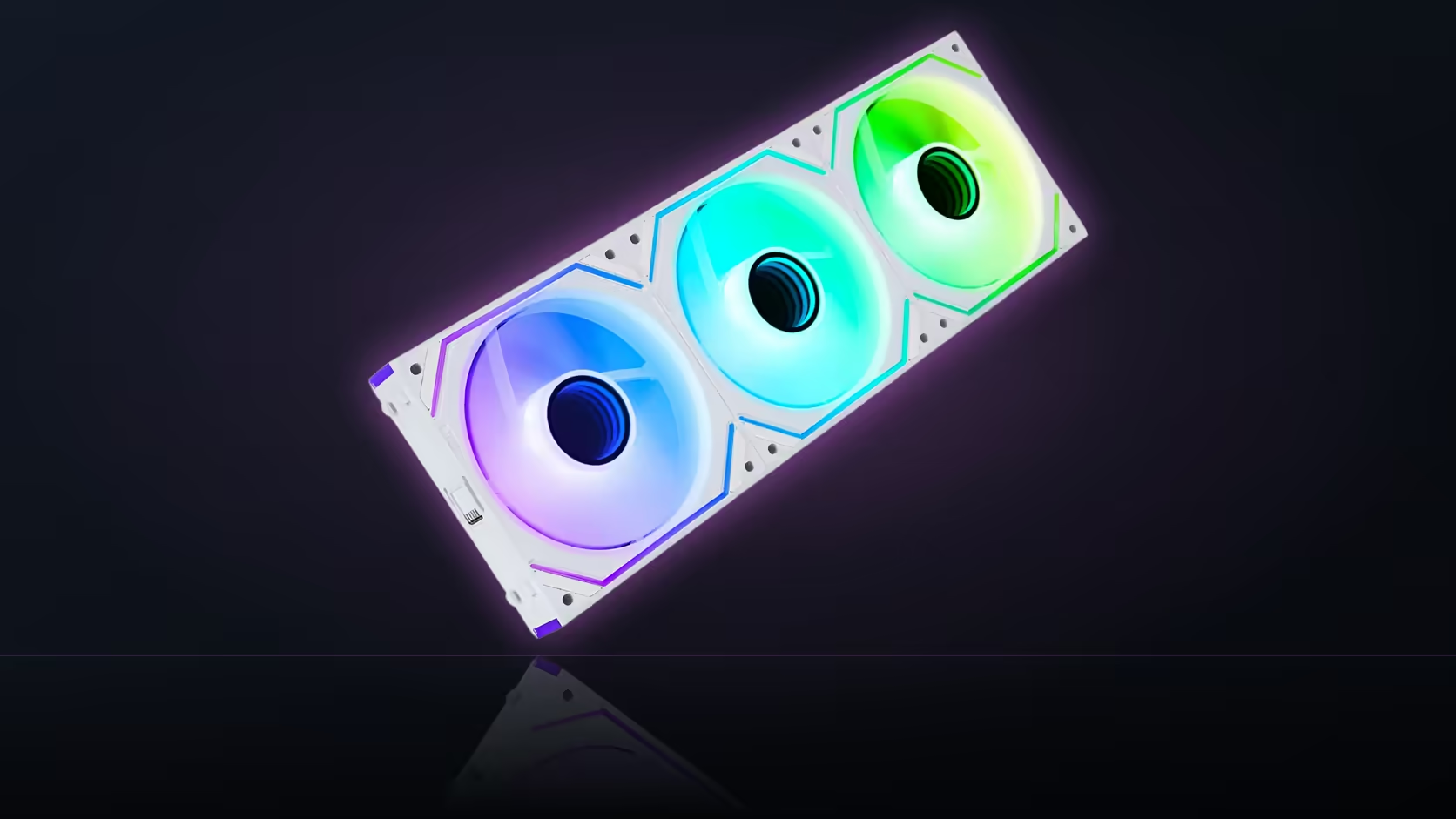
A quiet PC review video, watched idling at a desktop with nothing running, tells you almost nothing about what that same machine sounds like twenty minutes into a demanding session. Fans that vanish into the background at low load can become clearly present the moment a game or a render actually pushes the system, and judging a fan purchase on only one of those two states is how expectations end up mismatched with reality.
Quick Answer
Evaluating fans such as AsiaHorse's Dawn Pro properly means listening at both idle and under load, since a fan that is inaudible sitting at a desktop can become clearly present once the machine is actually working. The listing gives two boundary figures, as low as 6dB and up to 71 CFM, which describe opposite ends of the fan's operating range rather than a single combined state. Pricing runs R269 for a single fan up to R699 for a three-pack, VAT-inclusive, and a build under normal use will visit both operating extremes regularly.
🔀 Why both states need separate testing
Idle and load are genuinely different operating points for any fan, not just a difference in how loud the same behaviour sounds. A fan chosen purely on its idle character can disappoint the moment the machine actually starts working, precisely because that is the condition the idle listening session never tested in the first place.
The gap between the two states
At idle, most fan curves keep speed low deliberately, since there is little heat to move and quiet running is the priority. Under sustained load, the same curve ramps aggressively to keep temperatures in check, and that ramp is exactly where noise becomes audible in a way idle testing never reveals.
🎮 Choosing a representative workload
Whatever you actually use the machine for is the workload worth testing against, since a game and a rendering job load a system very differently and can produce noticeably different fan behaviour even on identical hardware. Testing against an artificial stress benchmark that does not resemble your real usage risks tuning a curve, or judging a fan, against a scenario you will rarely encounter.
📈 How much the fan curve actually decides
The curve programmed into your board's BIOS or lighting software determines how aggressively the fan ramps in response to temperature, and that setting has more influence over what you hear day to day than the fan model itself does. Two otherwise identical builds with different curve settings can sound meaningfully different even with the exact same fans installed.
🔉 Reading the two headline figures correctly
The as low as 6dB figure describes the quiet end of the operating range, which corresponds to an idle or near-idle condition rather than anything you would typically hear once the system is under real load. The 71 CFM figure sits toward the opposite end of that same range, where airflow is maximised and noise is correspondingly higher as a direct trade-off. Neither figure on its own describes the middle ground most builds actually spend most of their time in.
🌡️ Ambient temperature changes the picture too
A warm room pushes fans harder for identical workloads compared with a cool one, since the fan curve is responding to component temperature rather than to the room directly, and a hotter ambient baseline means components reach trigger temperatures sooner. What sounds acceptable in winter can behave differently once summer ambient temperatures push the same curve harder.
🎧 A practical testing routine
Listen at idle first, note the impression, then run your actual workload for at least ten to fifteen minutes to let temperatures and fan speed settle into a steady state before listening again. Adjusting the fan curve while actively listening, rather than guessing at a setting and checking afterward, is the most direct way to land on a configuration that balances temperature and noise the way you actually want.
🧱 Case airflow shapes what the curve has to do
The curve is only half the story. A case with restricted intake, a dense dust filter, or few exhaust paths forces the same fans to work harder for identical temperatures, which pushes the curve toward its noisier end sooner than it would in a more open layout. Two identical fan sets in two different cases can land at genuinely different points on the idle-to-load spectrum purely because of how freely air moves through each chassis, independent of anything the fan model itself contributes.
Positioning intake and exhaust to reduce the gap
Balanced intake and exhaust, roughly matched rather than heavily weighted toward one direction, tends to keep internal pressure and temperature more even, which in turn keeps the fan curve calmer across a wider range of everyday workloads. A build that is badly unbalanced between intake and exhaust often needs a steeper curve just to compensate, and that steeper curve is what shows up as an audible jump between idle and load. Pairing the right fans with a case that supports that balance is worth planning before the curve is tuned at all, and a look through case accessories covers any dust filters or mounts that shape airflow further.
Frequently Asked Questions
Why is it necessary to test both idle and load conditions?
Because they are genuinely different operating points, and a fan chosen only on idle behaviour can disappoint the moment the machine actually starts working.
Which workload gives the most representative test?
Whatever you actually use the machine for, since different tasks load a system differently and can produce noticeably different fan behaviour.
How much does the fan curve itself matter?
Considerably. The curve decides how quickly the fan ramps, so two builds with identical fans can sound very different depending on that setting alone.
What does the as low as 6dB figure actually represent?
The quiet end of the fan's operating range, corresponding to an idle or near-idle condition rather than typical behaviour under sustained load.
And what does the 71 CFM figure represent?
The airflow capability at the opposite end of the range, reached where noise is correspondingly higher as a direct trade-off for moving more air.
Should I test before or after finalising a fan curve setting?
Listening while adjusting the curve directly is the most effective way to land on a setting that balances temperature and noise together.
Does ambient room temperature actually change what I hear?
Yes, a warmer room pushes fans harder for the same workload, since the curve responds to component temperature rather than to the room itself.
Want to judge a fan properly across both idle and load?
Browse Evetech's case fan range to plan a build that behaves the way you expect at both ends.