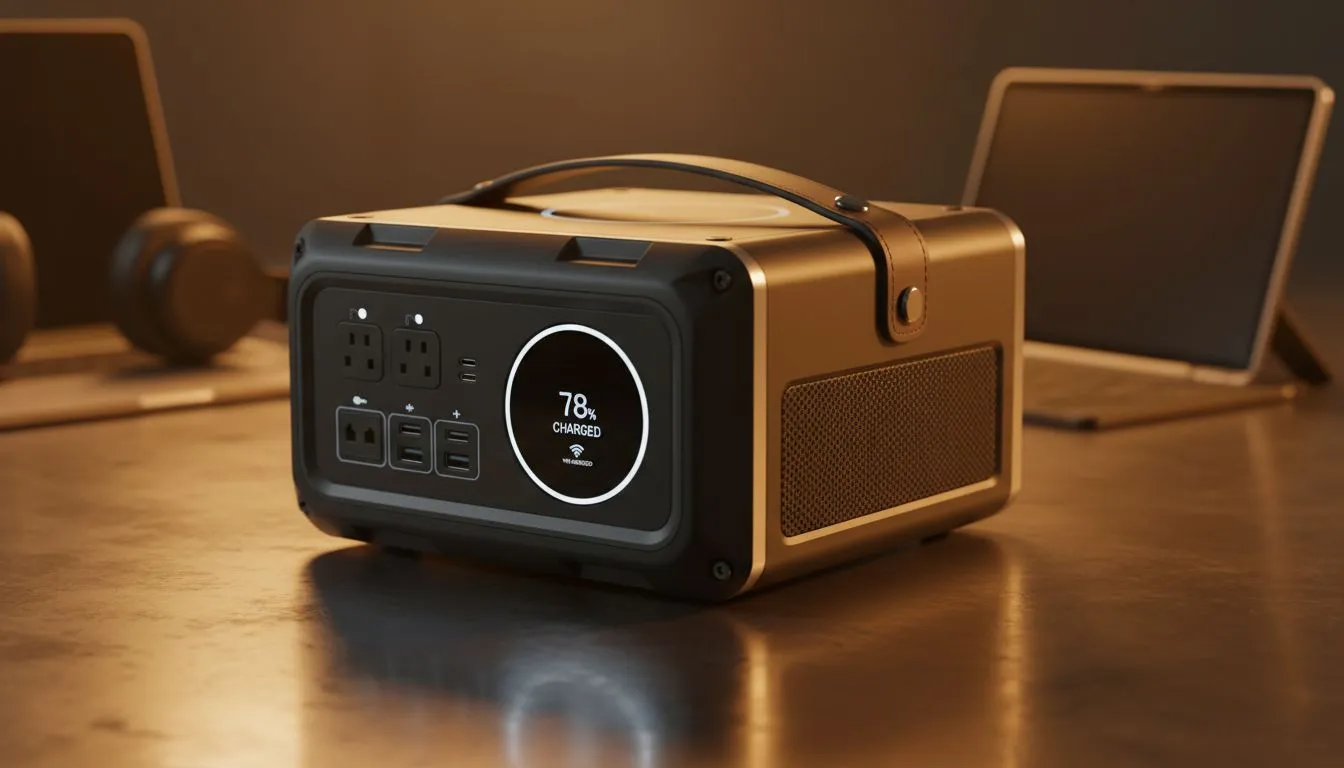
We all know that sinking feeling when the lights flicker and the fans stop spinning mid-Teams call. For South African remote workers, loadshedding isn't just an inconvenience... it’s a threat to your productivity and professional reputation. Staying online during Stage 6 requires more than just hope. It requires a solid strategy and the right gear to bridge the gap between outages. ⚡
Essential Gear for Your Loadshedding Survival Guide
Your first priority is keeping your connection stable. A small UPS or a dedicated bank for your router ensures the fibre stay up even when the grid goes down. If you are looking for reliable backup, you can browse our full range of power banks to find a solution that fits your home office setup. Keeping your router alive is the most cost-effective way to stay productive during the work day.
Managing Power on a Budget
Not every backup solution needs to break the bank. You can find basic units to keep your phone or small peripherals charged for very little. For those on a tight budget, there are several power banks under R500 that offer enough juice to get you through a standard two-hour slot. These are perfect for keeping your smartphone charged so you can use it as a mobile hotspot if your main line fails. 🔋
Professional Solutions for Extended Outages
If your work involves heavy multitasking or constant video calls, you need more capacity. Mid-range options provide better longevity for tablets and modern smartphones. We recommend checking out power banks under R1200 for a balance of price and performance. These units provide enough overhead to handle multiple devices simultaneously.
For those who value build quality and fast-charging tech, the Promate power bank collection offers excellent reliability for professionals on the move. These units are designed to withstand the wear and tear of daily use while providing consistent voltage to your expensive electronics. 💼
Optimising Your Workspace for Darker Hours
Don't forget about your environment. Working in the dark causes eye strain and reduces focus. A simple USB-powered LED light can make a massive difference to your comfort. It also helps to keep your laptop on a hard surface to improve airflow. Heat is the enemy of battery health... especially when the aircon is off. Try to keep your devices in a cool, shaded spot during the day to prevent thermal throttling.
Battery Health Pro Tip ⚡
To extend the lifespan of your backup batteries, avoid letting them drop to zero percent. Most lithium-ion cells prefer to stay between twenty and eighty percent charge. Unplug your devices once they reach full capacity to prevent unnecessary heat buildup during those long Stage 4 afternoons.
Ready to Beat the Blackouts?
Your loadshedding survival guide is only as good as your gear. Don't let the next schedule catch you off guard. Explore our massive range of power solutions and find the perfect backup to keep your remote office running smoothly.