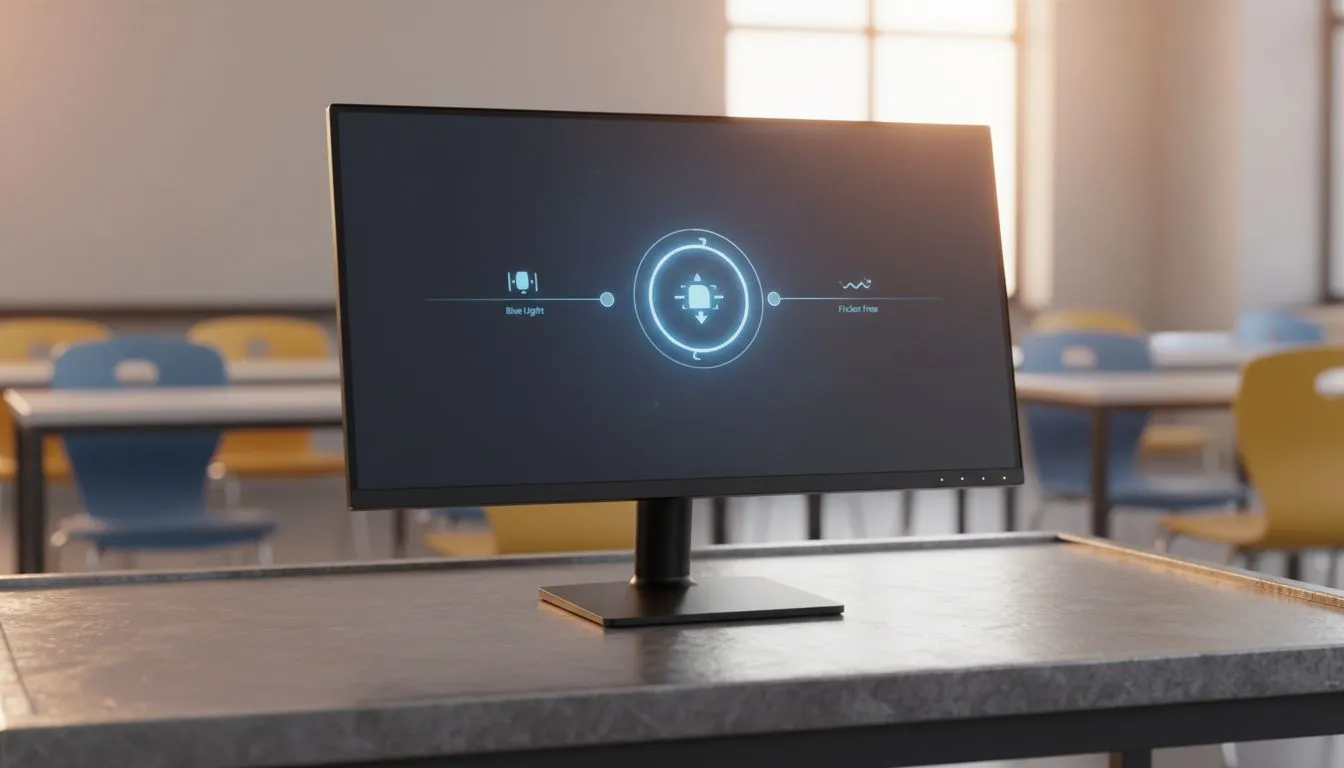
Low blue light monitors: why schools should care ✨
Classrooms are screens now — from Grade R to matric exam prep. Low blue light monitors for schools reduce eye strain and help learners focus during long study sessions. That matters in South Africa where screen time spikes in blended learning. This short guide explains practical choices, classroom setup tips, and where to buy reliable models locally. 🔧
Low blue light monitors: the classroom benefits
Choosing low blue light monitors for schools cuts short-term fatigue and supports sustained attention. Many modern monitors include flicker-free backlights and an eye-care mode that shifts colour temperature without making images dull. If you’re checking model families and tech, start at Evetech’s main monitor hub to compare specs and prices shop monitors. For adaptive refresh needs, look up specific Sync technologies next.
Matching features to school needs
Schools need durable, comfortable displays more than gaming bells and whistles. Aim for 21–27 inch screens with an IPS panel for wide viewing angles and accurate colour — handy for group work and coding lessons. Evetech lists several IPS options to narrow your search IPS panel monitors. If you’re managing shared PC labs, flat screens save desk space and avoid edge glare flat screens.
Refresh, sync and eye comfort
Adaptive sync matters mostly for motion clarity. If your lab runs video editing or light gaming after hours, FreeSync units give smooth playback with many affordable GPUs — see AMD-compatible choices FreeSync monitors. If you standardise on other hardware, check Adaptive Sync listings for broader compatibility Adaptive Sync models. For schools with NVIDIA workstations, consider G-Sync compatible displays G-Sync monitors.
Setup tips and classroom best practice ⚡
Small adjustments go a long way: screen height at eye level, 50–70 cm viewing distance, and ambient lighting that avoids reflections. Low blue light modes reduce short‑wave blue emissions while keeping contrast. For collaborative or recreational zones, curved panels can improve immersion without increasing brightness — explore curved options curved monitors.
Classroom Comfort Tip ✨
Encourage 20‑minute breaks during long screen sessions and use low blue light mode for evening classes. Pair monitors with matte screen protectors to cut glare in rooms with strong daylight.
Buying in South Africa: value and warranty
When buying for schools, balance upfront cost with warranty and local support. Evetech’s monitor category is a practical place to start your procurement planning — many models include local warranty details and specs on the same product page compare monitors and specs. Budget models with eye-care features are available, and investing in a handful of higher-quality IPS panels can improve classroom longevity.
Quick checklist before you order
- Confirm low blue light and flicker-free tech.
- Prefer IPS for shared viewing angles.
- Check VESA mount options for flexible installations.
- Consider adaptive sync only if motion or media work is common.
Ready to Find Your Perfect Match?
The Mac vs Windows debate is complex, but for maximum power, choice, and value in South Africa, Windows is hard to beat. Explore our massive range of laptop specials and find the perfect machine to conquer your world.