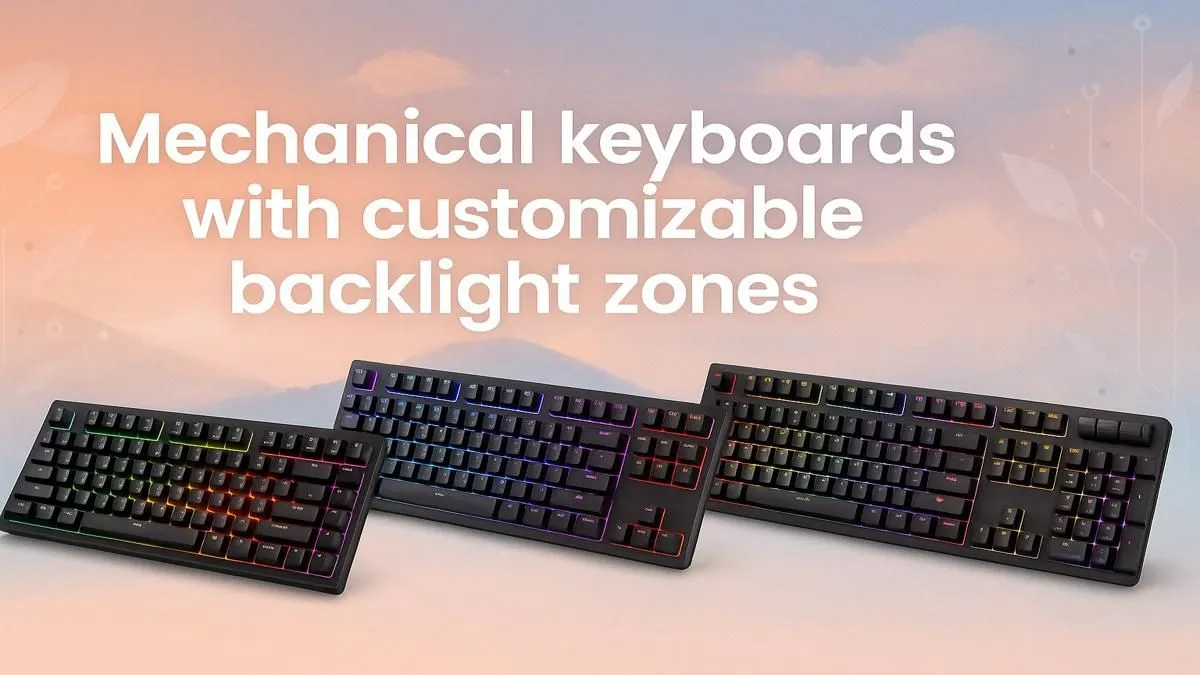
Tired of your keyboard’s boring, single-colour glow? Imagine your WASD keys burning red while your ability keys pulse blue, giving you an instant visual edge in the heat of battle. That’s not a dream… it's the power of the best mechanical keyboards with customizable backlight zones. This isn't just about a flashy setup; it's about optimising your rig for victory. Let's dive into how you can find the perfect board from the huge range of gaming keyboards in South Africa.
Why Settle for One Colour? The Power of Zoned Lighting
A static backlight is fine, but a keyboard with customisable backlight zones is a tactical tool. It transforms your peripheral into an extension of the game's interface. Instead of just looking pretty, the colour-coding provides instant, muscle-memory feedback.
Think about it… you’re in a tense Warzone firefight. Your health is low. Your keyboard’s main zone flashes a critical red, a visual alarm that your eyes catch without having to glance at the health bar. This is the kind of advantage that the best mechanical keyboards with customisable zones offer. It's about reducing cognitive load so you can focus purely on your aim and movement.
From Chaos to Control: Your First Custom Layout
Getting started is easier than you think. Most keyboards with programmable lighting come with intuitive software. You can assign colours to specific groups of keys, creating zones for movement, abilities, communication, and more. This simple tweak can seriously streamline your gameplay, making you faster and more efficient.
Create a Cohesive Battlestation ✨
keyboard's RGB is just the start. Sync your lighting effects across all your peripherals for a truly immersive experience. Many brands use unified software, so pairing your new keyboard with a matching mouse is seamless. Check out a [keyboard and mouse combo](https: www.evetech.co.za buy-keyboard-mouse-combo x 1583.aspx) to get a perfectly synced setup right out of the box.
Setting Up Your Zones for a Tactical Advantage 🚀
The real magic happens when you tailor your zones to your favourite games. A well-designed layout can make you a more formidable opponent. Here are a few ideas to get you started.
First-Person Shooters (CS:GO, Valorant, Apex Legends)
- Movement Zone (WASD): Bright white or green for high visibility.
- Action Zone (R, F, G): A distinct yellow for Reload, Interact, and Grenade.
- Weapon Swap (1, 2, 3): Cool blue.
- Utility (Shift, Ctrl): A subtle orange for Sprint and Crouch.
MOBA / MMO (Dota 2, League of Legends, WoW)
- Ability Keys (Q, W, E, R): Assign a unique, vibrant colour to each key.
- Item Slots (1-6): Use a different colour palette, like shades of purple.
- Summoner Spells / Ultimates: Make them flash or pulse when off cooldown.
This level of customisation turns your keyboard from a simple input device into a dynamic information display, giving you a competitive edge. Whether you prefer the zero-latency performance of wired mechanical keyboards for competitive play or the clean aesthetic of wireless mechanical keyboards for a clutter-free desk, there's a customisable option for you.
Finding the Best Mechanical Keyboard for You
When you’re ready to upgrade, look beyond the lights. The best mechanical keyboards with customizable backlight zones also feature superior build quality, a choice of mechanical switches (clicky, tactile, or linear), and robust software. Finding the right combination will not only make your setup look incredible but also feel amazing to use, whether you're gaming for hours or typing up a storm.
Ready to Light Up Your Game?
Stop guessing and start winning with a keyboard that works as hard as you do. Explore Evetech's latest keyboard deals for performance that leaves the competition in the dark.