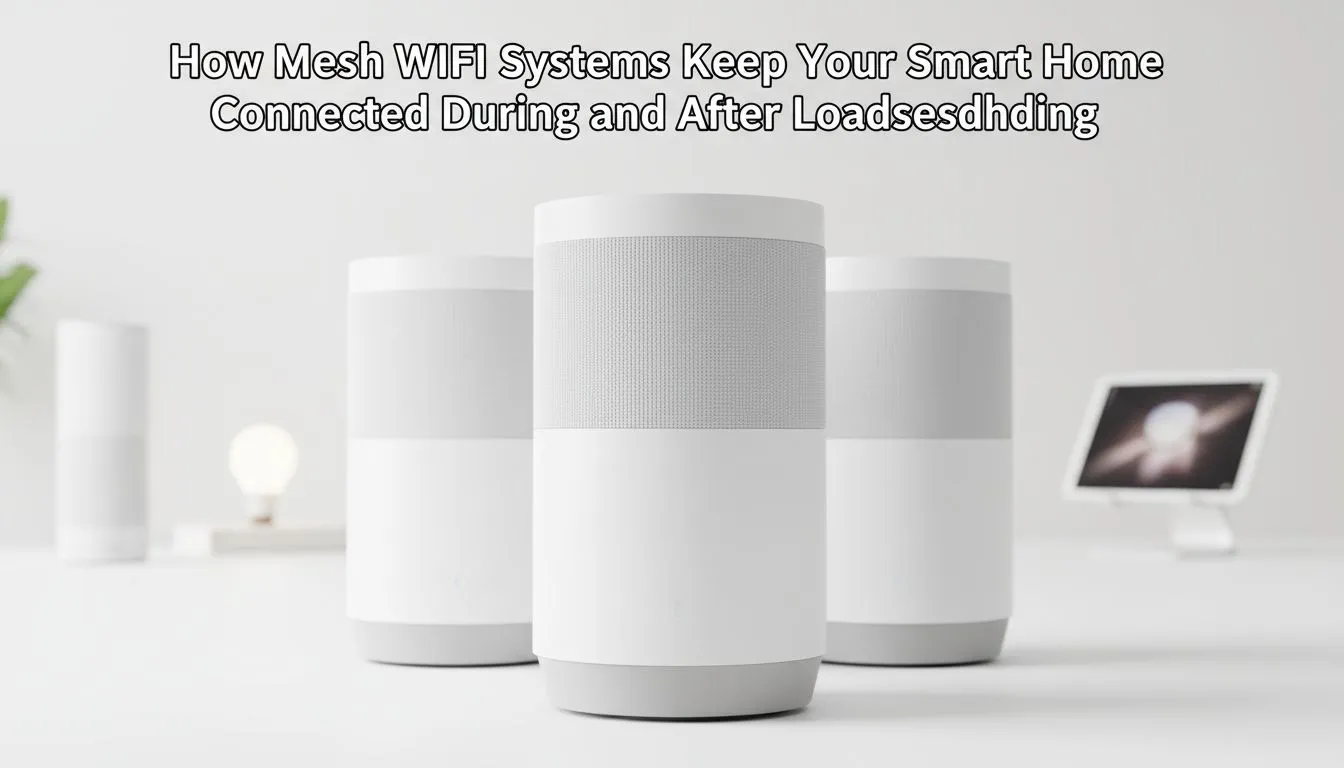
Why Mesh WiFi for Loadshedding is a Local Essential
We all know the drill. The Stage 6 notification pops up... your heart sinks... and then the WiFi dies. In a modern South African smart home... staying online during loadshedding is a necessity. Mesh WiFi for Loadshedding ensures your security cameras... smart lights... and work laptops stay connected seamlessly when the grid fails. It is about more than just signal... it is about total reliability. ⚡
Standard routers often struggle with the thick brick and mortar walls found in many South African homes. When the power goes out... a single router point often leaves "dead zones" where backup-powered devices cannot reach the internet. By using powerful wireless routers as part of a mesh system... you create a unified web of connectivity that blankets your entire property.
Keeping Your Smart Home Devices Synchronised
A smart home is only as clever as its connection. When the lights flicker and your inverter kicks in... your devices need to stay synced. If your main node is backed up by a UPS... a mesh network allows your phone or laptop to roam between nodes without dropping the signal. For desktop users who cannot move their rigs... upgrading to high-speed wireless adapters ensures your PC stays locked onto the strongest available node.
Loadshedding Connectivity Tip ⚡
Always plug your primary mesh node and your ONT into a dedicated mini-UPS. This ensures that even when the house lights go dark... your fibre line and internal network remain active. It prevents that annoying five-minute "reboot lag" every time the power cycles back on.
Bridging the Gaps in Your Coverage
Sometimes... even the best mesh systems need a little help in far-off corners or outdoor patios. While nodes are the primary solution... strategically placed wireless range extenders can help fill those tiny gaps where a full node might be overkill. This is particularly useful for ensuring your gate motor or outdoor security cameras stay part of the network during a blackout. 🏠
Optimising Your Setup for Maximum Uptime
To get the most out of your hardware... you need to look at the efficiency of your equipment. Modern dedicated fibre routers are designed to be energy-efficient... which is vital when you are running on battery power. The less power your networking gear draws... the longer your backup batteries will last during those long four-hour slots.
Investing in high-quality wireless networking gear is the most effective way to "loadshedding-proof" your digital life. It eliminates the frustration of reconnecting dozens of smart bulbs and plugs every time the grid fluctuates. 📶
Ready to Stay Online During Loadshedding?
Don't let the power schedule dictate your connectivity. Whether you need a full mesh system or a single high-performance node... we have the tech to keep you connected. Explore our massive range of networking specials and keep your smart home running 24/7.