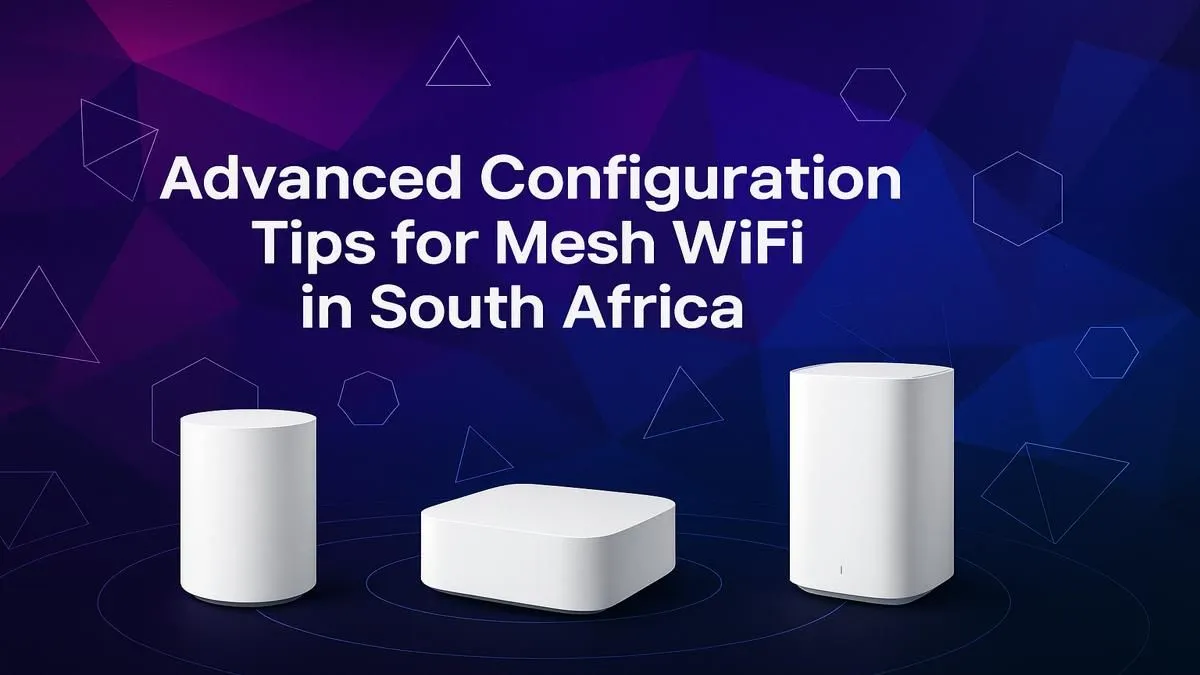
Is your WiFi signal weaker than a Monday morning feeling? Lag spikes during a crucial Apex Legends match, buffering on Showmax, and dead spots in the back room… we’ve all been there. For many South African homes with their classic thick walls, a single router just can’t cope. It’s time to stop fighting your connection and start optimising it with a proper mesh WiFi setup in South Africa. This guide will show you how. 🚀
Why Your Old WiFi Setup is Holding You Back
For years, the go-to solution for bad WiFi was a simple extender. You’d plug one in, hope for the best, and often end up with a second, weaker network that constantly needed you to switch between them manually. This approach is clumsy and often creates more problems than it solves. While traditional WiFi range extenders have their place, they simply can't match the seamless coverage of a modern mesh system.
A mesh network, by contrast, uses multiple nodes that work together as a single, intelligent system. They blanket your entire home in one powerful, unified WiFi network. This means you can walk from the lounge to the garden on a video call without a single drop. That’s the magic of a proper mesh WiFi setup.
Pro Configuration Tips for Your South African Home
Getting your mesh network running is usually straightforward, thanks to user-friendly apps. However, a few pro tips can take your performance from good to incredible. Following a solid mesh WiFi setup guide ensures you get the most out of your investment.
Step 1: Strategic Node Placement
Where you place your nodes is the single most important factor for success.
- The Primary Node: Connect this directly to your fibre or ADSL modem and place it in a central, open area of your home. Don't hide it in a cupboard or behind the TV.
- Satellite Nodes: Place these roughly halfway between the primary node and the known dead spots. The goal is for each node to have a strong connection to at least one other node. Think of it as creating a chain of strong signals. Most mesh system apps have a signal-strength tester to help you find the perfect spot.
Step 2: The App-Based Configuration
Once your nodes are placed, download the manufacturer's app (like TP-Link Deco or Tenda Nova) and follow the on-screen instructions. This is where you’ll set your network name (SSID) and password.
Seamless Upgrade Tip ⚡
When setting up your new mesh network, use the exact same WiFi name (SSID) and password as your old router. This simple trick forces all your existing devices—laptops, phones, smart TVs, and cameras—to connect automatically without you having to re-enter the password on every single one. It saves a ton of time and frustration!
Step 3: Optimise for Gaming and Streaming
Now for the fun part. Dive into your mesh app’s settings and look for Quality of Service (QoS). This feature lets you tell the network which devices or activities are most important. Set your gaming PC or console as a high-priority device. This ensures that even if someone else starts streaming 4K video, your game connection remains stable and latency-free. It’s a core benefit of a modern mesh WiFi configuration. For older PCs without built-in WiFi 6, pairing your new network with powerful USB wireless adapters can make a world of difference.
Taking Your Mesh Network to the Next Level
Want the absolute best performance? If your home has network cables (Ethernet) running through the walls, you can use a feature called "wired backhaul." This means connecting your satellite nodes to the primary node with a cable instead of wirelessly. 🔧
This frees up the wireless bandwidth exclusively for your devices, resulting in maximum speed and the lowest possible latency across your entire network. While many people will replace their ISP-provided box, some of the best high-performance wireless routers can also operate in a mesh-like mode or act as a powerful central brain for your new system.
A well-planned mesh WiFi setup for your South African home isn't just an upgrade; it's a total transformation of your online experience, ensuring every corner of your home is covered with a fast, reliable signal.
Ready to Banish WiFi Dead Spots?
Stop battling with bad signal and lag. A mesh WiFi system provides seamless, powerful coverage for your entire home. Explore our complete wireless networking setup and find the perfect solution to conquer your connection woes for good.