Quick Answer
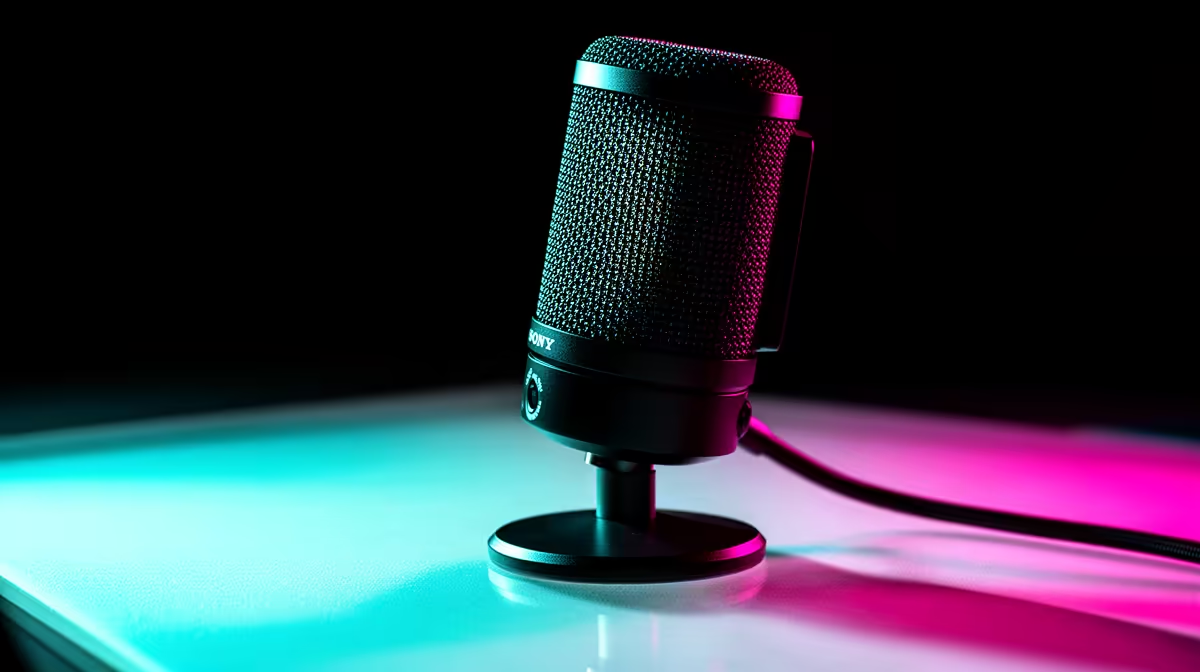
For Dota 2 players in SA, a cardioid USB microphone is the safest upgrade because it improves callouts without needing an audio interface. Budget roughly R900-R1,500 for entry USB models such as Razer Seiren Mini or HyperX SoloCast, and R2,000-R3,500 for cleaner controls such as Elgato Wave:3 or Logitech G Yeti GX. Place it 10-15cm from your mouth and use Discord noise suppression before spending more.
Pick the right mic type
A headset mic is convenient, but it often sounds thin when squad chat gets loud. A USB desk mic gives clearer voice, easier mute control and better gain handling for ranked games, raids and late-night Discord sessions. XLR can sound excellent, but it adds an interface, extra cables and more setup work, so it only makes sense when streaming or recording is part of the plan.
Setup matters more than brand
Keep the microphone off the keyboard line, aim the front of the capsule at your mouth and lower gain until keyboard hits stop clipping. For Dota 2, speech needs to be clear at normal volume, not broadcast-loud. A boom arm or small stand in the R300-R900 band can help more than buying a pricier mic and leaving it behind the monitor.
Match comms to the gaming PC
Clear voice does not replace performance, but it protects teamwork when the game is already running at 60-144 fps. If the PC uses a Ryzen 5 5600 or Ryzen 5 7600 with RTX 4060 class graphics and 16GB RAM, the audio upgrade is usually about comfort and communication rather than frame rate. SA fibre players should still check ping and packet loss, because broken comms can also come from Wi-Fi drops.
FAQ
Is a USB microphone enough for Dota 2?
Yes, a good USB mic is enough for most SA players because it keeps setup simple and works across Discord, in-game chat and recording apps. Choose cardioid pickup, a visible mute control and stable stand placement before chasing studio features.
How much should I spend on a gaming microphone?
A practical SA range is R900-R1,500 for entry USB and R2,000-R3,500 for better controls and monitoring. Spend more only when streaming, content creation or XLR expansion is part of the plan.
How do I stop keyboard noise in team chat?
Move the mic closer to your mouth, lower gain and turn on noise suppression in Discord or your chat app. A boom arm plus 10-15cm speaking distance usually cuts more keyboard noise than a random preset.
Mic Check
Record a 20-second test with keyboard taps and normal speech; if the words are clear and the taps sit behind your voice, the setup is match-ready.