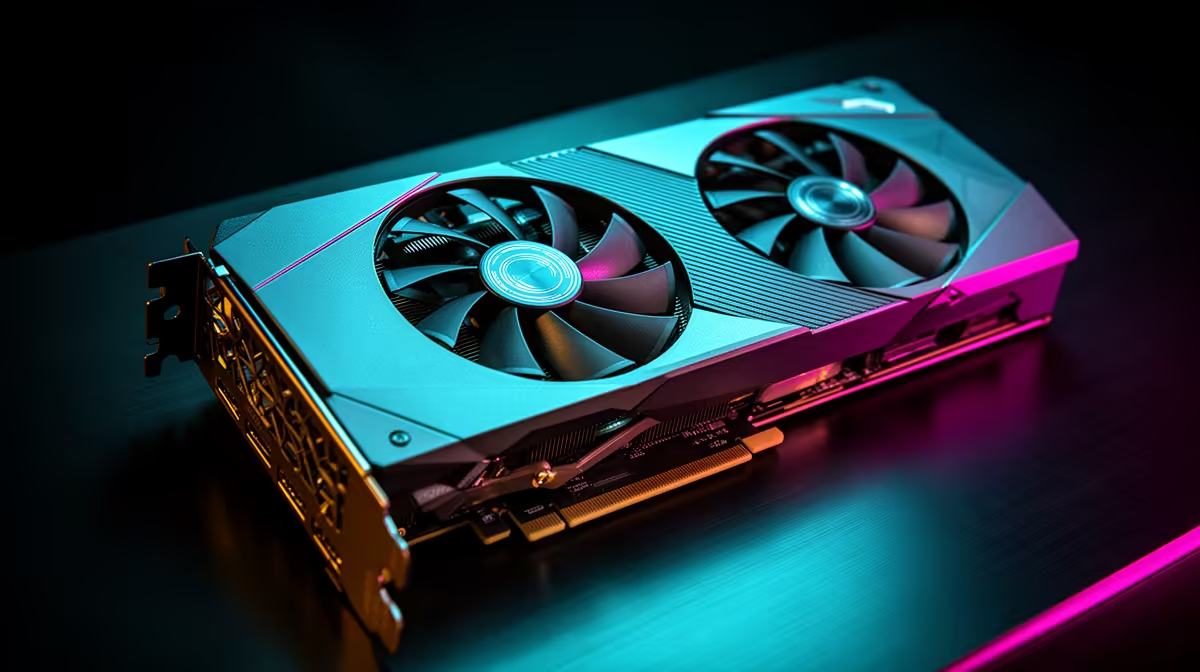
The RX 580 to RX 9060 XT upgrade replaces a Polaris-era card with modern Radeon hardware built for today's 1080p and 1440p games. You gain far more rendering speed, hardware ray tracing, current FSR support and a much roomier memory option. If the old card is still your daily driver, this is an easy upgrade to justify.
Quick Answer
Yes, upgrade from the RX 580 to an RX 9060 XT. The change is large enough to improve ordinary raster performance, add ray tracing and give new games far more VRAM room. Evetech's graphics-card category centred on R13,299 as of July 2026, so compare exact 9060 XT listings and include any PSU or monitor update in the final amount.
🕰️ The RX 580 has done its job
The RX 580 can still handle esports and older 1080p games at moderate settings. It begins to struggle with newer engines, high-resolution textures and modern effects. Driver support and feature paths also reflect its age.
Run the old card in the game you care about most and note the frame rate, resolution, memory use and settings. This baseline is useful after the swap because it shows how much experience changed, not only how a new benchmark score moved.
Evetech's graphics card category gives a view of the full current field. The RX 9060 XT selection lets you compare the 8GB and 16GB versions plus physical cooler details.
🧠 Choose memory for the next screen
An RX 580 may have 4GB or 8GB depending on the model. Either way, the RX 9060 XT 16GB gives a large increase in texture and asset headroom. That suits 1440p, large mods and a longer keep-cycle.
The 8GB version can make sense for a focused 1080p build when its price is clearly lower. Newer demanding releases may ask you to manage textures sooner. If you plan to move from a 1080p monitor to 1440p, 16GB is the easier choice.
Extra memory does not double performance. The new architecture and processing hardware deliver the speed, while capacity prevents memory from becoming the first restriction. Compare the price difference with how long you plan to keep the card.
✨ Modern Radeon features change the settings menu
The RX 9060 XT adds hardware ray tracing that the RX 580 does not have. Use selected effects and compare their visual effect. A maximum ray-tracing preset can cost many frames, even on modern hardware.
FSR upscaling can recover performance in supported games. Begin with Quality mode at 1440p and inspect thin detail during camera movement. Frame generation can improve displayed motion once the base frame rate is comfortable.
Modern video outputs and media features may also suit a newer monitor or creation workflow. Check the exact partner card specification against the ports you need rather than assuming every board has the same layout.
🔧 Expect the old platform to need attention
An RX 580 system may have an older power supply. Read the exact RX 9060 XT maker's requirement, then inspect the unit's capacity, connectors, cable condition and age. Do not reuse a modular cable from another PSU.
The processor can hide some of the new card's speed at high frame rates. Test by lowering resolution on the RX 580 before upgrading. If performance barely changes while the GPU is underused, plan a later CPU or platform update.
Check case clearance too. New coolers can be thicker even when power efficiency improves. Measure from the rear slot to front fans and leave an open path below the card for intake air.
🧪 Install it in stages
Update Windows, save your game settings and note the monitor refresh rate. Remove the old driver cleanly if the machine has a history of Radeon software trouble, then install the current package after fitting the new card.
Test at stock. Run one repeatable loop, then the games used for your RX 580 baseline. Watch temperatures, fan noise, stability and frame times. Confirm the screen uses its full refresh rate and adaptive sync works.
Keep the RX 580 as a known-working spare until the new card proves itself. Check the GPU best sellers before ordering so the chosen 9060 XT still makes sense beside other current options.
The monitor may be as old as the RX 580. Check its native resolution, refresh rate and adaptive-sync range. A 60Hz panel will show cleaner settings from the new card, but a 120Hz or faster display can reveal the large frame-rate change as well. Include that later screen move in the plan without forcing both upgrades into one day.
Legacy motherboards can also need attention. Confirm that the graphics slot works correctly, update the BIOS only through the board maker's procedure and check whether the case front intake is blocked by old drive cages. The RX 9060 XT belongs in a clean, stable platform even if that platform is not new.
After the first boot, open Device Manager and Adrenalin to confirm the card is recognised. Set the monitor refresh rate, enable adaptive sync where supported and run a light game before the hardest stress test. Building load in stages makes a cabling or driver problem easier to spot.
Keep the old Radeon driver installer and a restore point available until the new setup settles. You should not need them, but a recovery path removes pressure if the current package behaves badly.
Label the RX 580 box with the working driver date before storing the card as a spare.
Frequently Asked Questions
How much faster is the RX 9060 XT than the RX 580?
It is a major multi-generation leap. Exact gains depend on the game, resolution and the older system's CPU.
Does the RX 9060 XT add ray tracing the RX 580 never had?
Yes. It includes hardware ray-tracing support, though settings still need to match the target frame rate.
Is the RX 9060 XT overkill for someone coming from an RX 580?
No. It is a sensible modern target for strong 1080p or 1440p gaming.
What VRAM options does the RX 9060 XT come in?
It is available in 8GB and 16GB versions. The larger option suits 1440p and longer ownership.
Will my old power supply work with an RX 9060 XT?
Maybe. Check its quality, age, capacity and connectors against the exact card maker's guidance.
Ready to retire the Polaris card?
Compare RX 9060 XT memory sizes at Evetech and inspect the old system's power supply, processor and monitor before fitting one.