


Humidity Damage to PC Components: Recovery Guide
Humidity Damage to PC Components: Recovery Guide. Everything you need to know with SA pricing, step-by-step instructions & expert recommendations.
Read moreExplore mini PC architecture and discover how these compact powerhouses pack incredible performance into a tiny frame. We'll break down the motherboard design, cooling systems, and key components that make small form factor PCs possible. Ready to understand the tech? Let's dive in! 🖥️💡
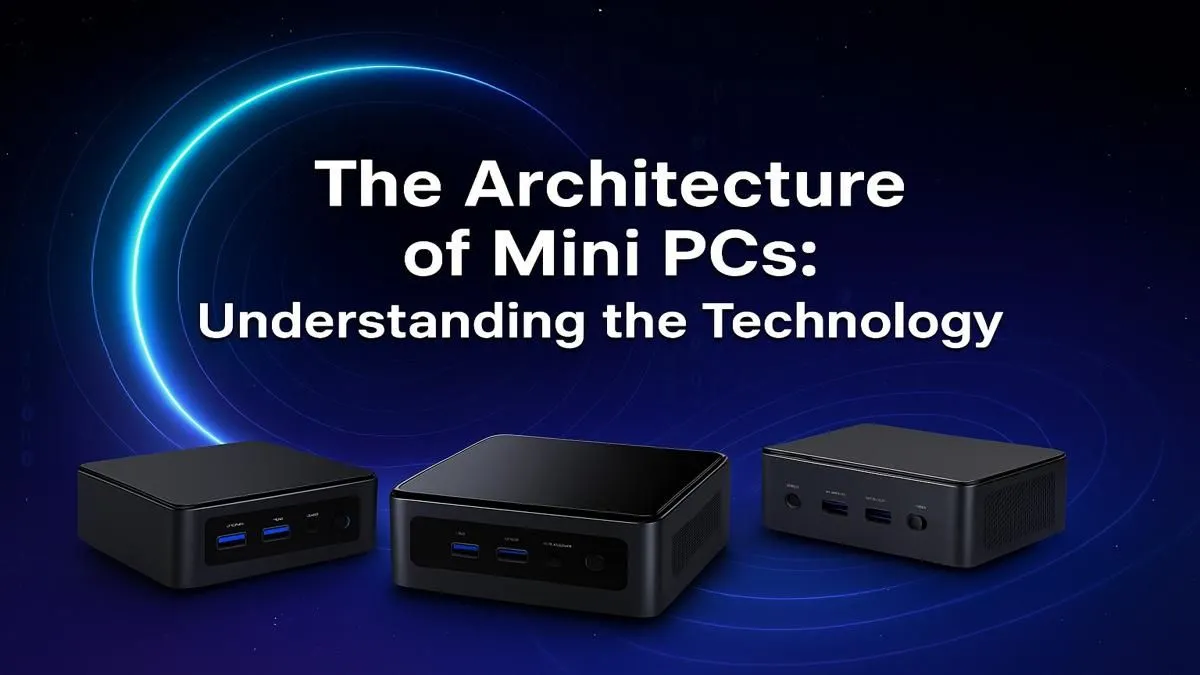
Think big, go small. Forget the days when powerful computing meant a massive, humming tower taking up half your desk space. Today, some of the most exciting innovation is happening in tiny packages. But how do these little boxes pack such a punch? It’s not magic… it’s a masterclass in modern mini PC architecture, designed for South Africans who value both power and space. Let's lift the lid and see what makes them tick. 🚀
At its core, mini PC architecture is about smart integration and thermal efficiency. Unlike traditional desktops where components are spread out, a mini PC motherboard is a marvel of condensed engineering. It’s a delicate dance between performance, power consumption, and heat management.
The biggest shift is the move towards System-on-Chip (SoC) designs, similar to what you'd find in a high-end laptop. The CPU, powerful integrated graphics (like AMD's RDNA or Intel's Arc graphics), and other controllers are all baked into a single, power-efficient package. This dramatically reduces the physical footprint, allowing designers to create chassis that are incredibly small without sacrificing core functionality. This clever design is what enables the entire category of powerful mini PCs available today.
Heat is the natural enemy of performance, and in a cramped space, it's a huge challenge. Engineers use sophisticated cooling solutions to keep things running smoothly. You'll find:
The result is a system that can sustain high performance for longer, whether you're editing video or sneaking in a gaming session.
Turn your Mini PC into the ultimate media server with Plex or Jellyfin. Connect an external hard drive for your movie and series library, install the server software, and you can stream your content to any device in your home—from your smart TV to your phone. It's a low-power, always-on solution that beats a bulky HTPC.
Let's be clear: a top-tier mini PC won't outperform a full-sized R50,000 gaming rig. But the gap is closing fast. The efficiency of modern mobile processors means that for most tasks—including 1080p gaming, content creation, and heavy multitasking—the performance is staggering for the size. They are perfect for the home office, a student's digs, or as a discreet entertainment hub in the living room. Finding the right compact computer for your setup is about matching the specs to your specific needs.
When diving into the world of small form factor PC design, a few things are crucial.
Ultimately, the sophisticated mini PC architecture of today offers more power, efficiency, and flexibility than ever before. It's proof that great things truly do come in small packages.
Ready to Embrace Compact Power? From decluttering your desk to building a stealthy media hub, the right Mini PC can revolutionise your setup. Explore our massive range of Mini PCs and find the perfect compact powerhouse for your needs.
The architecture of a mini PC centres on a highly integrated motherboard, custom-designed to fit a small chassis. It includes a power-efficient CPU, SODIMM RAM slots, and M.2 storage, all optimised for compact placement and thermal management.
Mini PCs use active cooling with small fans and custom heatsinks, or passive cooling with heat-dissipating chassis designs. Efficient, low-power mini pc internal components are crucial for effective thermal management in their compact form factor.
Yes, many components are different. Mini PCs often use laptop-style SODIMM RAM and M.2 SSDs instead of full-size DIMMs and 2.5/3.5-inch drives. CPUs are typically mobile or low-power desktop variants to manage heat and power consumption.
Most mini PCs rely on integrated GPUs (iGPUs) built into the CPU, which cannot be upgraded. Some high-end models may feature a dedicated mobile GPU, but these are also typically soldered to the motherboard and not user-replaceable.
NUC (Next Unit of Computing) is an Intel-branded line of mini PCs. While all NUCs are mini PCs, not all mini PCs are NUCs. The term "mini PC" is a broader category that includes devices from many manufacturers like ASUS, Minisforum, and Beelink.
Despite their size, modern mini PCs offer excellent connectivity. Most include multiple USB ports (including Type-C/Thunderbolt), HDMI/DisplayPort outputs, Ethernet, and built-in Wi-Fi and Bluetooth, making them very versatile.
Humidity Damage to PC Components: Recovery Guide. Everything you need to know with SA pricing, step-by-step instructions & expert recommendations.
Read more
Gamer Spending Trends April : Complete Setups. Clear setup instructions with SA-specific considerations, troubleshooting tips & recommended components.
Read more
Setting Up DDR5 32GB Kit. Tested & verified settings for best FPS and visual quality on SA hardware budgets.
Read more
Tech Setup Guide for SPU Res Students. Clear setup instructions with SA-specific considerations, troubleshooting tips & recommended components.
Read more
Monster Hunter Wilds Ultrawide Support: 21:9 and. Clear setup instructions with SA-specific considerations, troubleshooting tips & recommended components.
Read more
Apple iPad Durability Guide: Cases, Screen. Practical breakdown of costs, regulations & whether it makes financial sense for SA buyers.
Read more
AMD RX 9050 XT: Rumoured Specs, Price & Release. SA-focused analysis with local pricing data, real-world insights & actionable buying advice.

Can RTX 4080 Super Run AI Workloads for SA Developers Detailed answer with SA data, expert analysis & practical recommendations for local buyers.

Can RTX 4090 Run AI Workloads for SA Developers Detailed answer with SA data, expert analysis & practical recommendations for local buyers.

Top Settings for Intel Arc B580 at Ultrawide 1440p picks evaluated on performance, value & SA availability with current Rand pricing from Evetech.

RTX 4060 CS2 Low Settings at 1080p: FPS Results. Real-world benchmark data, FPS numbers & performance analysis. What SA gamers can actually expect.

Visual Artifacts: Possible GPU Issue Issue #1. Diagnosis steps, proven fixes & when to seek professional help. SA-specific support info included.

Can the RTX 4090 Handle 1440p 144Hz Gaming. Performance testing verdict with real data & practical recommendations for SA buyers.

Top ASUS GPU Under R15000 picks evaluated on performance, value & SA availability with current Rand pricing from Evetech.

GTA 6 Max Settings on RTX 5070. Tested & verified settings for best FPS and visual quality on SA hardware budgets.

Cyberpunk 2077 Max Settings on RTX 5080. Tested & verified settings for best FPS and visual quality on SA hardware budgets.

Starfield Max Settings on RTX 5070 Ti. Tested & verified settings for best FPS and visual quality on SA hardware budgets.

Top RTX 5090 Under R5000 picks evaluated on performance, value & SA availability with current Rand pricing from Evetech.