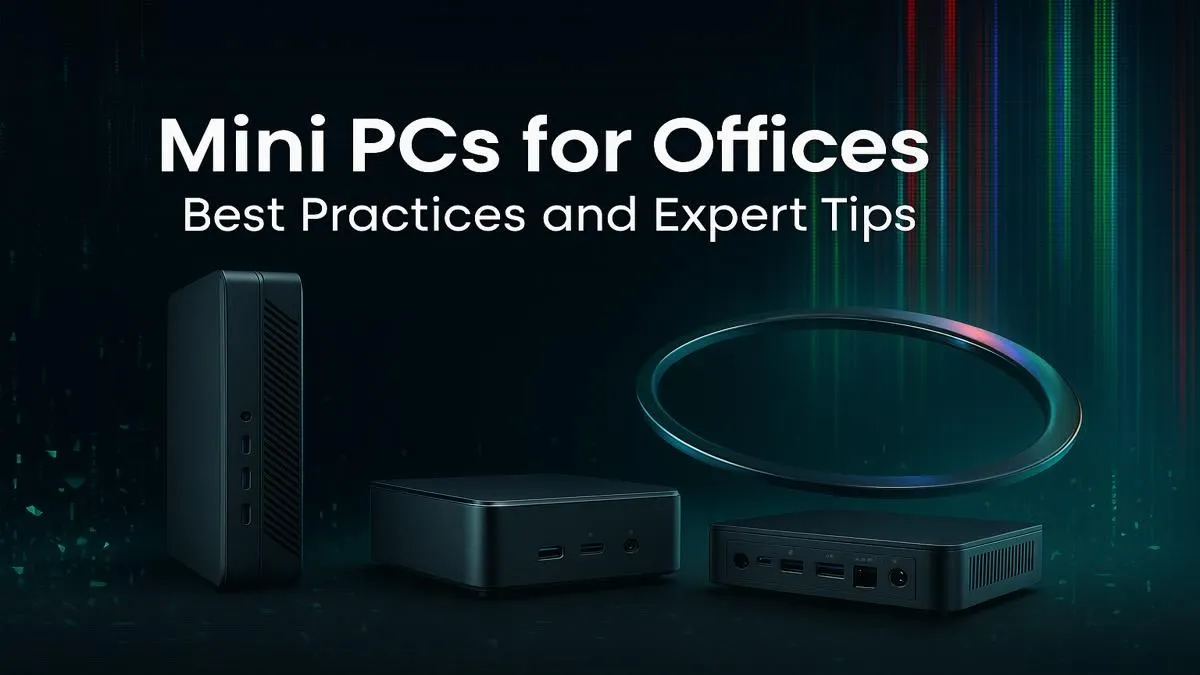
Tired of that bulky tower hogging your desk space? In South Africa, where home offices are the new normal, every square centimetre counts. A mini PC for your office isn't just a trend; it's a powerful statement. It says you value a clean, efficient workspace without sacrificing the performance needed to crush your deadlines. Let's explore how these compact powerhouses can revolutionise your productivity and declutter your life for good. 🚀
Why Your Office Needs a Mini PC
The days of equating size with power are long gone. Modern mini PCs pack a serious punch, making them an ideal choice for almost any professional environment, from a home study to a corporate open-plan office.
The Space-Saving Superstar
The most obvious benefit is the sheer amount of desk real estate you reclaim. A typical mini PC is smaller than a textbook, freeing up space for a second monitor, essential documents, or just a less cluttered, more focused environment. Many models can even be mounted directly to the back of a monitor with a VESA bracket, effectively disappearing from your desk entirely.
Surprising Power and Performance
Don't let the small form factor fool you. Many of the powerful mini PCs available today are equipped with the latest Intel Core or AMD Ryzen processors, ample RAM, and lightning-fast NVMe SSDs. This means they can handle everything from heavy spreadsheet calculations and dozens of browser tabs to light graphic design and video conferencing without breaking a sweat. A well-chosen mini PC for office work is a true desktop replacement.
Energy and Cost Efficiency ⚡
In a country where electricity costs are always a concern, the energy efficiency of a mini PC is a massive plus. They consume significantly less power than traditional desktop towers, which can lead to noticeable savings on your monthly electricity bill. This also means they generate less heat and noise, contributing to a quieter and more comfortable workspace.
Best Practices for Setting Up Your Mini PC
Getting the hardware is just the first step. To truly create a productive workspace, you need to set up your mini PC correctly from the start.
Perfecting Your Display Setup
A mini PC can easily drive a modern display setup. Whether you prefer a single, immersive ultrawide monitor for seamless multitasking or a dual-monitor configuration for separating your work, ensure your chosen device has the right ports (like HDMI 2.1 or DisplayPort). Planning your display is key before exploring our range of mini PC components and options, as it will determine the connectivity you need.
Master Your Cable Management
The beauty of a mini PC is its potential for an ultra-clean setup.
- VESA Mounting: As mentioned, mounting the PC to your monitor is the ultimate space-saver.
- Wireless Peripherals: Invest in a quality wireless keyboard and mouse to eliminate two of the most common cables.
- Cable Sleeves: For the few remaining cables (power, monitor), use a simple cable sleeve or ties to bundle them neatly behind your desk.
Productivity Pro Tip 🔧
For an ultra-clean desk, look for a monitor with a built-in USB-C hub. A single USB-C cable from your mini PC to the monitor can often handle video, power delivery, and data for your peripherals, creating a one-cable dream setup.
Optimising Your Workflow and Budget
A great office setup is more than just hardware; it's about creating a flow that works for you without overspending.
Software Tweaks for Maximum Focus
Once your hardware is sorted, fine-tune your software. On Windows, tools like PowerToys with its FancyZones utility are brilliant for organising app windows exactly how you want them. On macOS, apps like Magnet serve a similar purpose. Taking 30 minutes to customise your digital workspace can save you hours every single week.
Finding the Right Price-to-Performance Ratio
You don't need to break the bank to get a fantastic mini PC for office tasks. The key is to match the specs to your workload. For general admin, web browsing, and content creation, a machine with a modern Core i5 or Ryzen 5, 16GB of RAM, and a 512GB SSD is the sweet spot. You can find many excellent value mini PCs under R22,000 that tick all these boxes and more. ✨
Switching to a mini PC for your office is one of the smartest upgrades you can make. You gain space, save on energy costs, and get all the performance you need in a sleek, modern package. It's time to say goodbye to the bulky, noisy tower and hello to a more focused and productive workspace.
Ready to Declutter and Dominate?
A clean workspace is a productive workspace. It's time to ditch the bulky tower and embrace the compact power of a mini PC. Explore Evetech's incredible range of Mini PCs and build the efficient office you deserve.