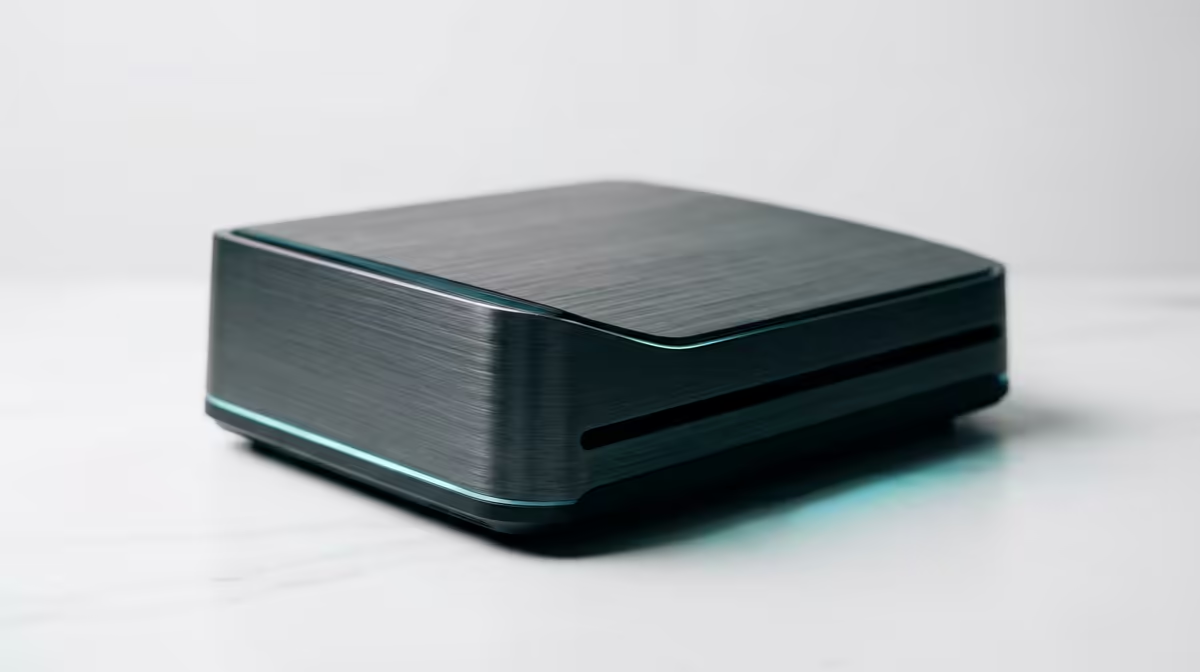
The UM750L 16GB/1TB at R4,600 suits a home creator who wants a compact mini PC home server that can manage light Premiere Pro work, shared project storage, and everyday admin without taking over the desk.
Best starting point for a compact editing server
For this kind of setup, the UM750L makes sense because its 16GB memory and 1TB storage give you room for project files, cached media, and a tidy folder system. It is not the machine for heavy 4K timelines with complex effects, but for short clips, social edits, proxy workflows, and storing finished exports, R4,600 is a strong entry point.
The Minisforum NAB6 Lite i5 8GB/512GB at R4,150 is better as a lean server box than a main editing machine. Its 8GB memory and 512GB storage are fine for file sharing, downloads, backups, and light media management, but you would want the actual editing workload to stay modest and organised.
SA creator desk or home server shelf
On a creator desk, the NINKEAR M8 16GB/1TB at R8,350 gives you the same useful 16GB memory and 1TB storage in a higher price bracket, which can make sense when the box is expected to stay on, serve media, and still open editing projects when needed. The NINKEAR L12 PRO i9 at R8,150 is the more performance-leaning option when the processor matters more than listed storage detail.
The GEEKOM A8 Max 32GB/1TB at R12,900 is the safer pick if the desk setup will regularly handle larger media folders, browser tabs, cloud sync, and edit sessions together. Its 32GB memory and 1TB storage give it more breathing room than the 16GB options.
Ready to choose the right mini pc?
For will mini home server handle, put Minisforum NAB6 Lite i5 8GB/512GB at R4,150 first and judge the setup around its listed spec.