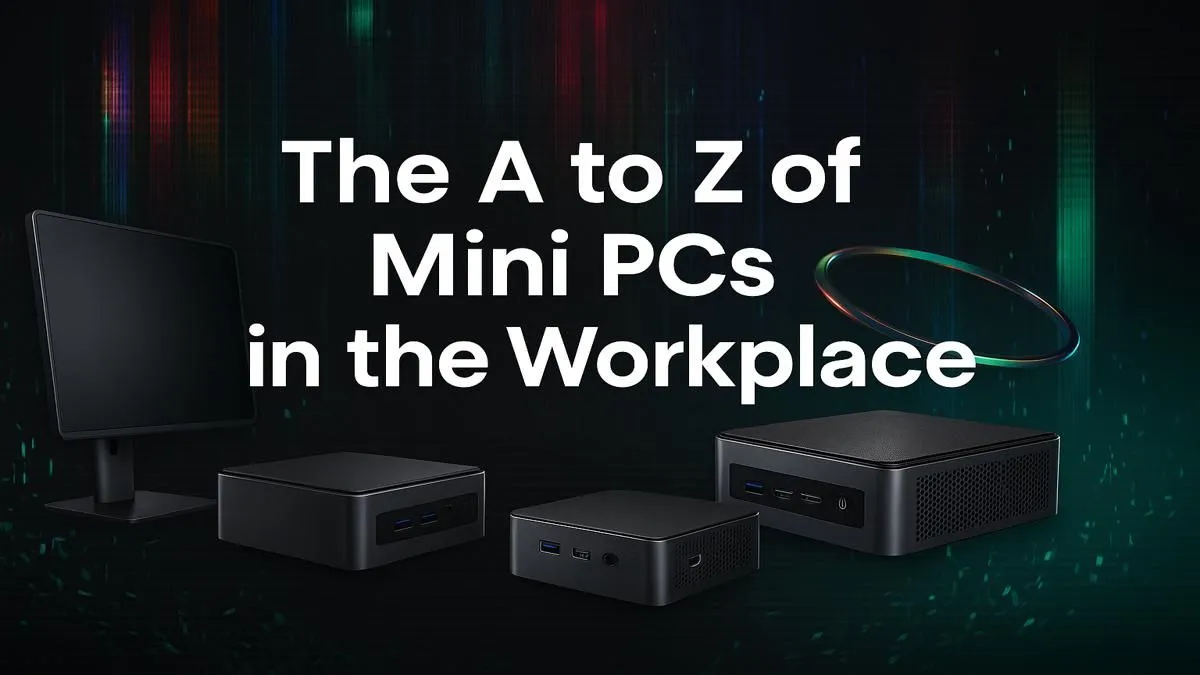
Tired of that bulky, noisy tower hogging all your legroom? You're not alone. In today's fast-paced South African workplace, space and efficiency are everything. A mini PC for office work isn't just a trend… it's a powerful, compact solution that declutters your desk and streamlines your workflow. Forget the old myth that size equals power; these tiny titans pack a serious punch for everything from spreadsheets to video calls. 🚀
Why a Mini PC for Office Work is a Smart Move
The biggest, most obvious win is the space you save. A mini PC can often be mounted directly to the back of your monitor, creating a clean, all-in-one feel without the premium price tag. But the benefits go deeper than just a tidy desk.
Modern mini PCs are incredibly energy-efficient. In a country where we're all too familiar with loadshedding schedules, having a machine that sips power instead of guzzling it makes a real difference to your electricity bill and your UPS runtime. They're also whisper-quiet, eliminating the distracting fan hum of older desktops, which is a massive plus for concentration in a busy open-plan office or a quiet home study.
Key Specs to Look for in Your Office Mini PC
Choosing the right mini PC for office work means focusing on balanced performance, not just the highest numbers. You don't need a graphics card that can render a new universe, but you do need snappy, reliable components.
Processor (CPU): The Brains of the Operation
For general office tasks—email, web browsing, Microsoft Office, and team collaboration software—an Intel Core i3 or AMD Ryzen 3 processor is a fantastic starting point. If your work involves heavy multitasking with massive spreadsheets or light media editing, stepping up to a Core i5 or Ryzen 5 will give you the extra headroom you need for a consistently smooth experience.
Memory (RAM): The Multitasking Muscle
Think of RAM as your computer's short-term memory. 8GB is the absolute minimum for modern office work. However, 16GB is the real sweet spot. It allows you to have dozens of browser tabs open, run a video call, and edit a document simultaneously without your machine breaking a sweat. When you explore the different components, prioritising a 16GB model is a wise investment.
Storage (SSD): Speed is Everything
This is non-negotiable. Your office mini PC must have a Solid State Drive (SSD). The speed difference between an SSD and an old-school hard drive is night and day. It means your computer boots up in seconds, applications load instantly, and saving large files is a breeze. An NVMe SSD is the top choice for maximum performance.
Finding the Right Mini PC on a Budget 🔧
You don't need to break the bank to get a fantastic office mini PC. The key is to pay for what you'll actually use. Because you're not paying for a high-end graphics card or a massive chassis, you get incredible value for your money. You can find some excellent options under R22,000 that will handle any office task you throw at them for years to come.
Desk Space Pro Tip ⚡
Many mini PCs are VESA-compatible. This means you can buy a simple bracket and mount the PC directly onto the back of your monitor. Your PC becomes completely invisible, giving you the cleanest, most minimalist desk setup possible. It's the ultimate space-saving hack!
Setting Up Your Workspace for Success ✨
Once you've chosen your compact powerhouse, you're almost there. Remember to pair it with a good quality monitor that suits your workflow—perhaps a high-resolution display for design work or an ultrawide for managing multiple windows. A comfortable keyboard and an ergonomic mouse will complete your new, ultra-efficient workspace, proving that the best mini PC for office work is the one that powers a smarter, cleaner desk.
Ready to Revolutionise Your Workspace?
Ditching the bulky tower for a sleek, powerful mini PC is one of the smartest upgrades you can make. For the best performance, choice, and value in South Africa, a compact powerhouse is hard to beat. Explore our massive range of Mini PCs and find the perfect fit for your desk.