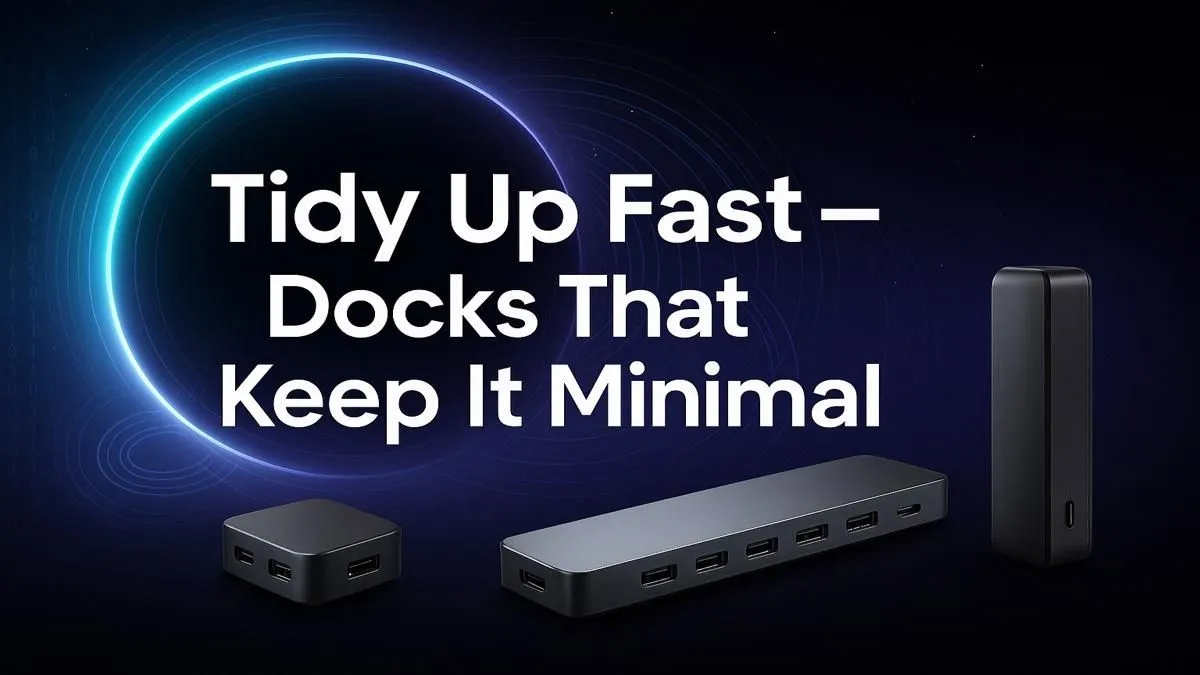
Is your desk a battlefield of cables? That dreaded spaghetti monster of chargers, display cables, and USB dongles can kill your focus before you even launch a game or open a project. For too long, South Africans have battled this clutter. But what if one sleek device could connect your monitor, keyboard, mouse, and even charge your laptop… all through a single cable? A minimalist docking station is the key to a truly clean and productive setup. ✨
Tame the Cable Chaos with a Minimalist Docking Station
Let's be honest, nobody enjoys plugging and unplugging half a dozen cables every time they move their laptop. A minimalist docking station transforms your workspace by consolidating all those connections into one compact hub. Instead of fumbling with HDMI, USB-A, and power bricks, you just connect one USB-C cable to your machine. Done.
This single-cable convenience creates a visually appealing, distraction-free zone perfect for both intense gaming sessions and deep work. You get more ports, less mess, and more mental space to focus on what matters. It's an upgrade that makes a massive difference, and with plenty of affordable options under R1000, achieving a clutter-free workspace is easier than ever.
Choosing the Right Dock for Your Setup
Not all docking stations are created equal. Finding the perfect one for your needs means looking beyond just the price tag. The goal is to get a sleek docking solution that matches your workflow.
Key Features to Consider:
- Port Selection: Do you need multiple monitor outputs (HDMI or DisplayPort)? How many USB-A ports for your peripherals? Do you need an SD card reader or a stable Ethernet port for lag-free gaming? Make a list of your essentials.
- Power Delivery (PD): Check if the dock can pass through enough power (measured in watts) to charge your laptop. This is a huge convenience, eliminating the need for your laptop's original charger at your desk. ⚡
- Form Factor: Do you prefer a small dongle-style hub or a more robust station that sits neatly under your monitor? Brands like Promate offer a variety of designs to suit any aesthetic.
Pro Tip: Check Your Port 🔧
Not all USB-C ports are the same. Before buying, confirm your laptop's USB-C port supports "DisplayPort Alt Mode" for video output and "Power Delivery" for charging. This info is usually on the manufacturer's spec sheet.
A little bit of planning ensures you get a device that truly simplifies your life. For most users, a hub with a few USB-A ports, one HDMI output, and Power Delivery is the sweet spot. You can find many versatile hubs under R2000 that tick all these boxes and more.
It’s time to say goodbye to the cable clutter and hello to a streamlined, organised, and more efficient workspace. The simplicity of a single-cable setup is something you have to experience to fully appreciate. 🚀