



PCIe 5.0 vs PCIe 4.0 for Video editing in 4k in SA
PCIe 5.0 vs PCIe 4.0 for video editing in 4k is mainly about fit, features, compatibility, cost, and upgrade path, not one automatic winner. SA buyers should match the choice to the setup.
Read moreA gaming PC that holds a steady 60fps at 1080p realistically starts around the R15,000 mark in South Africa once RAM and a capable GPU are both accounted for. Evetech's entry gaming PCs are benchmarked against this exact target.
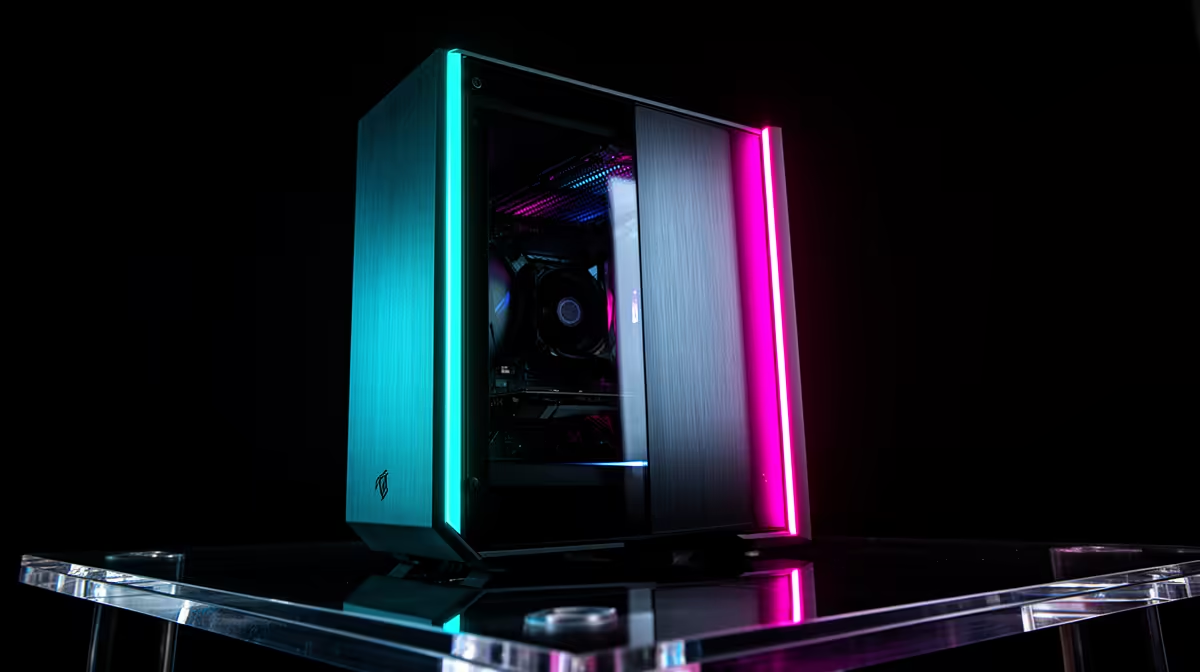
Around R15,000 is a realistic planning point for a new South African gaming tower aimed at steady 1080p 60 fps, once a capable GPU, matched memory and safe supporting parts are included. It is not a universal minimum or a performance guarantee. Some esports games need less, while demanding releases need lower settings or more budget.
Build around five current games, 1920 x 1080 resolution and a base target of 60 fps. Choose a value six-core or other proven processor, 16GB in two modules, an SSD and the strongest suitable GPU the complete basket supports. Verify one-percent lows, VRAM use and exact settings. Keep the monitor outside the R15,000 tower total unless your first setup needs one.
An average of 60 fps can hide drops into the thirties. Use one-percent lows and frame-time graphs in a demanding game area. Decide whether 60 fps must hold at medium, high or a custom settings mix.
For competitive games, lower settings may produce well over 60 fps and expose the CPU. For a large single-player title, the graphics card and VRAM may set the limit. Pick at least one example from each side of your library.
Upscaling can help the GPU reach the target, but quality varies at 1080p because the internal render resolution can become low. Inspect fine detail and motion. Frame generation belongs after the base rate is stable.
At 1080p, a capable entry discrete GPU can deliver 60 fps in many games with a sensible preset. The word capable needs evidence: exact card, driver, game patch and settings.
Check graphics memory. High textures, ray tracing and mods can push capacity beyond an entry card. When that happens, stutter or texture reduction can appear even if the GPU processor seems fast enough.
Compare current complete systems on the gaming PC deal page. Open the specification and confirm the named graphics card. A system with basic display graphics does not establish the entry-gaming floor.
A modern value processor can prepare 60 frames per second for most games. Simulation, strategy and large multiplayer scenes can ask more. Check the exact chip in those workloads rather than buying by core count.
Six cores is a useful starting class, but architecture, cache and clocks matter. A newer four- or six-core chip can beat an older model with more threads. Background recording and streaming also change the load.
Do not overspend on the CPU while the GPU misses 60 fps. At the same time, avoid an old platform that prevents the card from reaching high use in the games you bought it for.
Use a matched two-module memory kit in the board's recommended slots. Sixteen gigabytes can cover a focused game, launcher and voice chat. Thirty-two gigabytes helps large mods, creator work and heavy multitasking, but it may cost the GPU tier at this budget.
Watch committed memory during normal use. Paging and frame-time spikes give 32GB a reason. Spare capacity does not create GPU frames.
Enable the intended memory profile after first boot and test stability. A rated speed is not automatically active, and four mixed modules can be harder to tune.
A 1TB SSD is a comfortable target, while a smaller drive can get the build under the ceiling when the motherboard leaves room for expansion. Large games and updates can consume hundreds of gigabytes.
NVMe headline speed above a sound modern drive may change loading less than capacity. Check controller, endurance, free-space behaviour and motherboard interface.
Keep personal files backed up elsewhere. A second partition on the same SSD is not a separate copy.
Choose a named PSU with the correct native connectors, suitable capacity and protection features. Use independent electrical testing where available. A cheap high-wattage label is not a foundation.
The case must fit the graphics card and CPU cooler, with clear intake and exhaust. Included fans can reduce the total basket. Check whether a front radiator or drive cage steals GPU length.
These parts do not raise a benchmark score, but they allow the CPU and GPU to hold performance and make a later upgrade safe.
A 1080p 60Hz display can show the target. A 144Hz monitor gives room for esports and lower-latency motion. Adaptive sync can smooth rates inside its supported range.
If the display must come from the same R15,000, the tower will drop below this article's planned part balance. Build a separate complete-setup basket rather than pretending the monitor is free.
Check cable and port support for full refresh. A display can default to 60Hz until Windows and its menu are configured.
Use the PC best-seller list as a second view of complete systems. Record exact CPU, GPU, memory layout, SSD, PSU and case.
Quote only named local products from the price pack, with as of July 2026 beside the figure. R15,000 remains a target band and cannot be used as a permanent entry claim.
Compare two baskets: one with 16GB and stronger graphics, another with 32GB or more storage. Choose the system that holds the five-game target rather than the one with the longer specification.
Confirm whether the system includes an operating system and who will assemble and test it. A parts-only total leaves installation, firmware, driver and stability work with you. That can be a sound route when you have the tools and skill, but it is part of the real first boot.
After setup, run memory, storage and sustained game checks before moving personal files. Record temperatures and the working driver. A clean first-week baseline makes later stutter or heat easier to diagnose.
No. The exact current parts, game, settings and one-percent lows decide performance. It is a realistic planning point for a balanced new tower.
It can run lighter games, but a broad 1080p60 target across modern 3D titles calls for a suitable discrete GPU.
Use 32GB when measured workloads need it and the graphics target survives. Sixteen gigabytes remains the focused budget start.
Build the 1080p60 tower from five exact-game targets and current named parts, validating lows and settings before treating R15,000 as sufficient.
No. The exact current parts, game, settings and one-percent lows decide performance. It is a realistic planning point for a balanced new tower.
It can run lighter games, but a broad 1080p60 target across modern 3D titles calls for a suitable discrete GPU.
Use 32GB when measured workloads need it and the graphics target survives. Sixteen gigabytes remains the focused budget start.
PCIe 5.0 vs PCIe 4.0 for video editing in 4k is mainly about fit, features, compatibility, cost, and upgrade path, not one automatic winner. SA buyers should match the choice to the setup.
Read more
Wi-Fi 7 vs Wi-Fi 6e for competitive esports comes down to router support, latency goals, device compatibility, and coverage. SA buyers should match the choice to the real network setup.
Read more
ATX 3.1 vs ATX 3.0 for mMO and live-service games buyers - what changes is mostly about compatibility, budget, upgrade path, and setup fit. SA buyers should check device support and real needs before expecting a clear win from either option.
Read more
LGA 1851 vs LGA 1700 can affect Twitch and YouTube streaming when gaming and encoding share CPU resources. For SA creators, the real-world difference depends on encoder choice, memory support, motherboard cost, thermals, and upgrade plans.
Read more
X870E vs X670E for aaa single-player gaming is mainly about fit, features, compatibility, cost, and upgrade path, not one automatic winner. SA buyers should match the choice to the setup.
Read more
Hall Effect switches vs Mechanical switches for mMO and live-service games is mostly about compatibility, budget, upgrade path, and setup fit. SA buyers should check device support and real needs before expecting a clear win from either option.
Read more
A fake 113GB GTA VI ISO reportedly used empty padding around a small malware payload. SA gamers should delete unofficial builds, keep Windows security active and wait for official channels.

Wi-Fi 6E vs Wi-Fi 6 matters for 4K video editing when files move across a network. The real-world difference between Wi-Fi 6E and Wi-Fi 6 for video editing in 4K depends on NAS access, cloud uploads, router range, and SA creator workflows.

The difference between PCIe 5.0 and PCIe 4.0 for SA gamers is mostly bandwidth headroom. Compare GPU slot needs, NVMe speed, motherboard support, and upgrade timing before paying extra for a newer platform.

Gaming PC stuck pixel checks in South Africa should confirm the monitor fault first. Use colour tests, screenshot comparison, cable swaps, display menu checks, and clear photos before deciding on support.

Shokz OpenFit Air 2 earbuds weigh 7.2g each and use a redesigned dual-driver open-ear layout. SA buyers should choose them for comfort and awareness, not maximum isolation.

AMD's current driver now lists a Radeon RX 9050 4GB, while product coverage details a narrowed memory system. SA buyers should weigh the low VRAM ceiling against current local Radeon options.

Samsung Display has demonstrated a 16-inch 2.5K OLED laptop panel running at 300Hz. SA buyers should wait for a named notebook, full panel specifications and a local price before planning an upgrade.

Microsoft says some Windows 11 game crashes after recent updates are linked to RGB-related drivers. Affected SA gamers should confirm the update and driver before using the published registry workaround.

Minisforum's M2 Pro pairs Core Ultra X7, Arc B390 graphics and 32GB onboard memory in 1.8 litres. SA buyers should weigh its fixed memory and $1,439 launch offer against local mini PCs.

Smart monitors can add apps and convenience, but they also add privacy settings and unwanted-software risk. SA buyers should audit the operating system before paying for extras.

Lenovo says Legion Go failures linked to BIOS N3CN42WW are not user error. Affected SA owners should stop retrying the update, preserve proof and open a support case.

The ROG Gjallar gaming soundbar is now listed in the US at $599.99. SA buyers should compare its 2.1.2 audio, wireless bass and built-in chat controls with simpler local options.