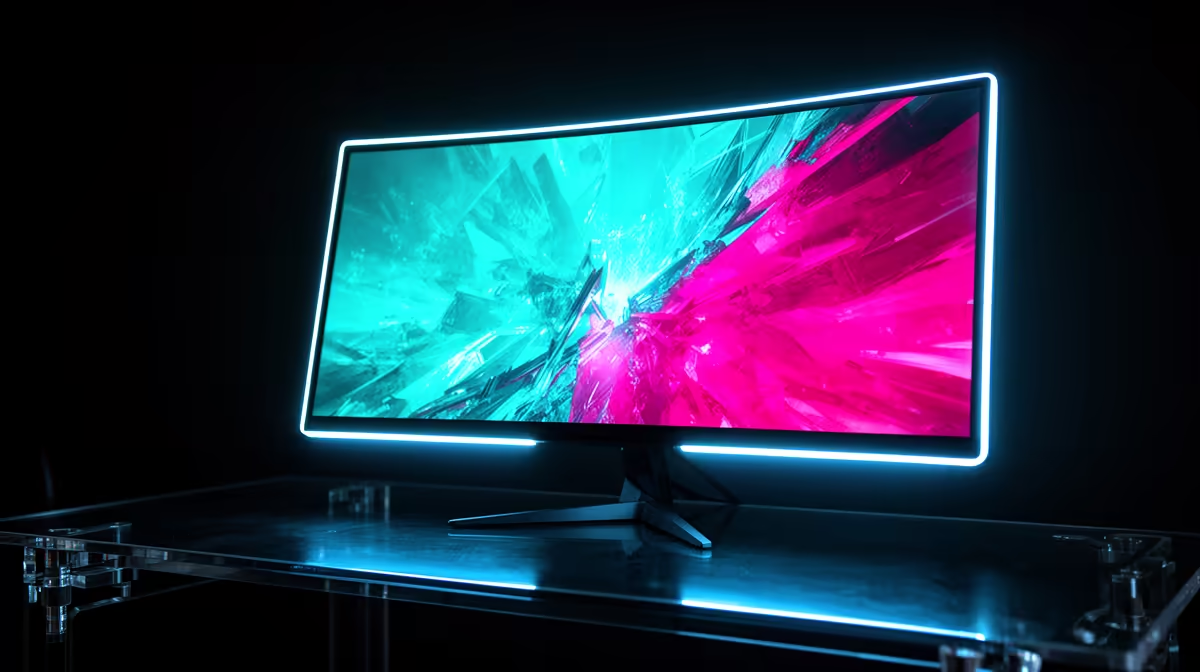
The RX 7900 XTX still has enough muscle to make 4K the first monitor conversation. Put it behind a 32-inch 144Hz panel and you can play demanding games inside a useful FreeSync range, then watch lighter titles climb toward the ceiling. A good monitor for the RX 7900 XTX should show the card's 4K detail and leave room for the frames it can produce.
Quick Answer
Choose a 32-inch 4K monitor at 144Hz or 165Hz for the best all-round pairing. A 4K 240Hz OLED suits a premium desk that mixes esports with HDR, while 1440p 240Hz serves a competitive player. Evetech recorded a R4,499 median across its in-stock gaming monitors in July 2026; flagship 4K screens occupy a higher band, so compare exact dated prices after choosing panel technology.
4️⃣ Give the card a 4K 144Hz canvas
At 4K, fine geometry and texture detail become easier to see on a 32-inch screen. The RX 7900 XTX has 24GB of video memory, which gives large assets room. New games can still push rendering speed hard through ray tracing or heavy effects.
Start with High settings and run the busiest route you know. Use FSR Quality when it preserves a clean image and reduce the costliest lighting options before cutting textures. FreeSync keeps changes from 75 to 130fps smooth on a 144Hz panel.
Use Evetech's monitor range to compare current 4K sizes and refresh rates before you decide how much HDR matters.
⚡ Decide whether 240Hz belongs on the same screen
A 4K 240Hz monitor gives esports and older games more room. Demanding titles will run below the maximum, which is where VRR earns its place. The screen can still justify its price through OLED response, HDR and a long life across future cards.
Check the connection details. The RX 7900 XTX supports DisplayPort 2.1, but the card model, monitor and cable determine the exact link rate and maximum mode. Some displays use Display Stream Compression for their headline setting.
Confirm colour depth and HDR after selecting 240Hz. A refresh menu can hide a compromise elsewhere in the signal.
🏎️ Keep 1440p for competitive focus
At 1440p, the RX 7900 XTX can feed very high frame rates. A 240Hz or 360Hz monitor suits a serious competitive player with a processor capable of preparing those frames.
Test one-percent lows in a real match. Overall CPU usage may look moderate while the main game thread holds the GPU back. A lower resolution cannot create frames once the processor sets the pace.
At 27 inches, 1440p remains sharp. A 34-inch 3440x1440 ultrawide gives racing and exploration more peripheral view with a pixel load below 4K.
🧪 Test raster and ray tracing as separate workloads
The RX 7900 XTX can drive high 4K frame rates in raster-heavy games, while demanding ray tracing pulls the result into another range. Benchmark both with the settings you plan to use. One blended average hides the reason a particular title falls below your target.
Use the raster result to judge the monitor ceiling for competitive and traditional rendering. Use the ray-traced run to choose the lower end of the FreeSync range and the FSR mode that still looks clean. You may keep one 4K panel profile for each game instead of forcing a common preset across the library.
Watch processor load at 1440p. The lower resolution can move the limit to the CPU, leaving part of the graphics card idle during a high-frame-rate match.
🌈 Choose HDR from the panel, not the GPU
OLED gives per-pixel blacks and fast response, making dark HDR scenes and motion look strong. Static work calls for its care features and a close read of warranty coverage.
Mini-LED can push bright highlights and handle daylight well. Local-dimming quality decides how much blooming appears around stars or subtitles. Fast IPS provides a simpler mixed-use route with weaker dark-room contrast.
The graphics card can output HDR. The monitor determines whether you see deep contrast, bright detail and accurate colour. Read measurements for the exact model.
Evetech's monitor best-sellers give you local shopping context once room light and panel behaviour have narrowed the options.
🔄 Set FreeSync up across the frame range
Switch on the display's variable-refresh control, then activate FreeSync through AMD Software. Set the panel's own resolution and highest rate in Windows before running a game that moves through several load levels.
Look for flicker in dark menus and overshoot during quick camera pans. Choose an overdrive setting that behaves at your normal FPS. A frame cap can keep output inside the VRR ceiling and reduce fan surges.
Calibrate HDR in Windows and inside the game. Use familiar scenes with dark detail and bright clouds so the settings serve content rather than a test screen.
🪑 Make a 32-inch panel fit the room
Measure eye distance and stand depth. A 32-inch monitor works well when you can see the full image without leaning back, while a large V-shaped stand can consume the space meant for your keyboard.
Check height adjustment and VESA support. A monitor arm can free desk area, provided it supports the panel's weight. Keep speakers and a second screen in the layout before buying.
Frequently Asked Questions
Can the RX 7900 XTX handle 4K gaming?
Yes. Use tuned settings and FSR in the heaviest titles while FreeSync covers frame-rate movement.
What refresh rate suits this card at 4K?
144Hz to 165Hz is the balanced choice. Move to 240Hz for esports headroom and a premium panel.
Is 1440p a better choice for competitive play?
It can be. Lower pixel load helps the card chase high real frame rates when the CPU keeps up.
Does this GPU support FreeSync monitors?
Yes. Enable Adaptive-Sync on the display and FreeSync through AMD Software.
Should I choose an HDR monitor for this card?
Choose HDR when the panel has measured brightness and contrast to make the format worthwhile.
What panel size fits the RX 7900 XTX best at 4K?
32 inches gives 4K detail enough physical scale for a normal gaming desk.
Is this GPU still competitive with newer flagship cards?
Compare measured performance, features and dated prices for the games you use. Its 4K capability remains the relevant monitor guide.
Putting a 4K screen behind an RX 7900 XTX?
Compare high-refresh and HDR monitors at Evetech, then choose the 32-inch panel that fits your room and favourite games.