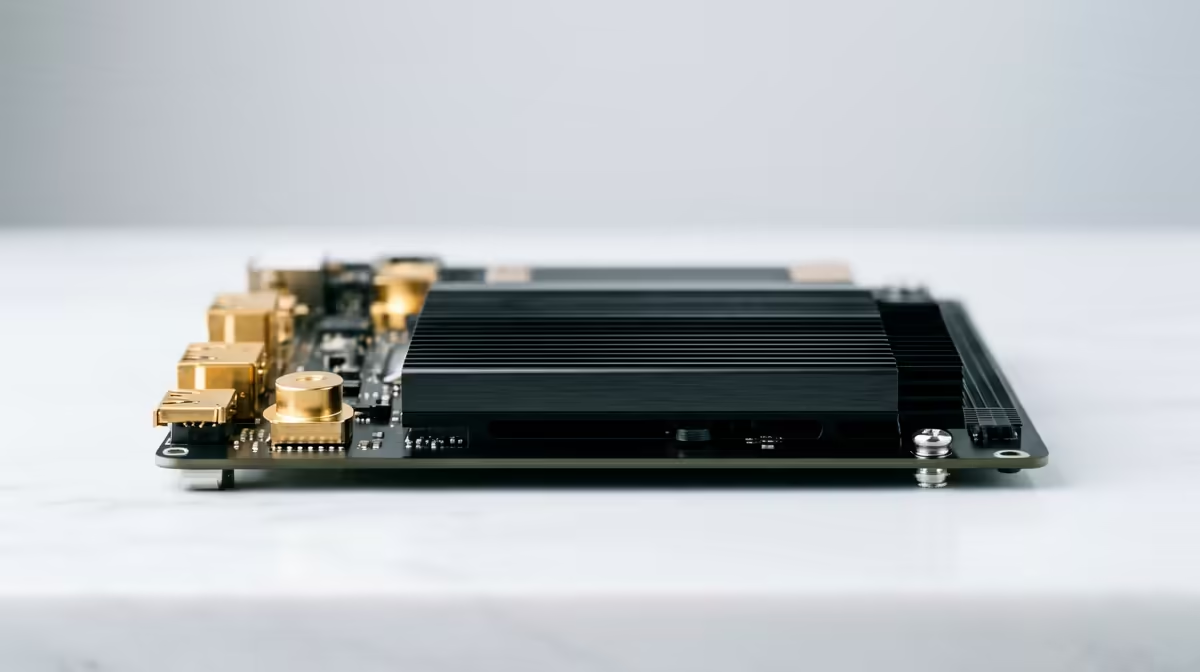
So, you’ve just dropped a chunk of your hard-earned cash on a beastly CPU and a top-tier graphics card. Your new editing rig is going to be a monster, right? Not so fast. Many South African creators make a critical mistake: they treat the motherboard as an afterthought. Skimping here can bottleneck your entire system, leaving precious power on the table. Finding the right motherboard for editing performance isn’t about fancy lights… it’s about unlocking your components’ true potential.
The Foundation of Your Creative Workflow
Think of your motherboard as the central nervous system of your PC. It’s the high-speed communications hub that allows your CPU, RAM, GPU, and storage to talk to each other. A cheap or poorly chosen board can lead to instability during long renders, slower data transfer speeds, and limited upgrade options down the line. A stable foundation is crucial, and that's exactly what a good motherboard for editing provides.
For creative professionals, stability and speed are everything. You can't afford crashes or slow file transfers when a deadline is looming. This is where investing in a quality motherboard pays off, ensuring every component performs at its peak.
Key Features for a Peak Editing Motherboard
When you're scrolling through specs, it's easy to get lost. Let's cut through the noise and focus on what genuinely impacts your motherboard for editing performance.
Chipset and CPU Compatibility 🔧
This is the first and most important choice. Your motherboard's chipset determines which CPU family it supports. You can't put an AMD processor in an Intel-socketed board, and vice-versa.
For modern creative builds, you’re typically looking at Intel’s Z790 or B760 chipsets or AMD’s X670 or B650 chipsets. Each platform has its strengths. If you're weighing your options, exploring some of the latest all-Intel PC deals can give you a great sense of what's available on Team Blue's side.
On the other hand, AMD has made huge strides in multi-core performance, which is a massive plus for video rendering and multitasking. Checking out the current range of all-AMD Ryzen PC deals is essential before making a final decision.
VRMs: The Power Delivery System ⚡
A Voltage Regulator Module (VRM) is a tiny, crucial component that delivers clean, stable power to your CPU. High-end CPUs, especially when under heavy load like exporting a 4K video, draw a lot of power. A motherboard with a robust VRM design and good cooling can sustain high performance for hours without overheating or throttling. This is a non-negotiable for serious editing work.
Pro Tip: Organise Your Drives for Speed
For video editing, use multiple fast NVMe drives. Install your OS and apps on Drive 1. Use Drive 2 as a 'scratch disk' for active project files and cache. Use Drive 3 for your source media. This setup prevents bottlenecks, as the system isn't trying to read and write from the same drive simultaneously.
RAM and Storage Connectivity
For editing, you need plenty of fast RAM and storage. Look for a motherboard with:
- Four DIMM (RAM) slots: This allows you to start with 32GB (2x16GB) and easily upgrade to 64GB or more later. DDR5 is the current standard for new builds, offering higher speeds that benefit creative apps.
- Multiple M.2 NVMe slots: These slots connect your super-fast SSDs directly to the motherboard. The speed difference between an NVMe drive and an older SATA SSD is massive, drastically cutting down project load times and improving timeline scrubbing. Aim for a board with at least two or three M.2 slots.
I/O and Future-Proofing Your Rig
Your motherboard’s rear I/O (input/output) panel determines what you can connect to your PC. Don't overlook this!
- Thunderbolt™ 4 / USB4: These ports offer blazing-fast 40Gbps transfer speeds, perfect for connecting external high-speed SSDs, docking stations, or high-resolution displays.
- Fast Networking: A 2.5Gbps (or faster) Ethernet port is becoming standard and is great for transferring large files over a local network. Wi-Fi 6E is also a fantastic feature for a clean, cable-free setup.
You don't need to spend a fortune to get a board with a solid feature set. Even many of the great value PCs under R20k are built on motherboards that prioritise these essential, performance-driving features over unnecessary frills.
Ultimately, the best motherboard for editing performance is one that provides a stable, powerful, and connected base for your expensive components, letting you focus on what you do best: creating.
Ready to Build Your Creative Powerhouse?
Choosing the right motherboard is the first step to building a truly powerful editing rig. Don't let it be an afterthought. Use the Evetech PC Builder to pair the perfect board with your dream components and create a machine that will crush any deadline.