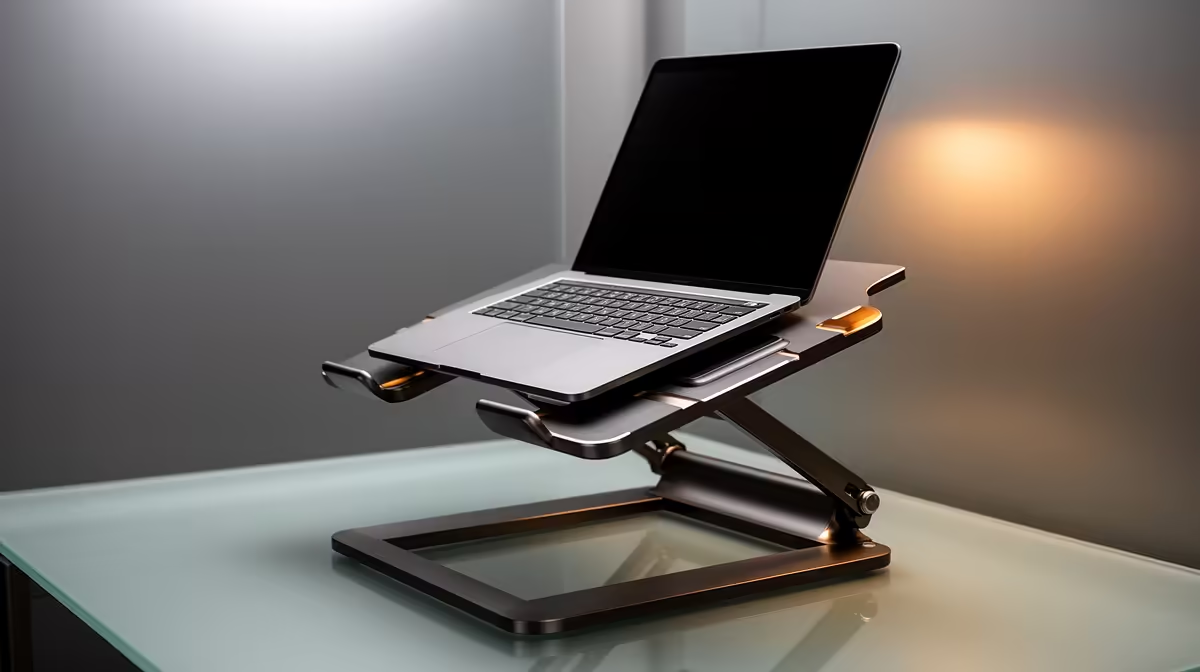
ASUS ExpertBook P1503 i5 at R9,858 suits a South African student or office worker who mainly needs a raised, stable laptop setup for typing, browsing, calls, and document work. A stand does not need to be expensive or overbuilt if the machine is light enough for daily desk use and the screen only needs to sit closer to eye level.
What a laptop stand actually needs to solve
The ASUS ExpertBook P1503 i5 at R9,858 is the practical baseline because the i5 spec is aimed at everyday productivity rather than heavy gaming. Put it on a firm stand, add a keyboard and mouse, and the upgrade is mostly posture, airflow, and cleaner desk spacing.
Lenovo IdeaPad Slim 3 i7 at R13,400 makes sense when the desk setup needs stronger general performance without moving into a gaming machine. The i7 spec gives more headroom for browser tabs, spreadsheets, and study apps, so the stand should feel stable enough for long typing sessions and video calls.
ASUS Vivobook S14 OLED at R10,719 is the more display-focused pick. The OLED spec matters on a creator desk or student desk where screen quality is part of the daily experience, so a stand that lifts the panel to eye level can make more difference than a flashy accessory.
Student Desk Reality In SA
Lenovo LOQ RTX3050 at R9,500 changes the stand decision because the RTX3050 spec points to gaming and heavier graphics use. For a student desk, leave space behind the machine for airflow, keep the charger cable cleanly routed, and avoid soft surfaces that trap heat.
ASUS ExpertBook P5405 at R12,700 is a neat middle-ground option for a reception desk or small-business counter where the machine must look tidy and stay usable all day. Its ExpertBook positioning makes the stand more about durability, eye-line comfort, and keeping the work surface clear.
Ready to choose the right laptop?
Use ASUS ExpertBook P1503 i5 at R9,858 as the laptop shortlist benchmark, then check whether its listed spec matches the space, workload, and upgrade path.