Stop flicking between tabs like a frantic trader during a market crash. If you are working or gaming in South Africa, you know that screen space is gold. Our multi-monitor setup: a guide to boost productivity shows you how to stop wasting time. By expanding your view, you can keep your emails open while you crush spreadsheets or watch your Discord chat while gaming ✨.
The Science of Expanding Your Digital Workspace
Research suggests that adding a second screen can increase efficiency by up to 40 percent. It is not just about having more glass to look at... it is about reducing the cognitive load of switching tasks. When you use a multi-monitor setup: a guide to boost productivity, you allow your brain to park secondary information on one side. This keeps your primary focus sharp and your workflow fluid.
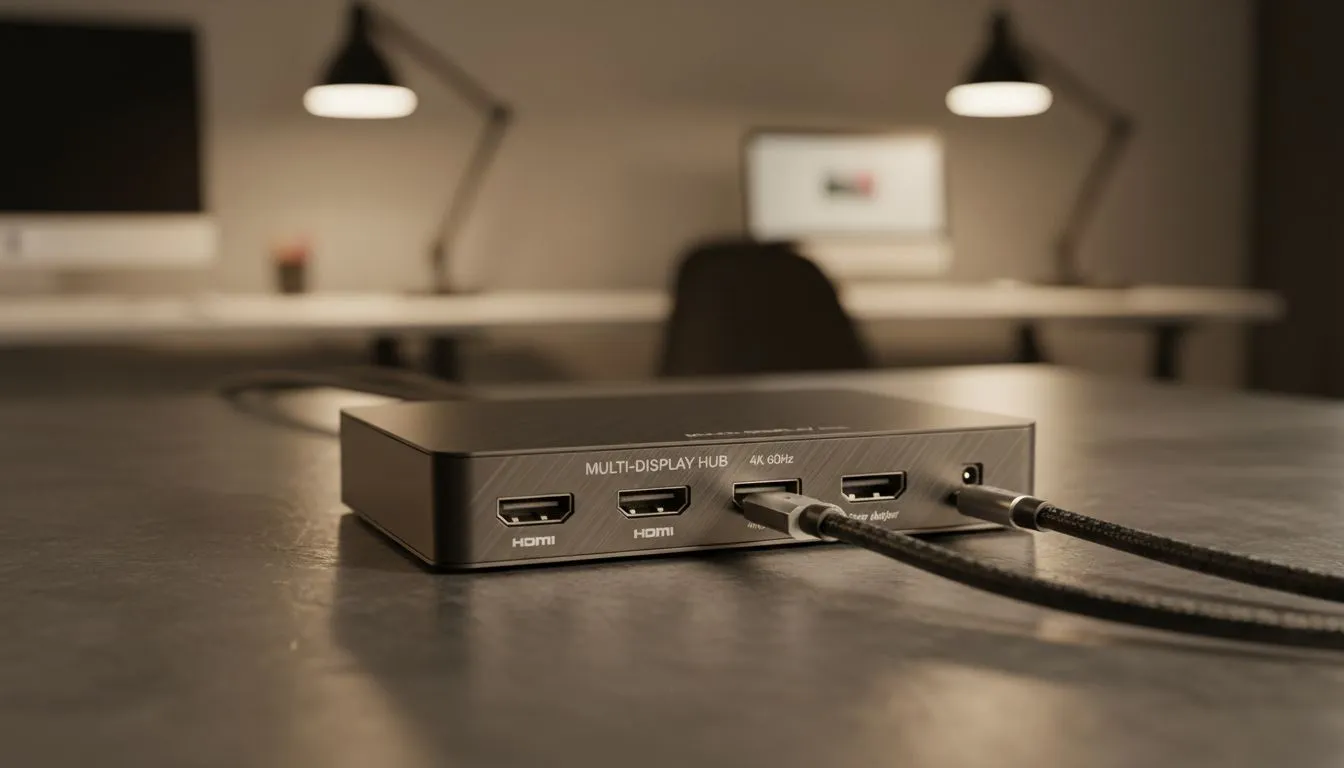
To get started, you need a reliable way to connect everything without a cable mess. A versatile docking station is the heart of any professional rig. It allows you to plug in multiple displays and peripherals through a single port on your laptop or PC.
Choosing the Right Connectivity for Your Budget
Setting up a dual or triple display does not have to drain your savings. If you are on a tight budget, you can find entry-level docking stations under R1000 that get the job done perfectly for standard HD monitors. These are ideal for students or home office users who need extra space for research and writing.
For those needing more ports or higher resolutions like 4K, there are premium options under R2000 that offer incredible value. These hubs often include extra USB ports and Ethernet connections to keep your internet stable during load shedding or high-stakes gaming sessions 🔧.
Productivity Pro Tip ⚡
On Windows, use the PowerToys FancyZones utility to create custom snap layouts for your windows. It is a lifesaver for managing multiple apps on an ultrawide monitor, letting you organise your timeline, preview window, and asset folders perfectly for video editing.
Optimising Your Layout and Ergonomics
Once you have your hardware, placement is key. Align your monitors so the top third of the screen is at eye level. This prevents neck strain during long South African workdays. Many locals swear by trusted Promate docking stations for their build quality and port variety, ensuring every screen stays powered and flicker-free 🚀.
Remember to match your resolutions where possible. If one screen is 1080p and the other is 4K, moving your mouse between them can feel jarring. Use your display settings to align the virtual edges so your cursor does not get "stuck" on the corners.