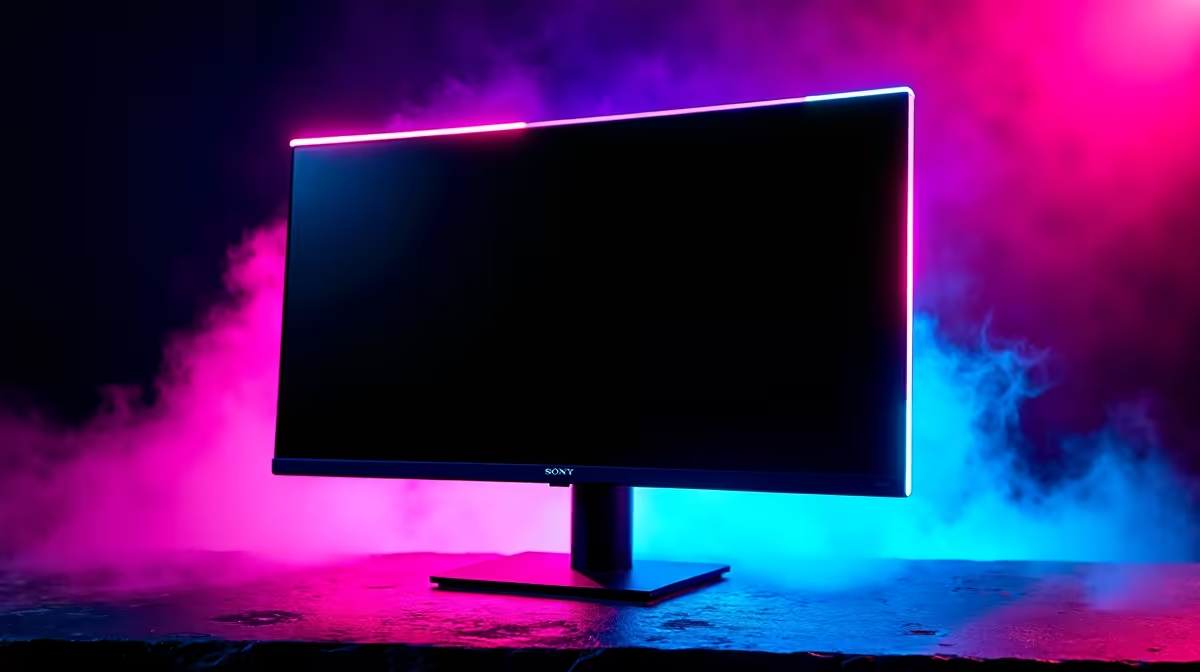
You've just unboxed a beautiful, vibrant Nano IPS monitor. The colours are popping, the response time is lightning-fast, and you're ready to dive into the darkest corners of a game like Alan Wake 2. But then you see it… a faint, off-axis glow in the corners of the screen, turning those deep blacks into a hazy grey. Frustrating, right? Before you panic, know that this is common. This guide offers a real-world Nano IPS glow fix for South African gamers.
Understanding Nano IPS Glow vs. Backlight Bleed
First, let's clear something up. What you're likely seeing is "IPS glow," not "backlight bleed." They sound similar, but they're completely different beasts.
- IPS Glow: This is an inherent characteristic of all IPS-type panels (including Nano IPS). It's a faint glow, often with a whitish or yellowish tint, that appears when viewing dark scenes from an angle. Crucially, it shifts or lessens as you move your head. It's a trade-off for the incredible colour accuracy and viewing angles these PC monitors provide.
- Backlight Bleed: This is a manufacturing defect. It looks like blotches of light leaking from the edges of the screen, and it doesn't change when you shift your viewing position. If you see this, it's often grounds for a warranty claim.
Understanding this difference is the first step in any effective Nano IPS glow fix because it sets realistic expectations. You can manage glow, but you can't eliminate it entirely.
Practical Methods for a Nano IPS Glow Fix
Ready to tame that glow and get back to enjoying your games? These tested methods work wonders and don't require any technical wizardry. 🔧
Tweak Your Gaming Environment
Your room's lighting plays a massive role in how you perceive on-screen blacks. Gaming in a pitch-black room will make any amount of IPS glow far more noticeable.
The solution is bias lighting. This involves placing a soft, neutral light source (like an LED strip) behind your monitor. It illuminates the wall behind the screen, causing your pupils to contract slightly. This makes your brain perceive the on-screen blacks as deeper and reduces the visibility of the glow. You can find plenty of simple lighting solutions in our range of monitor accessories.
Calibrate Your Monitor Settings
Don't just stick with the out-of-the-box settings! Diving into your monitor's On-Screen Display (OSD) is the most powerful tool for reducing Nano IPS glow.
- Lower the Brightness: Most monitors ship with brightness cranked to 100. This is way too high for most rooms. Aim for a comfortable level between 25-50. This single adjustment makes the biggest difference.
- Adjust Black Stabiliser / Gamma: Many gaming monitors have a "Black Stabiliser" or "Black Equaliser" setting. While designed to help you see enemies in shadows, turning it up too high will crush blacks and amplify glow. Experiment with this setting, or adjust the Gamma to 2.2 for a balanced image.
- Use Pre-set Modes: Try the "Cinema" or "sRGB" mode. These often have more accurate colours and a lower default brightness, which naturally helps minimise panel glow.
OSD Pro Tip ⚡
Can't find the settings? Grab your monitor's remote or use the little joystick on the back. Look for menus labelled "Picture," "Game," or "Colour." The Brightness and Contrast settings are usually front and centre. Black Stabiliser and Gamma might be tucked away in an "Advanced" or "Game Adjust" submenu. A little exploring goes a long way!
Perfect Your Viewing Position
Remember how IPS glow changes with your viewing angle? You can use this to your advantage. Make sure you're sitting directly in front of the screen and at an optimal distance—usually about arm's length. If you're too close or off to one side, the glow in the corners will become much more apparent. Some gamers find that immersive curved monitors help as they naturally keep the screen's edges at a more consistent angle to your eyes.
When a Fix Isn't Enough: Considering Alternatives
After trying these fixes, you should see a significant improvement. However, some people are simply more sensitive to IPS glow than others. If you primarily play dark, atmospheric horror or space-sim games, the inherent glow of a Nano IPS panel might remain a distraction. ✨
If that's the case, it might be worth exploring other panel technologies. VA panels, for example, offer superior contrast ratios and deeper blacks at the expense of slightly slower response times. OLED panels offer perfect, per-pixel blacks but come at a premium price. The technology in premium 4K and 5K monitors is constantly evolving, offering better contrast and black uniformity.
Ultimately, the "perfect" panel doesn't exist; it's all about finding the right tool for the job. You can explore all our gaming monitors to compare technologies, and you might even consider different panel types for different tasks, like using compact portable monitors for productivity. Keep an eye on the best PC monitor deals to find a display that offers the perfect balance of performance and price for your needs.
Ready to Find Your Perfect Panel?
Taming Nano IPS glow is achievable, but finding the right monitor from the start is even better. From vibrant IPS to high-contrast VA panels, the perfect display for your gaming style is waiting. Explore our incredible monitor deals and find the screen that will truly bring your games to life.