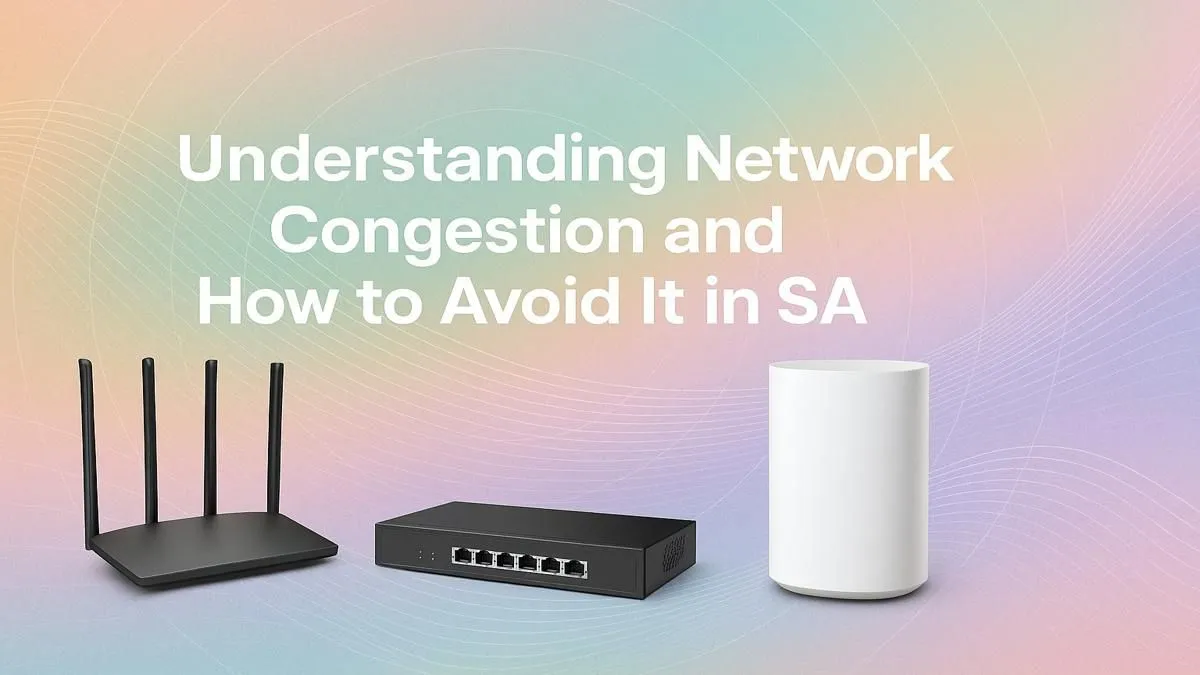
It’s a familiar story for every South African gamer. Loadshedding finally ends, the power clicks back on, and you jump into a match… only to find your ping is through the roof. Welcome to the digital rush hour. This frustrating slowdown, known as network congestion in South Africa, happens when too many people try to use the internet at once. But don’t just blame your ISP; a lot of the battle for a faster connection can be won right inside your own home.
Understanding Network Congestion in SA
Think of the internet like the N1 highway at 5 PM. When everyone tries to get online simultaneously—especially after a power outage or during evening peak hours—the data traffic slows to a crawl. This digital traffic jam affects everything from streaming your favourite series on Showmax to landing a critical headshot in Valorant.
While the national infrastructure plays a big part, your own home setup can often be the biggest bottleneck. Every device, from your smart TV to your phone, is competing for bandwidth on your local network, making the problem of network congestion even worse.
Optimise Your Home Network to Beat the Lag ⚡
You can't build more fibre lines yourself, but you can definitely optimise the network within your four walls. Upgrading key pieces of hardware is the most effective way to ensure you're getting the best possible performance and achieving a faster connection.
The Heart of Your Connection: The Router
Your router is the traffic controller for your entire home network. An old, ISP-supplied router often can't handle the demands of multiple high-bandwidth devices. Upgrading to one of the latest modern wireless routers with Wi-Fi 6 technology can dramatically improve speed, reduce latency, and handle more devices at once without breaking a sweat.
Banishing Wi-Fi Dead Zones 🗺️
Is your signal weak in the room where you game? Walls, floors, and even appliances can interfere with your Wi-Fi signal, creating frustrating dead spots. Instead of moving your entire setup, a simple solution is to use Wi-Fi range extenders. These clever devices pick up your existing signal and rebroadcast it, ensuring strong and stable coverage throughout your home.
Pro Gamer Tip ⚡
Many modern routers have a setting called Quality of Service (QoS). Dive into your router's admin panel and enable it. QoS allows you to prioritise traffic for specific devices or applications. You can tell your router to always give your gaming PC or console first dibs on bandwidth, ensuring your game's data packets get through before someone else's 4K Netflix stream. It's a powerful tool against lag!
Is Your PC the Bottleneck?
Sometimes, the issue isn't the router but the device itself. The Wi-Fi card inside your PC or laptop might be outdated and unable to take full advantage of your router's speed. For a relatively low cost, upgrading to better wireless adapters can give your machine a significant speed boost, especially if you're making the jump to Wi-Fi 6.
Beyond Hardware: Quick Tweaks for a Faster Connection
While new gear is great, a few smart habits can also help you manage network congestion in South Africa:
- Go Wired: Whenever possible, connect your gaming PC or console directly to your router with an Ethernet cable. It's faster, more stable, and not affected by Wi-Fi interference.
- Schedule Big Downloads: Need to download a massive 100GB game? Set it to download overnight when the network is quiet.
- Manage Background Apps: Close unnecessary applications on your PC that might be secretly hogging bandwidth, like cloud sync services or software updates.
Ultimately, taking control of your home network is the key to a smoother online experience. 🚀
Ready to Beat the Lag?
While you can't control the national grid, you can build a faster, more reliable home network. From powerful routers to signal-boosting extenders, the right gear makes all the difference. Explore our complete range of wireless networking solutions and build the connection your gaming deserves.