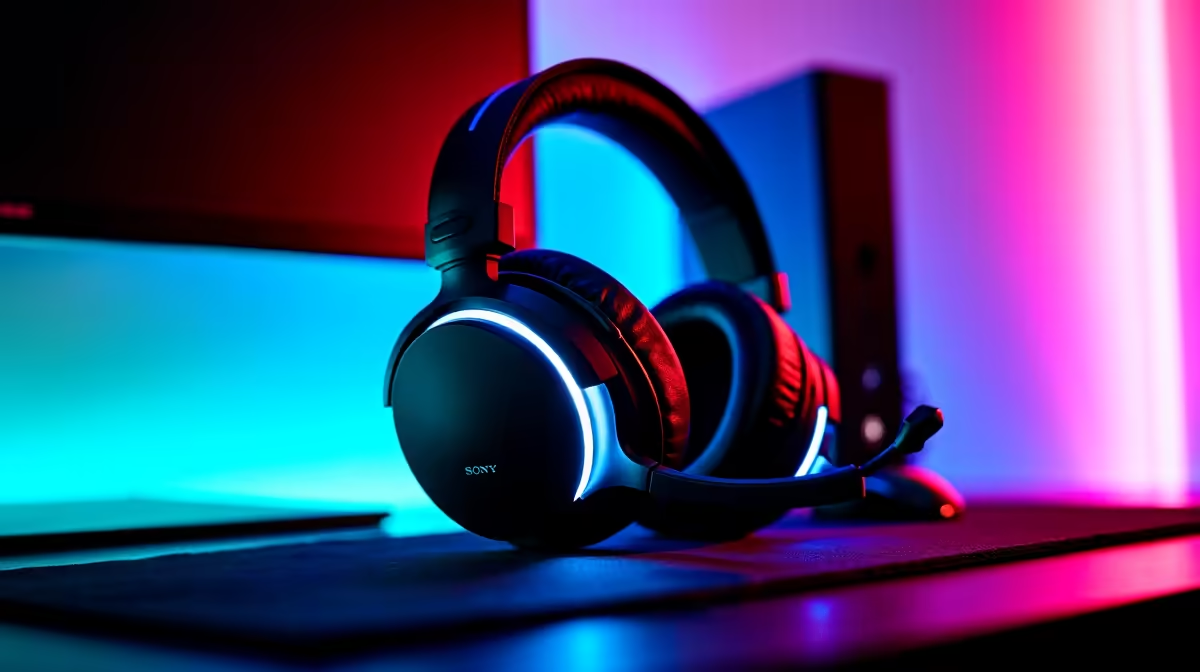
You've just pulled off a legendary clutch in Apex, but your mates on Discord can only hear a muffled mess. Or maybe your facecam looks like it was filmed on a potato from 2005? We've all been there. Achieving those crisp, professional gaming streams isn't about having a Hollywood budget. It's about knowing a few key sound and clarity secrets. Let's dive in and get your stream looking and sounding lekker. 🚀
Nail Your Stream Sound: From Muffled to Magnificent
Let's be honest, if your audio is bad, viewers will leave. No one wants to listen to a podcast recorded in a wind tunnel. The single biggest upgrade you can make for your stream sound is a dedicated microphone. While your gaming headset mic is fine for Discord, a standalone USB or XLR mic captures a richer, clearer range of your voice.
Think about it… the difference is night and day. A quality condenser mic minimises background noise like your PC fans or that pesky hadeda outside, putting your voice front and centre. For a setup that delivers consistent, broadcast-quality audio, many pro streamers trust gear from top-tier brands like Corsair for their reliability and plug-and-play simplicity.
Pro Audio Tips 🎤
- Mic Placement: Position the mic about 15-20 cm from your mouth, slightly to the side. This captures your voice clearly while avoiding harsh "plosive" sounds (like hard 'P' and 'B' sounds).
- Use a Pop Filter: This simple screen is a must-have. It sits in front of your mic and diffuses the bursts of air from your speech, resulting in much smoother sound.
- Consider a Boom Arm: Clamping a boom arm to your desk lets you position the mic perfectly and keeps it isolated from keyboard vibrations.
Achieve Pro-Level Stream Clarity
Once your audio is sorted, it's time to focus on visuals. A grainy, poorly-lit webcam can make even the most exciting gameplay look amateur. While a good 1080p webcam is the baseline, the real secret to amazing stream clarity is lighting.
You don't need expensive studio lights to make a huge impact. The classic "three-point lighting" setup is the gold standard for a reason:
- Key Light: Your main, brightest light, placed to one side of your camera.
- Fill Light: A softer light on the opposite side to fill in shadows.
- Back Light (or Hair Light): A light behind you to separate you from the background, creating depth.
For an extra splash of personality, you can get creative and add some personality to your background with modular smart lights from Cololight, which can be synced to your game or music.
Lock It Down! 🔒
Manually lock your webcam's focus and exposure settings in your streaming software (like OBS or Streamlabs). This stops the camera from annoyingly refocusing or changing brightness every time you move, keeping your stream clarity consistent.
Next-Level Gaming Streams on a Budget
Creating high-quality streaming content doesn't have to cost a fortune. Some of the best sound and clarity secrets are about technique, not just expensive gear. If you're starting out, focus on optimising what you already have.
Use a window with natural light as your key light. Use a lamp with a white sheet over it as a soft fill light. You can even use your smartphone as a high-quality webcam with apps like DroidCam or EpocCam. When you are ready to upgrade, you don’t have to break the bank. You’d be surprised what you can find, with Evetech offering powerful streaming bundles under R6000.
Your Path to a Polished Stream ✨
Bringing it all together is where the magic happens. A great mic, smart lighting, and a decent camera are the three pillars of next-level gaming streams. It's an investment in your content and your community. By focusing on these fundamentals, you create a more professional and engaging experience that will keep viewers coming back for more. Fine-tuning your setup is part of the fun, and you can find everything you need in our curated collection of streaming essentials.