Your first stream does not need a green screen, premium capture card or studio mixer. Each solves a specific production problem, and none can rescue distant speech or a face hidden in noise. Build a clear microphone path and one controlled light first. Add specialised gear when your format, source and workflow can explain the job.
Quick Answer
Skip the green screen until you can light it separately and need background removal. Skip the premium capture device until an external source demands its exact resolution, refresh and passthrough. Skip the mixer until you manage several live inputs or need hands-on routing. Put the early budget into microphone placement, stable video and a network baseline.
Trap 1: buying a green screen for a messy room
A green screen needs more room than the cloth. You need distance between your body and the screen, even background lighting and a camera exposure that preserves clean edges. Spill from the green surface can colour hair, skin and reflective furniture.
Wrinkles and shadows create keying holes. A wide webcam can reveal the frame edges. A chair that moves outside the covered area breaks the effect. Good software helps, but it cannot turn a dark creased sheet into a clean studio.
Use a real wall or tidy shelf first. Move yourself away from the background and use one key light. A slightly darker wall can separate the face without any keying load.
Buy the screen when virtual-background removal is part of the channel identity and the room can support it. Include stands and safe lighting in that project.
Trap 2: choosing capture specifications you cannot use
A capture card takes video from an external console, camera or second PC. A single-PC game stream can usually capture the application directly. The expensive device may sit idle.
When capture is required, write the real signal: source resolution, refresh, HDR, colour format and the stream output. A console playing at 4K 120Hz while streaming 1080p needs suitable passthrough and capture behaviour. A 1080p camera feed has a smaller job.
Check audio routing, variable refresh and USB or PCIe needs. Protected content may not pass through a capture workflow. Read current manuals for the source and card.
A premium 4K device adds no visible value when the channel broadcasts a 720p face camera and the source is inside the same PC.
Trap 3: adding a mixer before you have sources
A mixer or control surface can adjust several microphones, music, game and chat. It brings channels, routing, gain stages and cables. For one USB microphone and desktop audio, software controls and keyboard shortcuts can be enough.
Poor gain at the microphone remains poor when sent through a mixer. Room echo remains in the signal. Buy the mixer when you can name the inputs, outputs and live moves it must handle.
An audio interface is a different tool. It converts XLR microphone input and provides gain. Some devices combine both roles, so read what the hardware does rather than buying the shape.
Trap 4: treating resolution as camera quality
A 4K webcam can offer crop room, while small face windows rarely display those pixels. Focus, exposure, dynamic range and lighting decide whether the picture looks controlled.
Browse the webcam range by use, then inspect measured behaviour. A lower-resolution camera with a useful field of view and locked exposure can beat a larger number that pumps brightness.
Use the camera you own under one diffused light. Replace it when focus hunts, framing fails or the output workflow uses more detail.
Trap 5: building a filter chain from someone else's room
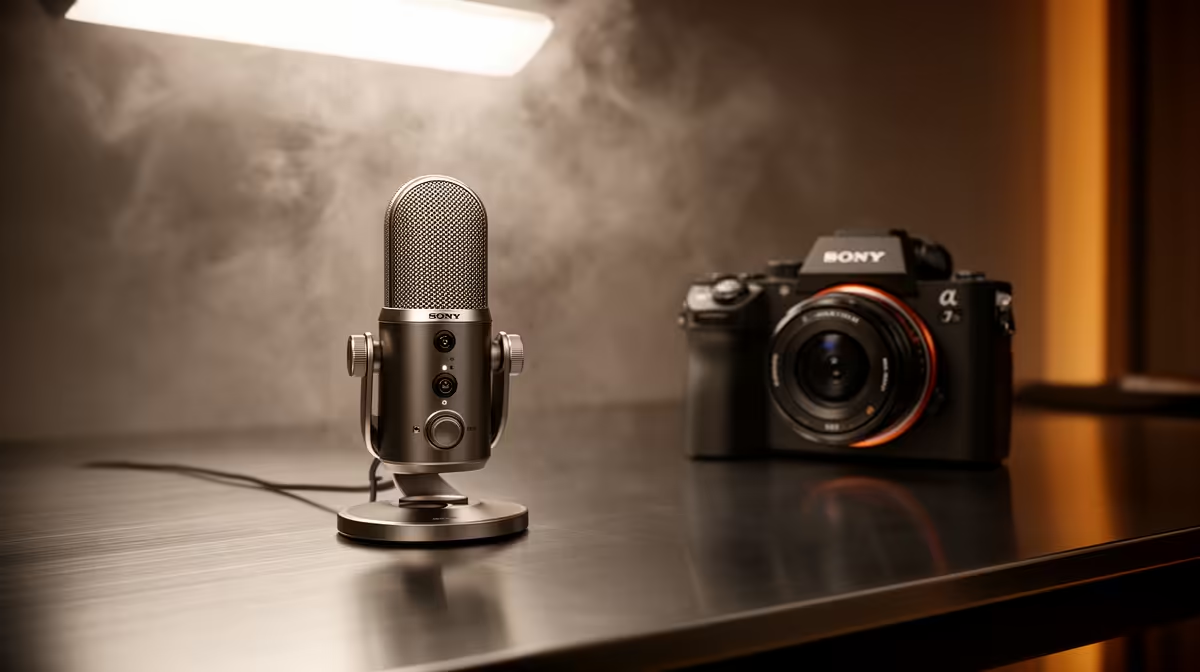
Noise suppression, gates, compression and equalisation can help. A copied chain can cut word endings, lift breathing and make the voice harsh. Set microphone distance and gain first.
Add one processor, record and bypass it. Keep the change only when it helps through headphones and a phone speaker. Your voice, room and microphone require their own values.
The streaming essentials catalogue includes microphones and supporting gear. Choose a named product whose pattern and connection suit the room rather than a bundle sold through feature count.
Trap 6: buying RGB before light for skin
Coloured background light can add mood. It does not expose the face. When it becomes the brightest source, the webcam may dim you or shift white balance.
Start with one neutral key light. Set camera exposure and white balance. Add a dim background colour only after skin tone remains natural through bright and dark game scenes.
Avoid aiming strong coloured LEDs into the lens. Flare lowers contrast and makes an inexpensive camera look worse.
Trap 7: replacing a stable connection without measuring
Dropped frames can come from Wi-Fi interference, an upload queue, router configuration or the streaming service route. A larger package is only one possible answer.
Test Ethernet, pause backups and watch packet loss and jitter. Compare at the normal broadcast time. If available upload remains below the chosen bitrate with headroom, then the service capacity belongs in the decision.
Do not make the stream bitrate equal to the line's best speed-test result. Leave room for variation and household traffic.
Buy the boring foundations
A suitable microphone stand, one reliable cable and a safe light mount do more work than a decorative controller. Measure clamp openings and cable runs. Keep power cables away from chair wheels and walking routes.
Headphones prevent speaker audio returning to the mic. A simple closed pair you own can be enough. A dedicated set becomes useful when comfort or monitoring detail is the actual fault.
Use a purchase gate
Before adding gear, answer two questions:
- Which repeated fault does this product remove?
- How will a before-and-after recording prove it?
If the answer is a vague professional look, delay the purchase. If the card captures a console the PC cannot see or the mixer controls three live microphones, the job is clear.
Frequently Asked Questions
Is a green screen bad for a first stream?
It is unnecessary unless background removal serves the format and you can light, frame and key it cleanly.
Do I need a capture card to stream console games?
You need a supported capture route when sending the console's HDMI output through a streaming PC. Check exact passthrough and audio needs.
When does a mixer become worthwhile?
Add one when several live sources and routing moves exceed what a simple interface or software controls can handle.
Hold every first-stream extra against a named signal or workflow fault, buying specialised gear only when a controlled test can prove the gain.