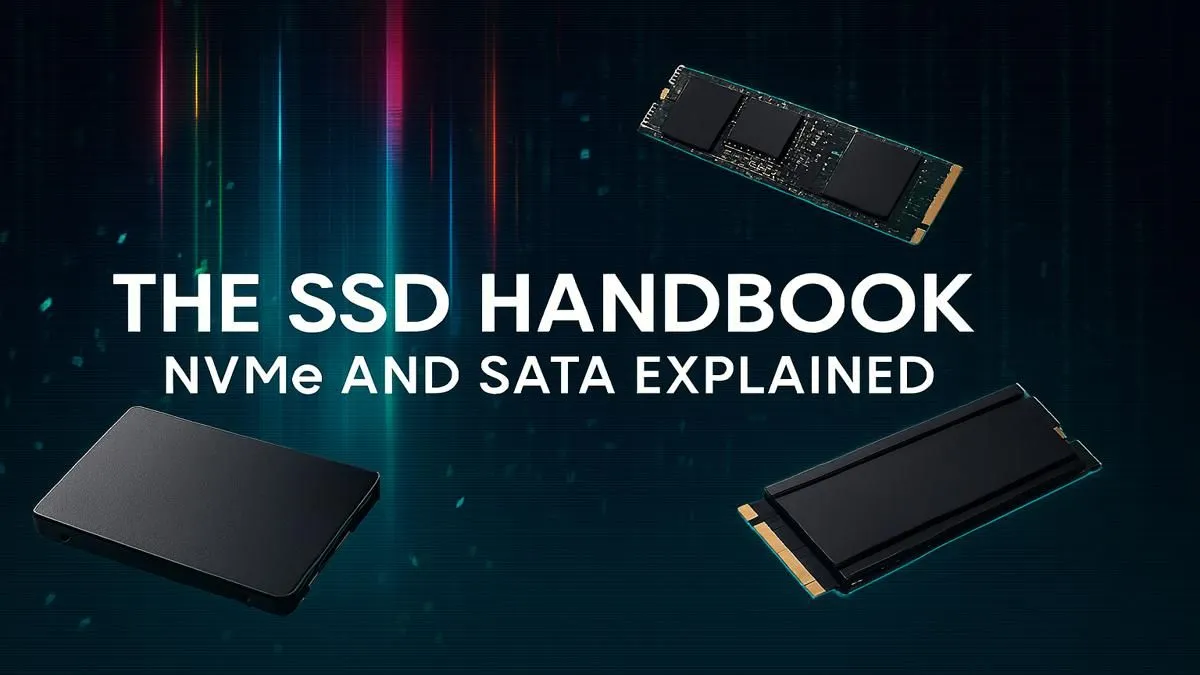
Staring at a loading screen while your mates are already dropping into the action? We've all been there. Choosing the right storage can feel like a boss battle... but it doesn't have to be. This guide breaks down the NVMe vs SATA debate for South African gamers. We'll help you pick the perfect Solid State Drive (SSD) for your rig and budget, ensuring you spend more time gaming and less time waiting. ⚡
The Core Showdown: Understanding NVMe vs SATA
At its heart, the NVMe vs SATA choice comes down to how a drive talks to your PC. Think of it like roads.
SATA: The Reliable Main Road
SATA (Serial ATA) is the older, trusted standard. It uses a cable to connect to your motherboard, much like a reliable two-lane road. It’s been the backbone of PC storage for years, and for good reason. It’s compatible with almost every desktop and laptop, offering a massive upgrade over old mechanical hard drives. Today, you'll find them as the familiar classic 2.5-inch SATA SSDs, which are easy to install and offer great value.
NVMe: The High-Speed Autobahn 🚀
NVMe (Non-Volatile Memory Express) is the new kid on the block, and it's built for pure speed. Instead of a cable, NVMe drives typically come in a small M.2 form factor that plugs directly into the motherboard. This gives it a direct connection to your PC's CPU via PCIe lanes… essentially a multi-lane super-highway for your data. This direct link is what makes these blazing-fast NVMe SSDs so much quicker than their SATA cousins.
NVMe vs SATA: Does Speed Actually Matter for Gaming?
So, one is faster than the other. But what does that mean for your daily gaming sessions in South Africa?
The numbers are dramatic. A typical SATA SSD maxes out around 550MB/s. A good NVMe drive can hit speeds of 3,500MB/s to over 7,000MB/s. That's a huge difference on paper.
In the real world, this translates to:
- Wickedly fast boot times: Your PC goes from off to ready in seconds.
- Instant application loading: Programs like Discord, Chrome, and OBS snap open.
- Quicker file transfers: Moving large video files or game installs is a breeze.
But for game loading times? The difference is often smaller than you'd think, usually just a few seconds between an NVMe and a SATA drive. The real performance bottleneck in gaming is often your CPU or GPU. So, when deciding between NVMe vs SATA for gaming specifically, the answer isn't always "get the fastest one."
🔧 Check Your Motherboard First!
Before you buy an NVMe drive, check your motherboard's manual. Make sure you have a compatible M.2 slot and see if it supports PCIe 3.0 or 4.0 speeds. No point paying for a Ferrari engine you can't use!
The Rand and Cents: Choosing Your SSD on a Budget
For many South African builders, the final decision comes down to price. And this is where the NVMe vs SATA comparison gets interesting.
SATA SSDs generally offer more gigabytes for your Rand. You can often get a 1TB SATA drive for the price of a 500GB NVMe drive. This makes SATA an incredible option for a secondary "games library" drive. You get plenty of space for your entire Steam collection without breaking the bank.
A popular and smart strategy is the hybrid approach:
- A smaller, faster NVMe SSD (e.g., 500GB) for your Windows operating system and your most-played games.
- A larger, cheaper SATA SSD (e.g., 1TB or 2TB) for the rest of your game library, documents, and media.
This gives you snappy performance where it counts most, plus bulk storage that's still way faster than an old hard drive. You can explore Evetech's full range of SSDs to compare prices and find the perfect combo for your build.
So, Which SSD is Right for Your Rig?
Let's wrap it up. The right SSD for your PC build depends entirely on your needs and budget.
- Go for NVMe if: You're a content creator, a competitive gamer who needs every millisecond, or simply want the absolute fastest, most responsive system your money can buy. ✨
- Go for SATA if: You're on a tighter budget, need maximum storage capacity for a large library of games, or are upgrading an older PC that doesn't have an M.2 slot.
- Consider the Hybrid approach if: You want the best of both worlds—a lightning-fast OS drive and plenty of affordable storage for everything else.
Ultimately, any SSD is a massive leap forward from a mechanical hard drive. The choice between NVMe and SATA is about optimising your build for your specific use case.
Ready to Ditch the Loading Screens?
Whether you need the raw speed of NVMe or the budget-friendly capacity of SATA, we've got the drive for you. Check out our latest SSD deals and give your PC the performance boost it deserves.