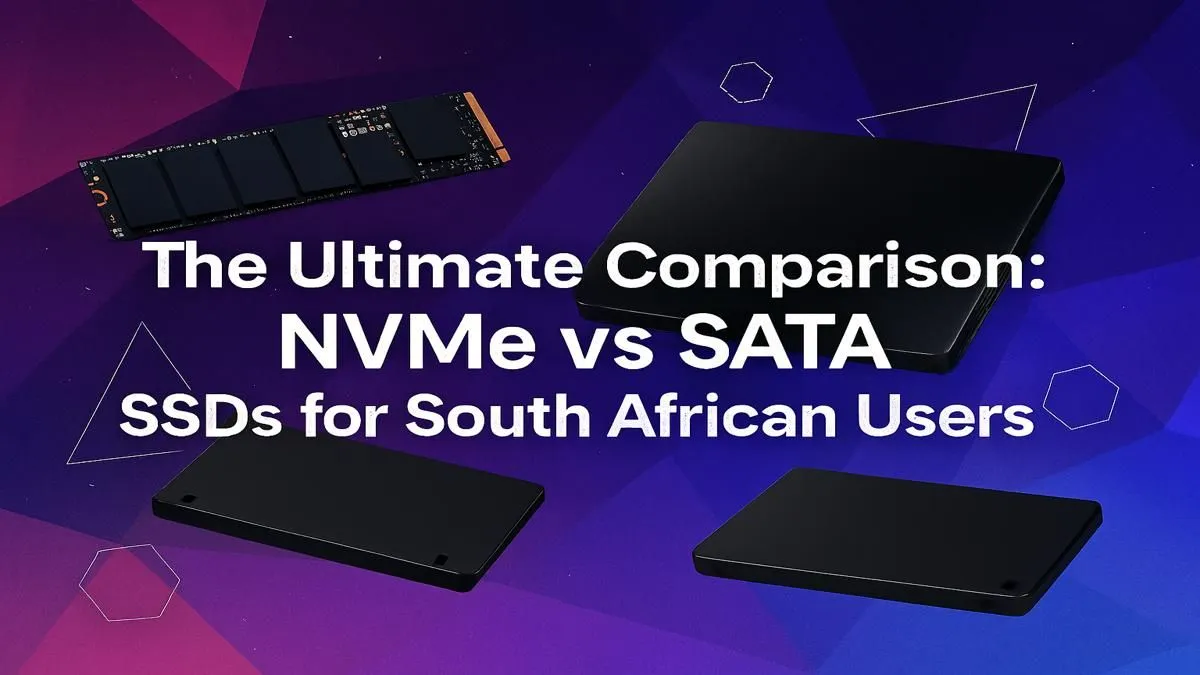
Staring at a loading screen while your mates are already dropping into Verdansk? That frustrating delay often comes down to one thing: your storage drive. For years, the trusty SATA SSD was the king of speed upgrades in South Africa. But now, a new challenger has entered the arena. This is the ultimate NVMe vs SATA South Africa speed showdown, helping you decide which Solid State Drive is right for your rig and your budget. ⚡
Understanding SATA SSDs: The Reliable Standard
Think of a SATA (Serial ATA) SSD as the V8 engine of storage. It was a massive leap from old, clunky Hard Disk Drives (HDDs) and is still a fantastic, budget-friendly choice for most users. It connects to your motherboard via a SATA cable, the same kind HDDs use, making it an incredibly easy upgrade.
For everyday tasks, booting up Windows, and loading most games, a SATA drive is a night-and-day difference from an HDD. While it won't win the ultimate speed race, its performance is more than enough for a snappy, responsive PC. For gamers on a budget or those needing bulk storage for their Steam library, modern 2.5-inch SATA SSDs offer the best bang-for-your-buck in the South African market.
Enter NVMe SSDs: The Formula 1 of Storage 🚀
If SATA is the V8, then NVMe (Non-Volatile Memory Express) is a jet engine. These SSDs don't use cables; they plug directly into an M.2 slot on your motherboard, using the super-fast PCIe interface. This direct line to your CPU cuts out the middleman, unlocking breathtaking speeds that are impossible for SATA to match.
How much faster? A typical SATA III SSD maxes out around 550 MB/s. A high-end Gen4 NVMe drive? It can hit over 7,000 MB/s. This makes a huge difference for professionals working with large 4K video files, or gamers who want the absolute minimum loading time in massive open-world titles like Starfield or Cyberpunk 2077. The debate of NVMe vs SATA in South Africa often boils down to this raw performance leap.
Check Your Motherboard First! 🔧
Before you splash out on a blazing-fast NVMe drive, check your motherboard's specifications. You need a free M.2 slot that supports the PCIe NVMe standard. Some older boards have M.2 slots that only support SATA speeds, so always double-check to avoid disappointment!
The Real-World Speed Showdown in SA
Okay, the numbers are impressive, but what does this NVMe vs SATA battle mean for your daily use in South Africa?
- Boot Times: An NVMe might shave 2-4 seconds off your Windows boot time compared to a SATA SSD. Both are lightning-fast compared to an HDD.
- Game Loading: For most games, the difference is a few seconds here and there. Where NVMe truly shines is in games that constantly stream assets from the drive, reducing in-game stutter and texture pop-in.
- File Transfers: This is where the difference is massive. Moving a 100GB game folder could take minutes on SATA but mere seconds on a top-tier NVMe.
For the average gamer, upgrading your SSD from an old hard drive to any kind of SSD is the biggest performance jump you can make. The choice between SATA and NVMe is more about optimising for specific needs and future-proofing your build. Given the competitive pricing in SA, exploring our range of NVMe SSDs is often a smart move for any new PC build.
Ready to Banish Loading Screens?
Whether you need the reliable value of SATA or the blistering speed of NVMe, the right drive is waiting for you. Check out our latest SSD deals for performance that leaves lag in the dust.