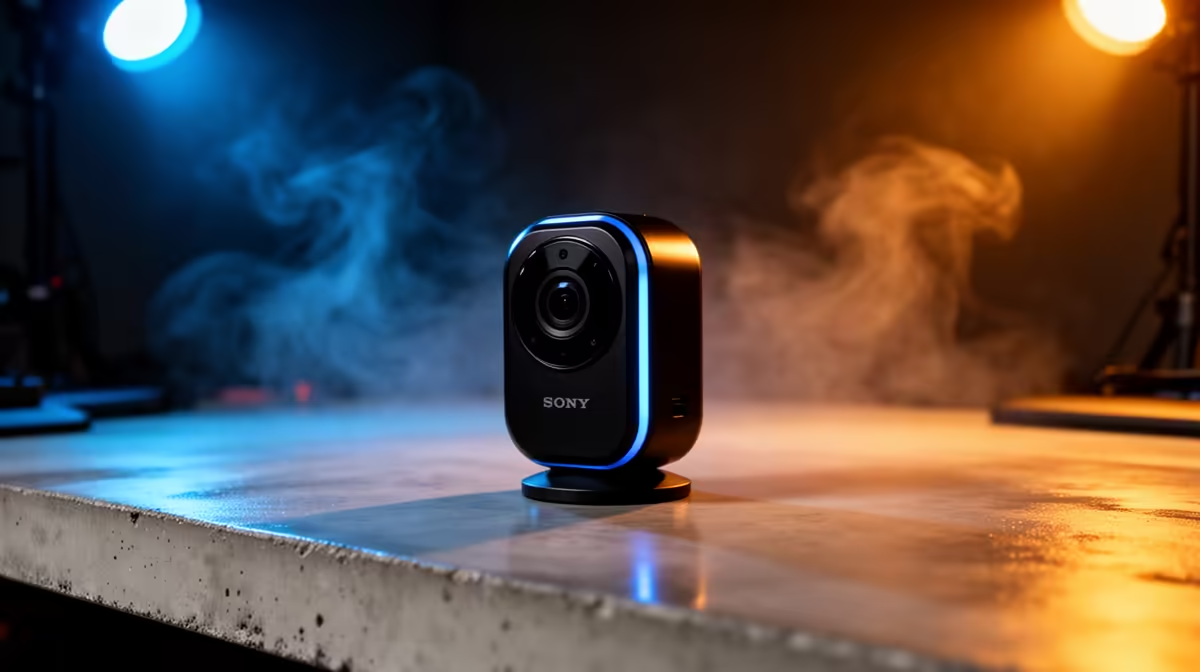
A webcam that follows you can turn a standing presentation, whiteboard lesson or product demo into a one-person production. The OBSBOT Tiny 2 uses a motorised mount and software tracking for that role. For OBSBOT Tiny 2 availability in South Africa, the camera's privacy behaviour, framing and support route matter as much as its 4K label.
Quick Answer
South African OBSBOT Tiny 2 listings and Rand totals can shift across specialist and border supply, so no fixed local price will stay reliable. Overseas supply may bring freight, customs duty and a difficult return for a motorised camera. Evetech's live webcam range gives you locally listed alternatives to compare by resolution, autofocus and warranty.
🎥 Understand AI tracking on a motorised webcam
The Tiny 2 combines a webcam sensor with a small pan-and-tilt gimbal. Software uses the video image to keep a recognised person or selected subject framed.
Tracking does not know your creative intent. It can follow the wrong person, react to movement in the background or frame too tightly.
Check available tracking modes and how you choose a subject. A group, upper-body presentation and close desk shot need different behaviour.
Gesture controls can start tracking, zoom or trigger other supported actions. Learn the confirmation indicator so an accidental hand movement does not change the shot.
4K capture can improve detail and provide room for cropping. It also increases USB bandwidth, storage and processing needs.
Verify frame-rate options at each resolution. A lower-resolution high-frame-rate mode may suit movement better than maximum detail.
Autofocus, exposure and white balance still need attention. Tracking a face does not guarantee flattering light or stable colour.
🔒 Plan privacy and physical framing
A motorised camera should have a clear privacy state you understand. Confirm what the gimbal position or indicator means when video is off.
Do not rely on software mute alone for sensitive spaces. Use the supported physical privacy position or disconnect the camera where required.
Place the webcam near eye height. A tracking camera mounted low can follow you while preserving an unhelpful angle.
Check monitor thickness and mount grip. Gimbal motion should not make the camera bounce.
Leave clearance for full pan and tilt. Cables, monitor lights and a wall can stop the camera before its software limit.
Route the USB lead with a service loop. It should not tug when the camera turns.
Review background privacy. A wider tracked shot can reveal screens, documents or people outside the original frame.
📦 Compare the complete webcam route
Use a dated quote naming the Tiny 2 model, mount, remote or accessories, cable, seller and currency. Similar OBSBOT models can have different sensors and features.
International carriage and customs duty can shape the landed Rand total. Insure the camera and motorised mount against transit damage.
Ask who handles gimbal noise, tracking failure, dead pixels, autofocus faults or a broken USB port.
Confirm current software support for your operating system and meeting or streaming applications. Some features may depend on a companion app.
Review Evetech's streaming essentials for microphones, controls and creator gear around the camera.
Compare locally listed webcams on sensor, low-light performance, autofocus, tracking need and warranty. A fixed camera can be more predictable when you stay seated.
Keep packaging, serial details, cable and mount parts. The gimbal needs fitted protection during transport.
Check the early-fault reporting period and test the full movement range before mounting the camera in a permanent studio.
Plan lighting in the budget. A better light often improves webcam quality more than another step in resolution.
Check whether the computer can sustain 4K capture while running conferencing, screen sharing or streaming software. A dropped-frame 4K image is worse than a stable lower-resolution feed.
If the camera will sit in a shared meeting room, decide who controls tracking and presets. One clear operator prevents several people from fighting the gimbal through different apps.
Review any cloud, account or privacy requirements in the companion software. Keep core fixed-camera use available when an account or network service is unavailable.
🧪 Teach the camera your real presentation space
Install the camera on a rigid monitor or stand and connect it directly for first setup. Record the initial firmware.
Set the intended resolution and frame rate. Verify the selected mode in the conferencing or recording application.
Stand at the nearest and farthest presentation points. Watch whether tracking stays smooth and avoids sudden re-framing.
Walk behind a foreground object and return. Check how the camera reacquires you.
Test every gesture away from your face and body. Learn the visible confirmation and disable gestures you do not need.
Set exposure and white balance under the lights used for meetings. Lock values if automatic changes distract the viewer.
Check autofocus while holding a product towards the lens. A presenter-tracking camera may keep priority on the face.
Record gimbal movement in a quiet room. Report grinding, clicking or repeated limit impacts.
Test privacy mode, application mute and the fallback of unplugging the camera. Teach all users the same routine.
Save a seated preset and a standing preset if supported. Keep a static wide shot for moments when tracking becomes confused.
Run a complete meeting with screen sharing and microphone audio. Watch CPU load and confirm the camera remains selected after applications change modes.
Clean the lens with camera-safe materials and the gimbal powered down. Never twist the motorised head by hand unless the manual gives that procedure.
After moving the setup, repeat the clearance test before enabling full tracking. A new light or monitor can become a hard stop.
Frequently Asked Questions
Is the OBSBOT Tiny 2 sold in South Africa?
Listings change over time. Check current South African offers and Evetech's live webcam category.
Does Evetech stock the OBSBOT Tiny 2?
Do not assume title-model stock. Open the linked pages to see the webcams and creator products listed now.
What can importing a Tiny 2 add?
Freight, customs duty, insurance and possible support transport can all affect the final amount.
What does AI tracking do?
It uses software and a motorised gimbal to keep a selected person or subject framed as they move.
Can South Africans claim warranty on an overseas unit?
The seller's written route applies. Confirm where gimbal and camera faults are handled and who carries transport.
Which local webcam should I compare?
Use Evetech's current range to compare low-light image, autofocus, field of view, tracking need and warranty.
Ready to improve meetings, lessons or live demos?
Check Evetech's current webcams and streaming essentials, then choose the camera, lighting and audio that fit how you move on screen.