


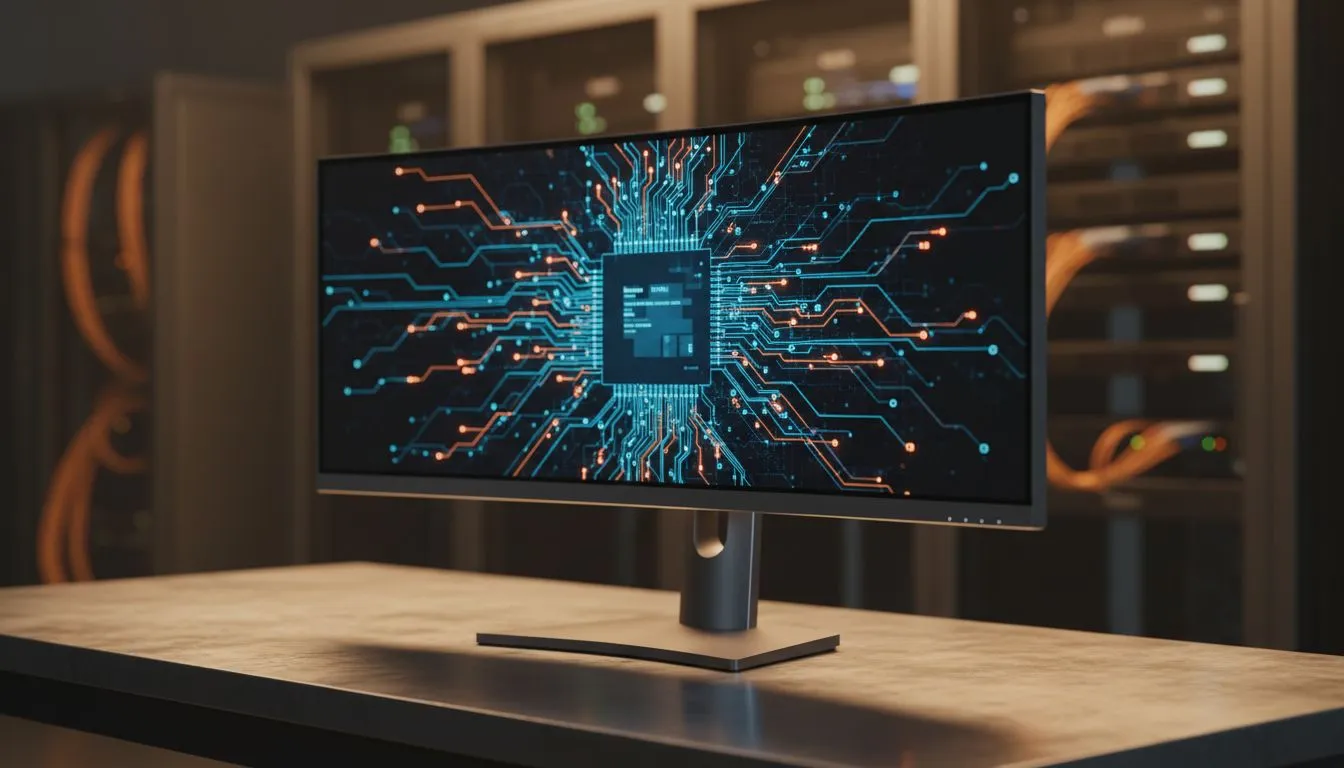
Finding the Right Balance for Your Desk
Setting up a professional workspace in South Africa requires more than just a desk and a chair. Choosing the right Office Monitor Specs: Essential Picks for Corporate Workspaces can transform your daily productivity from a slog into a breeze. Whether you are crunching spreadsheets in Sandton or designing in Cape Town, the right display makes all the difference... especially when staring at screens for eight hours a day. 🔧
The foundation of any high-performing office starts with visual clarity. When browsing the massive range of PC monitors available today, it is easy to get lost in the jargon. You need to focus on resolution, refresh rates, and ergonomic flexibility to ensure your eyes do not feel like lead by 5 PM.
Screen Shape and Professional Ergonomics
The debate between different display formats is often down to personal preference and desk real estate. For most traditional accounting or administrative roles, a high-quality flat screen remains the gold standard. These panels offer a familiar view and are perfect for side-by-side dual-monitor setups. ⚡
However, if you find yourself managing massive Excel sheets or multiple browser windows, a curved screen might be the better investment. The subtle wrap-around effect reduces the distance your eyes have to travel to see the edges. This can significantly lower eye fatigue during long South African workdays.
Productivity Pro Tip ⚡
On Windows, use the PowerToys FancyZones utility to create custom snap layouts for your windows. It's a lifesaver for managing multiple apps on an ultrawide monitor, letting you organise your email, browser, and document folders perfectly for maximum efficiency.
Panel Technology and Colour Accuracy
Not all screens are created equal when it comes to colour and viewing angles. For corporate environments where collaboration is key, an IPS panel is almost mandatory. IPS technology ensures that colours remain consistent even if a colleague is looking at your screen from the side. This is vital for creative presentations or simply sharing data during a quick huddle. ✨
Why Sync Technology Matters for the Office
You might think that variable refresh rate technology is only for gamers. However, features like Adaptive Sync play a massive role in office comfort. By matching the monitor's refresh rate to your system's output, you eliminate screen tearing and stuttering during video calls or smooth scrolling. 🚀
Depending on your office PC hardware, you might want to look at specific standards. If your workstation uses a Radeon pro card or integrated graphics, a monitor with FreeSync (AMD) support is a smart choice. Conversely, for those using high-end Nvidia-powered laptops or desktops, G-Sync (NVIDIA) ensures the smoothest possible visual experience. Investing in these office monitor specs: essential picks for corporate workspaces ensures your hardware works for you... not against you.
Ready to Find Your Perfect Match? Selecting the right office display is an investment in your long-term comfort and productivity. For the best value and expert advice in South Africa, our team is ready to help. Explore our massive range of monitors and find the perfect machine to conquer your world.











