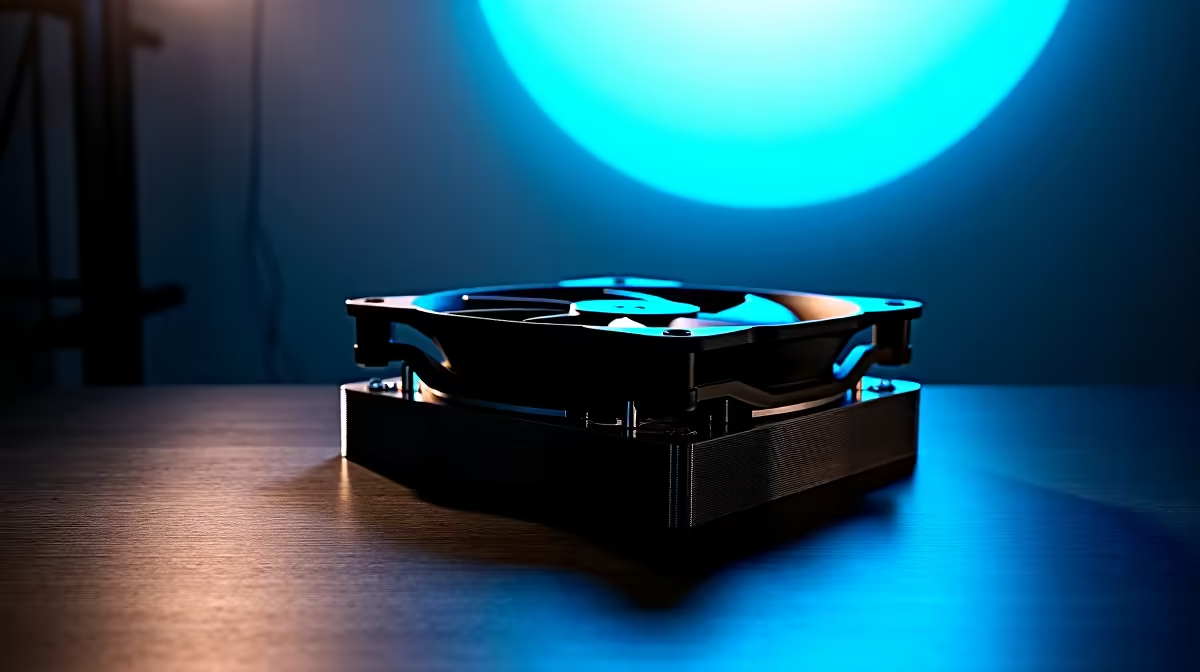
Thinking of splashing out on a stunning new OLED monitor? The incredible colours and perfect blacks are tempting, but that one nagging fear holds many South African gamers back: burn-in. With brands now adding active fan cooling to their latest models, the big question is... does it actually solve the OLED burn-in risk, or is it just clever marketing? Let's dive in and separate the facts from the hype. ✨
Understanding the Real OLED Burn-In Risk
First, let's clear the air. "Burn-in" is permanent image retention caused by the uneven ageing of an OLED's organic pixels. When you display a static image—like a game's health bar, a news channel logo, or the Windows taskbar—for hundreds of hours, those specific pixels wear out faster than the others. This creates a faint, ghost-like image that won't go away.
Modern panels have become much better at mitigating this. Features like pixel shifting, static logo detection, and user-prompted refresh cycles are now standard. However, the fundamental OLED burn-in risk still exists, which is why it's a key consideration when browsing for all gaming monitors.
How Heat Accelerates OLED Degradation 🔥
Here's the science bit, made simple. The "O" in OLED stands for Organic. Like any organic compound, these light-emitting diodes degrade over time, and heat is a major catalyst for this process. The hotter the panel gets, the faster its pixels age.
Pushing for higher brightness levels, especially in HDR content, generates more heat. This is particularly true for high-resolution displays like the stunning 5K & 4K monitors that demand so much power. More heat means a faster rate of degradation, which in turn can increase the potential for uneven wear and, eventually, burn-in.
The Role of Active Fan Cooling in Modern Monitors
This is where active cooling comes in. Seeing the link between heat and panel longevity, some manufacturers have started integrating small, quiet fans or sophisticated heatsink systems directly into their monitor designs. You'll often find this feature in premium curved monitors aimed at the enthusiast market.
The goal is simple: to actively pull heat away from the OLED panel and its controller board. By maintaining a lower and more stable operating temperature, these cooling systems slow down the inevitable degradation of the organic pixels. Think of it as another layer of defence 🛡️ working alongside the software features to prolong your investment's life.
Windows Pro Tip 🔧
Right-click your desktop, go to Personalisation > Taskbar > Taskbar behaviours, and tick 'Automatically hide the taskbar'. This simple change removes one of the biggest static elements from your screen, significantly lowering the long-term burn-in risk without you even noticing it's gone. Combine this with a dark, rotating wallpaper for maximum protection!
So, Is Fan Cooling a Perfect Solution?
Not entirely, but it's a significant step forward. Active cooling directly tackles a core physical factor in panel ageing, which is a huge plus. However, it can't defy physics or bad habits. The single biggest factor in preventing OLED burn-in remains how you use the monitor.
To truly minimise the OLED burn-in risk, you need to combine the hardware advantages with smart usage:
- Vary Your Content: Avoid leaving the same game or application with a static HUD running for 8+ hours a day, every day.
- Use Your PC: Don't use your high-end gaming monitor as a static digital photo frame. When you walk away, let the screen turn off.
- Hide Static Elements: Use an auto-hiding taskbar and full-screen modes whenever possible. For static apps like Discord, consider offloading them to a secondary portable monitor.
- Run Panel Care Cycles: Your monitor will prompt you to run pixel refresh cycles. Don't ignore them! They help even out pixel wear.
Ultimately, all modern PC monitors require some level of care to perform their best for years to come.
The Verdict: Should Your Next OLED Have a Fan?
If you're a hardcore gamer or a professional who spends long hours with applications that have static interfaces, a monitor with active cooling is an excellent choice. It provides valuable peace of mind and is a strong signal that the manufacturer has invested in the panel's long-term health.
While not strictly essential for everyone, fan cooling is a powerful feature that helps mitigate the OLED burn-in risk. It complements, rather than replaces, good user habits and the built-in software protections. When you're looking for the best performance, consider grabbing some quality monitor accessories to optimise your setup's airflow too.
Ultimately, the choice is yours, but knowing that your hardware is actively fighting degradation can make investing in one of the best PC monitor deals feel a lot safer.
Ready to Experience Perfect Blacks?
The debate over OLED burn-in can be daunting, but with modern tech and smart habits, it's a risk you can manage. Explore our massive range of gaming monitors and find the perfect panel to elevate your setup.