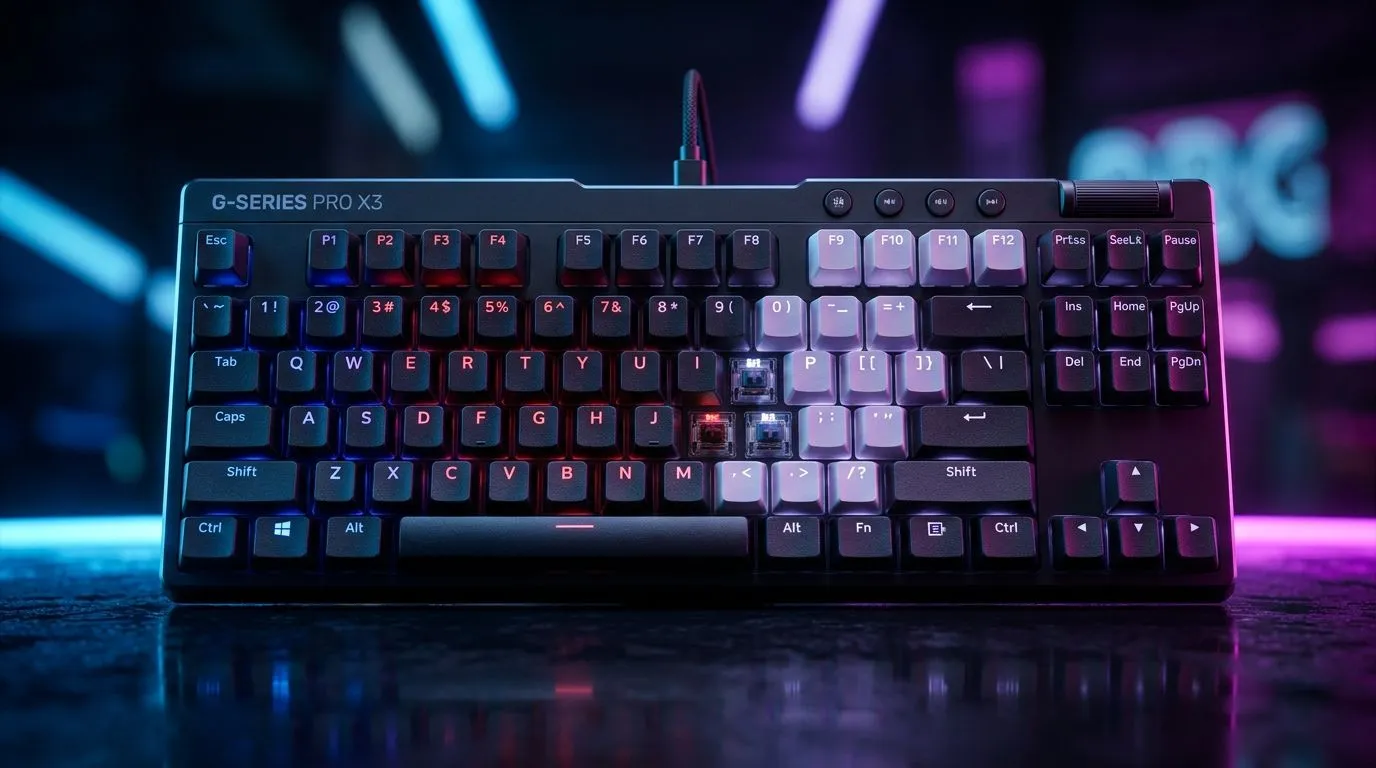
Onboard Keyboard Profiles: Switch Gaming to Productivity
If you game on weekends and work (or study) on weekdays, your keyboard should do both. In South Africa, many of us jump between Discord, spreadsheets, and game launches… often within the same hour. The secret is simple: onboard keyboard profiles that let you switch layouts and shortcuts fast. 🔥
In this Deep Dives guide, you’ll learn how onboard keyboard profiles help you run productivity tasks smoothly while keeping your gaming setup ready. We’ll also show you what to look for when buying a keyboard that supports it, so you don’t end up stuck with one “everything mode”.
Onboard Keyboard Profiles: Switch Gaming to Productivity (What they actually do)
Onboard keyboard profiles store settings directly in the keyboard. That means you can switch between “Gaming” and “Productivity” without relying on extra software every time. In practice, that often includes:
- Different key mappings (like WASD vs editor shortcuts)
- Lighting scenes (useful for finding keys fast)
- Different macro behaviour (for things like copy/paste sequences)
Why does this matter? Because time wasted on software syncing feels like lag. When your keyboard is already prepared, you can move from game to work in seconds… not minutes.
Example: gaming mode vs work mode
A common South African “two-life” setup looks like this:
- Gaming profile: lower actuation for specific keys, mapped macros to abilities, and lighting that highlights WASD.
- Productivity profile: disable gaming-only macros, remap keys to shortcuts (like Ctrl+C / Ctrl+V patterns), and set a calmer backlight for typing.
Even better, if you use a laptop or switch PCs at home, onboard profiles keep your favourite layout consistent.
Productivity Pro Tip ⚡
On Windows, use the PowerToys FancyZones utility to create custom snap layouts for your windows. Pair that with an onboard keyboard profile that maps one key to your most-used window layout, so your spreadsheet, browser, and chat always fall into place faster.
Onboard Keyboard Profiles: Switch Gaming to Productivity (Buying checklist)
Not all keyboards are equal when it comes to onboard profiles. Here’s what to check before you buy:
1) Profile storage and switching
Look for keyboards that clearly mention onboard memory or “profiles” you can switch via dedicated keys. If it only works properly through software, you lose the whole benefit.
2) Connectivity type (wired vs wireless)
Profiles should behave consistently regardless of connection, but some users notice differences with wireless wake behaviour. If you want the most stable experience for gaming plus work, wired often wins on simplicity. If you need desk freedom, wireless can still be great.
To compare options across South African pricing, browse:
3) Build quality that handles real typing
Gaming keycaps can be fine… but productivity is where you’ll feel wobble, shine, and inconsistent key travel. If you type a lot, choose a keyboard that’s comfortable for long sessions. If you’re shopping deals, start with:
And if you want an easier “buy once” path, consider a combo purchase:
Onboard Keyboard Profiles: Switch Gaming to Productivity (How to set yours up)
If you already own a keyboard with onboard profiles, set them up once, then treat them like presets.
Start like this:
- Item
- Item
- Item
If you do this right, you’ll feel the keyboard “click” into the role you need… instantly. ✨
Finally, if you’re comparing a wider range of keyboard choices across budgets, use:
Onboard Keyboard Profiles: Switch Gaming to Productivity (Choose your next upgrade)
Onboard keyboard profiles are one of the rare upgrades that benefits both gaming and productivity. It’s not about having more keys… it’s about having the right behaviour at the right time. 🔧
Ready to Find Your Perfect Match?
Onboard keyboard profiles help you switch faster between gaming and productivity, but the right keyboard matters most. For maximum power, choice, and value in South Africa, explore our deals and find a keyboard that fits your two-world routine. Shop Evetech keyboard specials and upgrade today.