Quick Answer
The most impactful upgrades for a South African work-from-home and gaming dual-use setup are a 27-inch 1440p monitor for both productivity and gaming clarity, a quality gaming chair for eight-hour workday support, and a programmable gaming keyboard that profiles between work shortcuts and game bindings without hardware changes.
Designing a Desk That Works for Both Roles 🖥️
Work-from-home desks in South Africa face a specific constraint: limited floor space in Johannesburg townhouses and Cape Town apartments means the setup must serve video calls, spreadsheet work, and evening gaming from the same surface. A 120 to 140 cm desk provides enough room for a single ultrawide monitor or dual 24-inch displays without crowding. Invest in a monitor arm rather than a stand: it frees the desk surface and allows monitor height adjustment. Monitor arms for a single 27-inch panel cost R350 to R900 locally.
Peripherals That Pull Double Duty 🎮
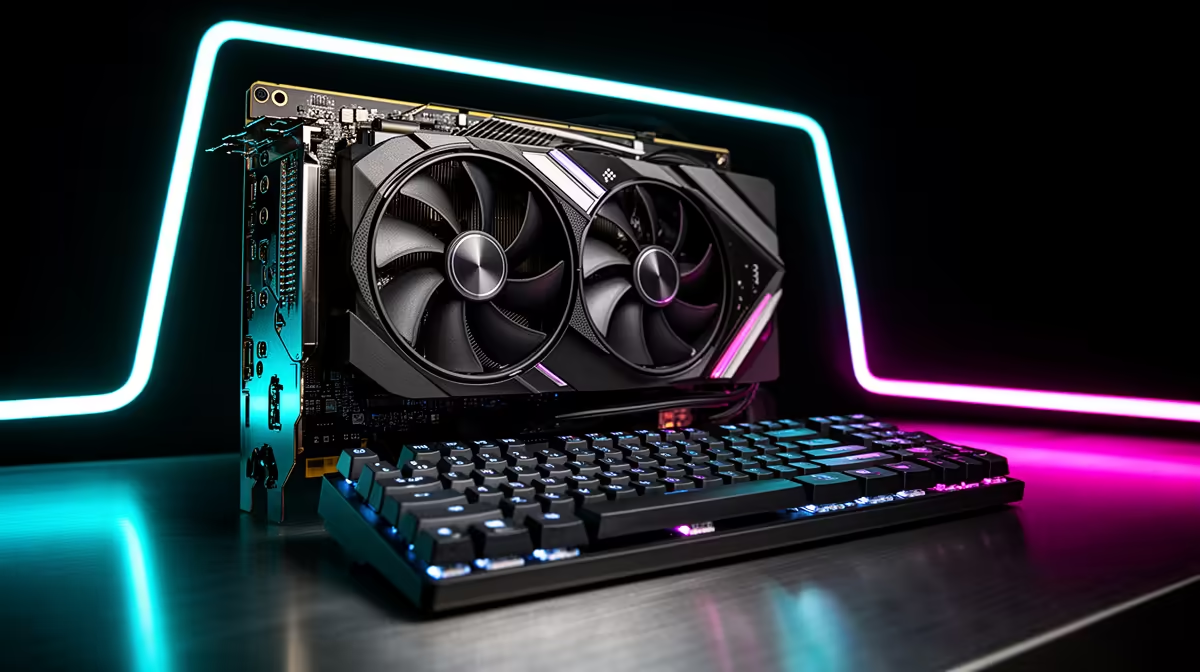
A gaming keyboard with software-switchable profiles handles work shortcuts in one profile and game bindings in another. Pair this with a mouse that has adjustable DPI: 800 DPI for precision spreadsheet work and 1,600 to 3,200 DPI for gaming. A gaming headset doubles as a work call headset, with many current models offering a retractable microphone boom and onboard volume control. For South African remote workers on Vumatel or Openserve fibre, a quality USB-C hub with an integrated Ethernet port ensures a wired connection for video calls, cutting dropped-call issues during peak evening usage hours.
Display and Audio Calibration for Both Use Cases 💡
For a dual work-play monitor, calibrate colour temperature to 6,500K for accurate colour work during the day and switch to a warmer 5,000K profile in the evening to reduce eye strain during long gaming sessions. Windows 11's Night Light feature handles this automatically on a schedule. For gaming performance, a 27-inch 1440p monitor with 165 Hz refresh rate and IPS panel covers both crisp document text and smooth gaming visuals. In South Africa, 1440p 165 Hz monitors from reputable brands currently retail between R5,500 and R9,000, sitting at the sweet spot between budget 1080p panels and premium 4K displays.
Use Separate Windows User Profiles for Work and Play ⚡
two Windows 11 user accounts on your machine: one for work with productivity software, professional wallpaper, and clean notification settings, and one for gaming with your game library, RGB profiles, and game-specific peripherals configured. Switching takes 30 seconds and ensures work software notifications never interrupt a gaming session, and game overlays never appear during a client video call.
FAQ
What is a realistic budget for a dual work-and-gaming setup in South Africa in 2026?
A capable dual-use setup including a PC, 27-inch 1440p monitor, gaming keyboard, mouse, and headset starts at around R18,000 to R25,000 for mid-range components. An existing PC can shift to a dual-use configuration for as little as R6,000 to R10,000 in peripheral upgrades alone.
Is a gaming chair worth it for a work-from-home setup or is an office chair better?
Quality gaming chairs in the R3,000 to R6,000 range provide adequate lumbar support for eight-hour workdays. Dedicated ergonomic office chairs in the same price range typically offer superior lumbar adjustment. If you spend more hours gaming than working, a gaming chair is fine; if the split favours work, lean toward an ergonomic office chair.
Do fibre speeds from providers like Vumatel or Frogfoot matter for gaming in South Africa?
Latency matters more than raw speed for gaming. A 50 Mbps Vumatel fibre line with 5 ms local latency will produce a far better online gaming experience than a 200 Mbps line with 40 ms latency. Check the gaming ping to local South African servers, not just the speed, when choosing a fibre package.
Building a setup that works and plays hard?
Evetech stocks monitors, gaming peripherals, chairs, and accessories for dual work-from-home and gaming environments. Browse the full range at Evetech for your ideal setup.