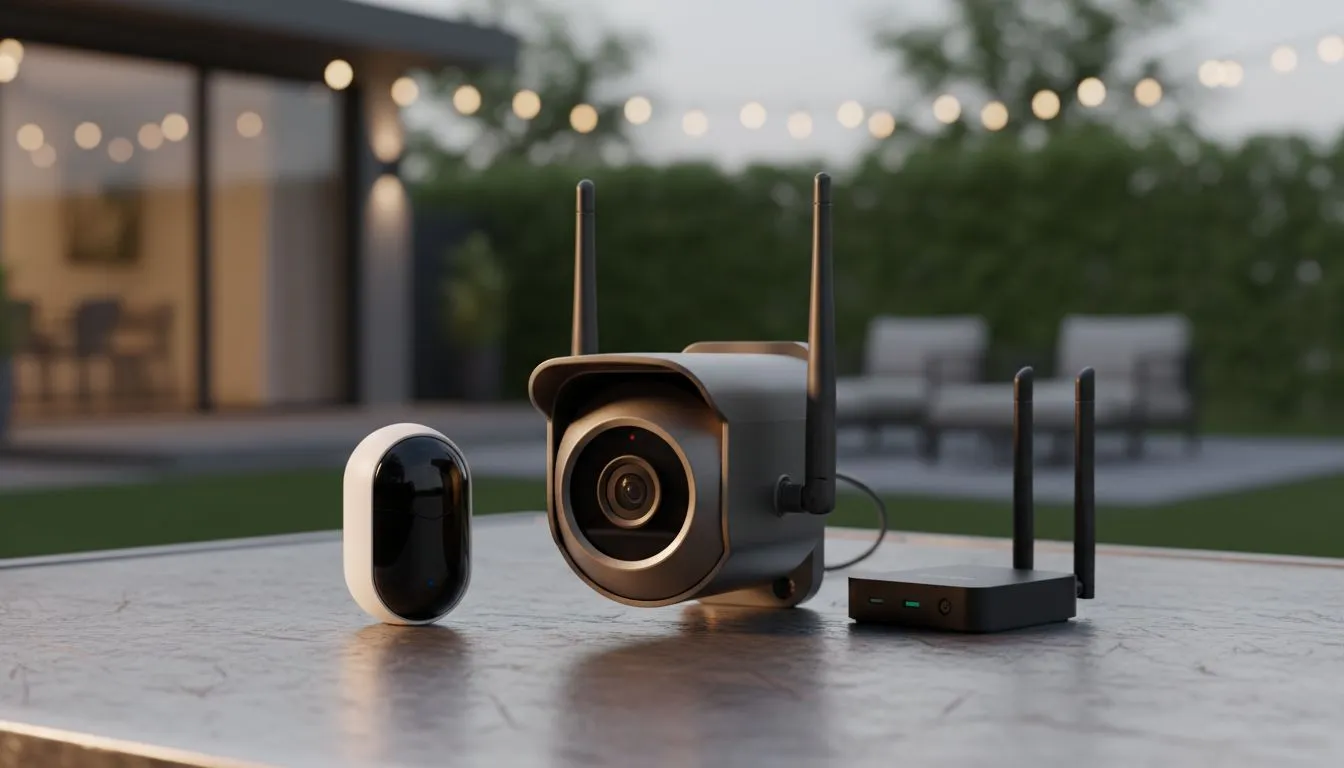
Securing your South African home isn't just about high walls anymore. As tech enthusiasts, we want eyes on our property 24/7. Whether you are protecting your gaming rig or your family, a proper Outdoor IP Camera Setup is the first line of defence. Getting those cameras to talk to your network through brick walls and across gardens can be a real headache without the right gear. 🛡️
Planning Your Outdoor IP Camera Setup
Before drilling holes in your walls, you need a plan. South African homes often feature thick brick and mortar. These materials are notorious for killing Wi-Fi signals. Your first step is ensuring your primary network can handle the load. High-definition video requires consistent bandwidth.
A solid foundation starts with choosing the best wireless routers to handle high-bandwidth video streams. If your router is tucked away in a cupboard, your cameras will struggle. Position your hardware centrally to provide the best possible coverage for your Smart Security Outdoors.
Overcoming Distance and Signal Obstacles
Most outdoor cameras are mounted far from the main house. Signal drops are common when trying to connect cameras at the front gate or the perimeter fence. This is where many DIY installations fail. You might see a "signal weak" notification just when you need the footage most.
Using wireless range extenders ensures your stream stays live even at the edge of your property. These devices pick up your existing signal and boost it further. It is a cost-effective way to cover those "dead zones" in the garden without running hundreds of metres of Ethernet cable. ⚡
Outdoor Placement Pro Tip ⚡
When mounting your cameras, avoid placing them directly under metal gutters. Metal reflects Wi-Fi signals and can cause interference. Aim for a spot at least 30cm away from large metal surfaces to ensure your Outdoor IP Camera Setup maintains a stable, high-speed connection to your base station.
Hardware Essentials for Smart Security Outdoors
Reliability is everything when it comes to security. You do not want your feed flickering during a power cut or a storm. Investing in quality wireless networking components is vital for long-term peace of mind.
Consider the following before you buy:
- Weather Rating: Ensure cameras are at least IP66 rated for SA storms.
- Power Supply: Will you use PoE or local power points?
- Storage: Do you prefer local SD cards or cloud-based recording?
If you plan to monitor your feeds from a dedicated desktop in your home office, ensure that PC has a reliable link. If your motherboard lacks built-in Wi-Fi, high-quality wireless adapters can bridge the gap perfectly. This allows you to view 4K feeds without the stuttering caused by poor reception. 🚀
Monitoring and Maintenance
Once you connect cameras to your network, the job isn't quite finished. You should regularly check for firmware updates. Manufacturers often release patches that improve security and connection stability. In South Africa, power surges are a reality... always use surge protectors for your networking gear to avoid losing a R2,000 router to a lightning strike. 🔧
Ready to Find Your Perfect Match?
A secure home starts with a powerful network. For maximum reliability, choice, and value in South Africa, our networking gear is hard to beat. Explore our massive range of wireless networking specials and find the perfect hardware to secure your world.