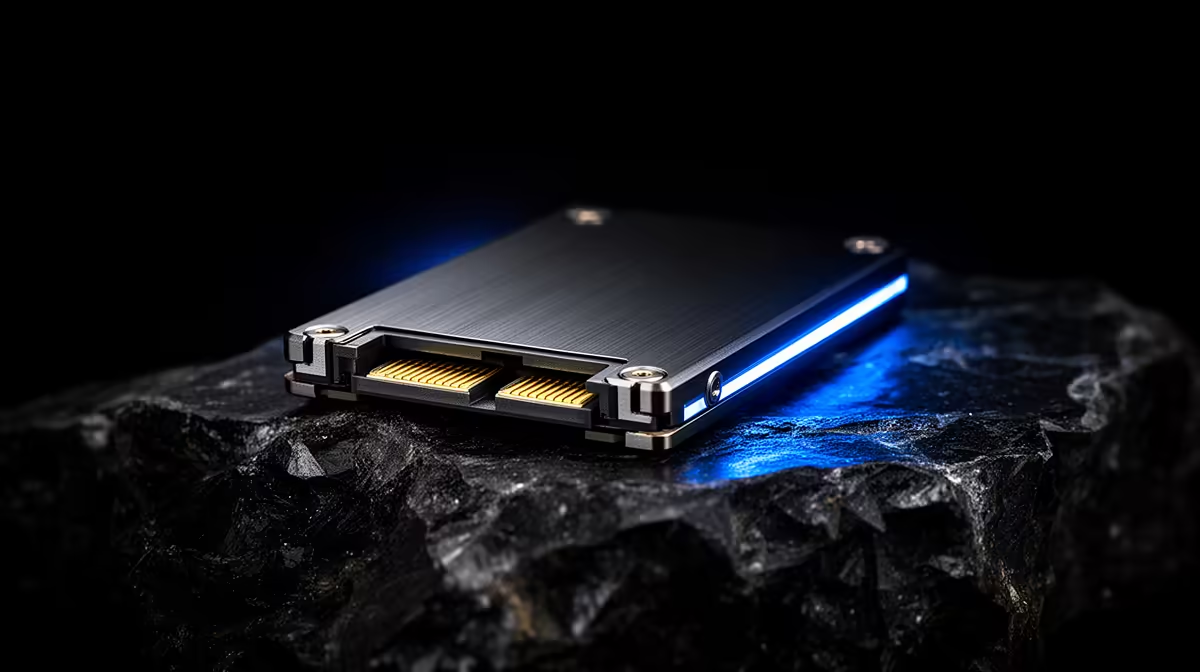
ADATA LEGEND 900 1TB NVMe at R948 suits a parent upgrading a school or gaming PC because it gives the child a full 1TB NVMe drive without jumping into premium pricing. A good nvme ssd choice should be about capacity, fit, and sensible spend first, especially when the machine is used for school files, games, screenshots, and family media.
Best 1TB NVMe Pick For A Parent
The ADATA LEGEND 900 1TB NVMe at R948 is the easiest starting point here because the 1TB capacity is clear and the price stays below the WD Blue SN5000 NVMe at R998. For a parent, that means enough room for Windows, study folders, launchers, and a few large games before storage management becomes a weekly chore.
The WD Blue SN5000 NVMe at R998 is also a practical family PC option if you want a familiar WD Blue line and an NVMe drive rather than older storage. It costs R50 more than the ADATA LEGEND 900 1TB NVMe at R948, so it makes sense when brand preference matters more than squeezing the lowest listed price.
Parent Upgrade Check At A Student Desk
Before buying, check that the laptop or desktop actually has an NVMe M.2 slot. If the old drive still needs to be copied or kept as portable storage, the ORICO NVMe M.2 enclosure at R160 gives that loose NVMe drive a useful second life for backups, school projects, or moving files between machines.
The Samsung 990 PRO at R4,648 is the premium option in this set. It is still an NVMe drive, but for a parent buying mainly for school use and general gaming storage, the price gap is hard to justify unless the PC is already a high-end build.
Ready to choose the right SSD?
Use WD Blue SN5000 NVMe at R998 as the nvme ssd shortlist benchmark, then check whether its listed spec matches the space, workload, and upgrade path.