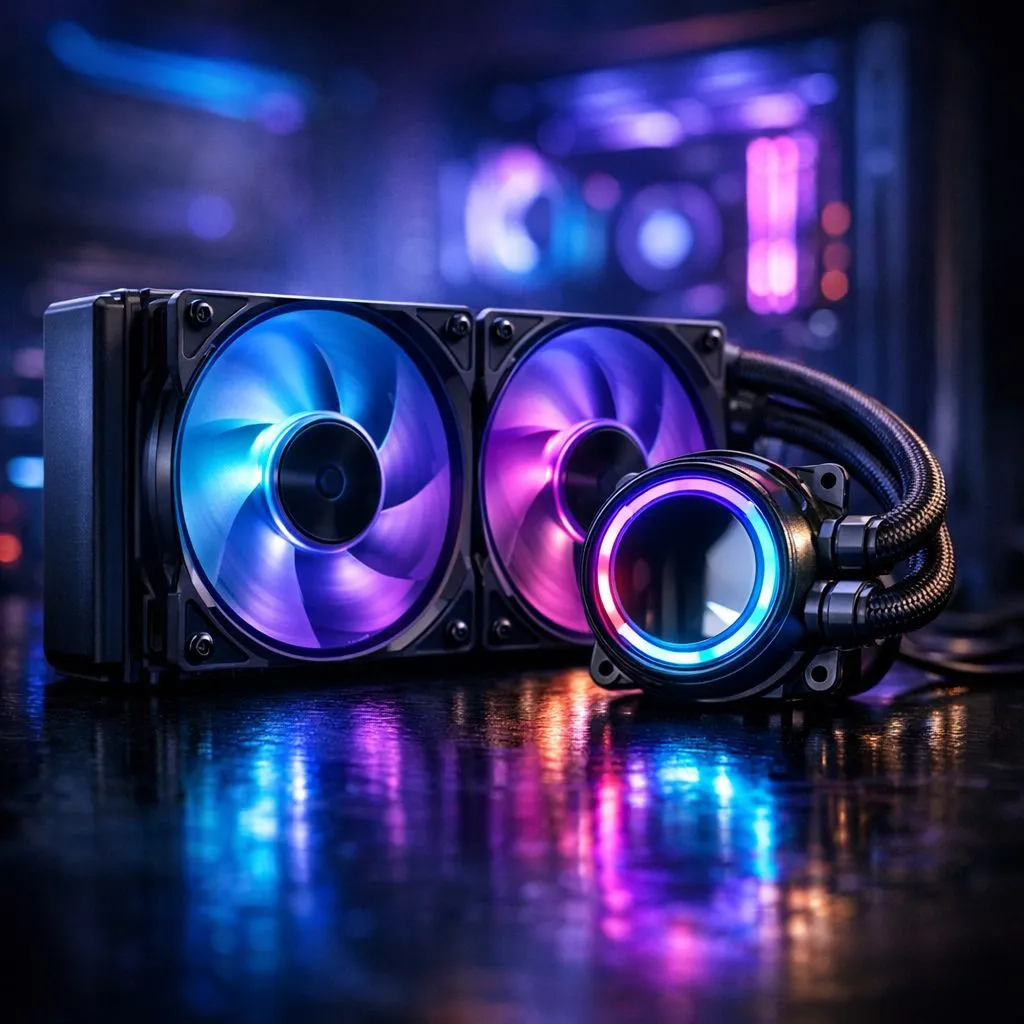
If you are gaming in Durban or along the coast, you know the struggle. It is not just the 30-degree heat... it is the 80% humidity that turns your PC into a sauna. Moist air is denser and harder to move, making effective PC cooling in humid climates a top priority. This South African gamers' guide will help you keep your hardware safe and running at peak performance.
The physics of humid air and your PC
Humidity changes the way heat dissipates from your components. Because moist air is more thermally conductive than dry air, it can actually hold onto heat longer within your chassis if your airflow is stagnant. To combat this, you need a high-pressure setup that forces the heavy air out before it can settle. A great starting point is upgrading your stock chassis with high-quality case fans that are designed for high static pressure.
In South Africa, coastal cities also face the threat of salt-laden air. This moisture can lead to faster oxidation on exposed metal surfaces. Maintaining a consistent internal temperature helps prevent the "dew point" from being reached inside your case, which is where moisture starts to settle on your motherboard.
Choosing durable hardware for coastal gaming
When dealing with moisture, the quality of the bearings in your cooling system is vital. You want fans that can withstand the extra resistance of dense air without wearing out. For those who want the gold standard in reliability, CORSAIR offers fans with magnetic levitation bearings that are incredibly resilient in harsh environments.
If you are looking for a balance between price and performance, Deepcool provides excellent options that move massive amounts of air for fewer ZAR. These brands are built to handle the extra load that humid climates place on mechanical parts. 🚀
RGB vs stealth cooling in humid setups
Does adding lights affect your temps? While the LEDs themselves don't generate significant heat, they can help you monitor your system. Many South Africans use RGB fans to create visual alerts... for example, turning the PC red when the internal temperature exceeds 70 degrees.
However, if you prefer a more understated look or are building a workstation, non-RGB fans often offer slightly better blade geometry for pure airflow. In a humid room, the goal is to keep the air moving constantly to prevent any stagnant pockets of moisture from forming. ✨
Size and static pressure considerations
When it comes to PC cooling in humid climates, the size of your fan dictates how much work it has to do. If your case supports them, 140mm fans are ideal because they move more air at a lower RPM. This means less noise and less rapid intake of dust-laden moisture.
For those with mid-tower cases or radiator setups, high-performance 120mm fans are the industry standard. The key is to ensure you have more intake fans than exhaust fans. This creates positive pressure, which helps keep the humid, salty air from seeping through the un-filtered gaps in your case. 🔧
Humidity Pro Tip ⚡
Use a dehumidifier in your gaming room if you live near the coast. Keeping the ambient humidity below 50% significantly reduces the risk of corrosion on your GPU's heat pipes and motherboard traces. It also makes the air easier for your fans to move, lowering your overall temps by a few degrees.
Ready to Chill Your Rig?
Don't let the South African humidity throttle your performance or ruin your hardware. Whether you need high-pressure intake or silent exhaust, we have the cooling gear to keep your PC running at peak efficiency. Explore our full range of cooling components and beat the heat today.