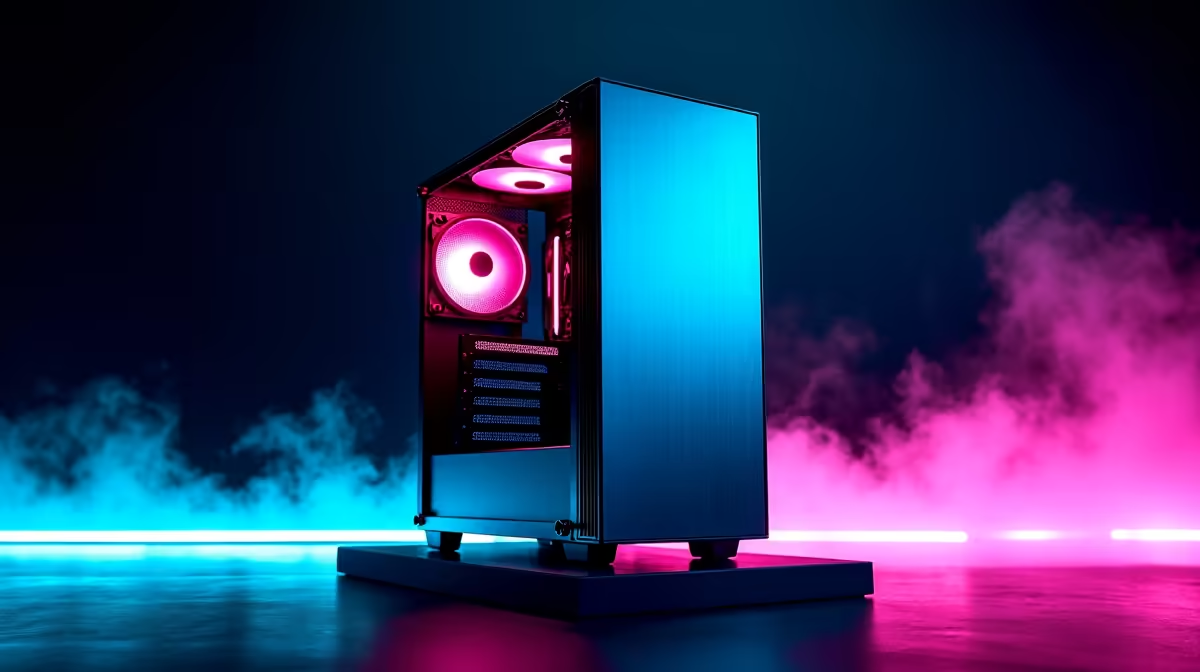
So, you’ve got your CPU, your beast of a graphics card, and a motherboard ready to rock. But what about the one component that holds it all together? Choosing from the myriad of PC cases can feel overwhelming, but getting it right is the secret to a build day that’s exciting, not excruciating. The perfect PC case isn't just a pretty box; it's the foundation for a truly seamless setup, saving you time, frustration, and a whole lot of cable-induced headaches. 🔧
Why Your Case is the Key to a Seamless Setup
Before you even think about colour or RGB lighting, let's talk about function. The best PC cases are designed with the builder in mind. They offer smart layouts that make routing cables and installing components a breeze. A well-designed chassis means better airflow, which leads to lower temperatures, quieter operation, and ultimately, better performance for your entire system.
A clean build inside the case often inspires a clean setup outside. A tidy rig deserves a tidy desk, free from the clutter of unnecessary wires. This is where peripherals like clutter-free with TWS earbuds can complete your minimalist battle station aesthetic. It’s all part of creating an environment where you can focus on what matters… winning.
Core Features for a Stress-Free Build
Finding the perfect PC cases for a seamless setup comes down to a few critical features. Ignore these, and you might spend hours trying to fit a square peg in a round hole.
Cable Management is Everything
This is non-negotiable. Look for cases with ample space behind the motherboard tray, dedicated channels for routing cables, and plenty of tie-down points. A power supply shroud (or "basement") is a fantastic feature that hides the PSU and all its messy cables, giving your build an instantly clean and professional look. A tidy interior doesn't just look good; it significantly improves airflow.
Pro Airflow Tip ✨
Use zip ties or velcro straps to bundle cables neatly behind the motherboard tray. This prevents them from obstructing airflow from your intake fans, which can lower your GPU and CPU temperatures by a few crucial degrees.
Smart Design & Tool-Less Features
Modern cases often include tool-less drive bays and thumb screws for side panels. These small quality-of-life features add up, making installation and future upgrades much faster. Check for removable dust filters on the front, top, and bottom panels. They are essential for keeping your components clean and running optimally, especially in South Africa where dust can be a real challenge. A clean, quiet PC means you can hear every footstep with a quality wireless headset without the drone of fans.
Plan for Your Peripherals
A great PC is the heart of your setup, but it’s the peripherals that complete the experience. Once your build is humming along quietly and efficiently, you can truly appreciate the finer details. Think about how the clean lines of your new case will look next to a powerful set of speakers for those moments when you want to feel the bass. An easy build process leaves you with more time and energy to enjoy your entire setup, from the visuals on screen to the audio from a comfortable Bluetooth headset during a long gaming session. 🚀
Find Your Perfect Foundation
Ready to build without the hassle? A great PC case is your first step towards a powerful, cool, and clean-looking rig. Explore our massive range of PC cases at Evetech and find the perfect chassis for your next masterpiece.